This is the second time this error occured, so I tried to get so more data.
I have started the follow mode on Android Auto end ended up with a strange perspective: there was no route and no navigation arrow, yet there was a destination, the buttons to recalculate route, add a fuel station and block the road were available. Speed was stuck at 45km/h and recenter and zoom guttons as well as swiping apparently had no effect.
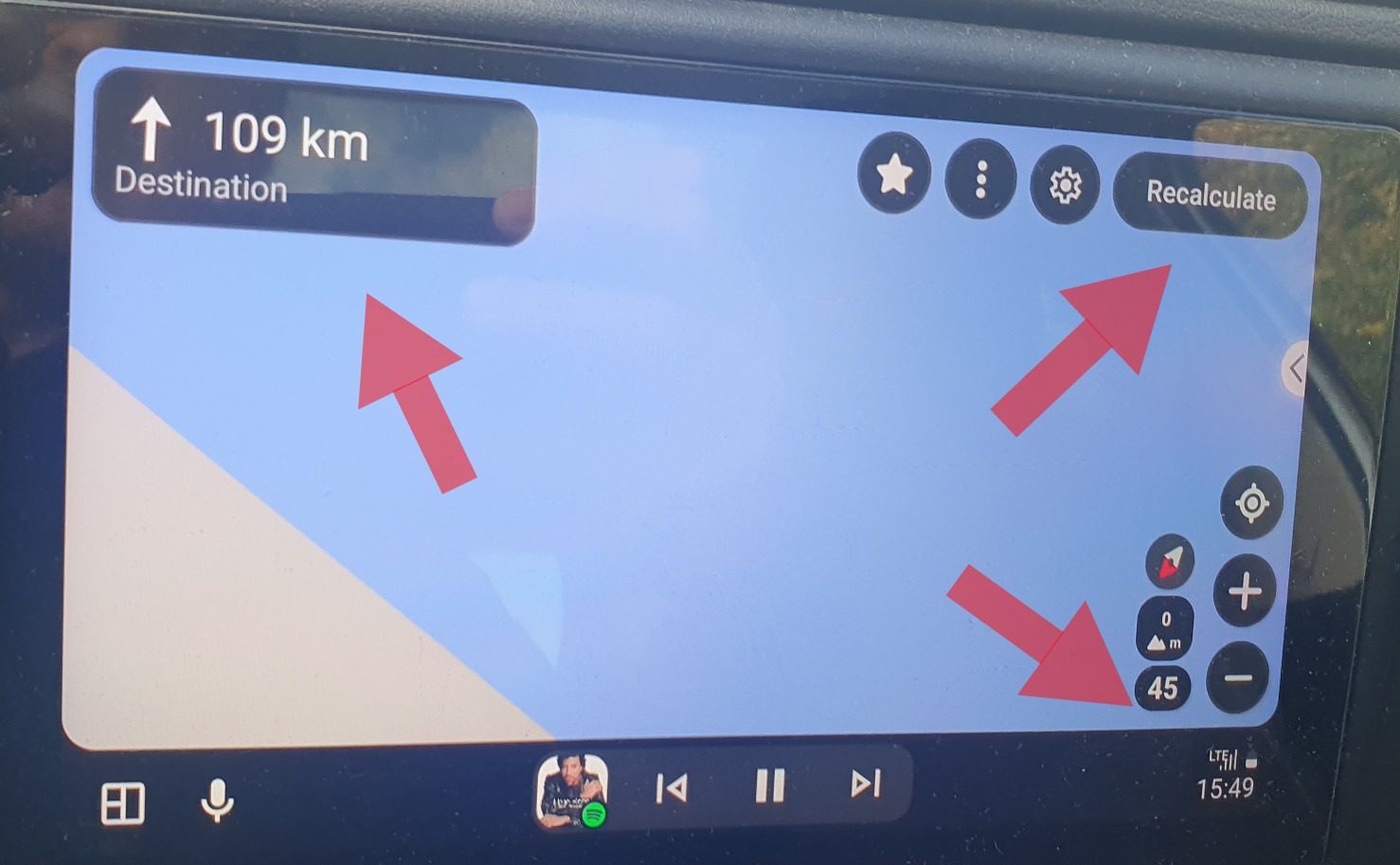
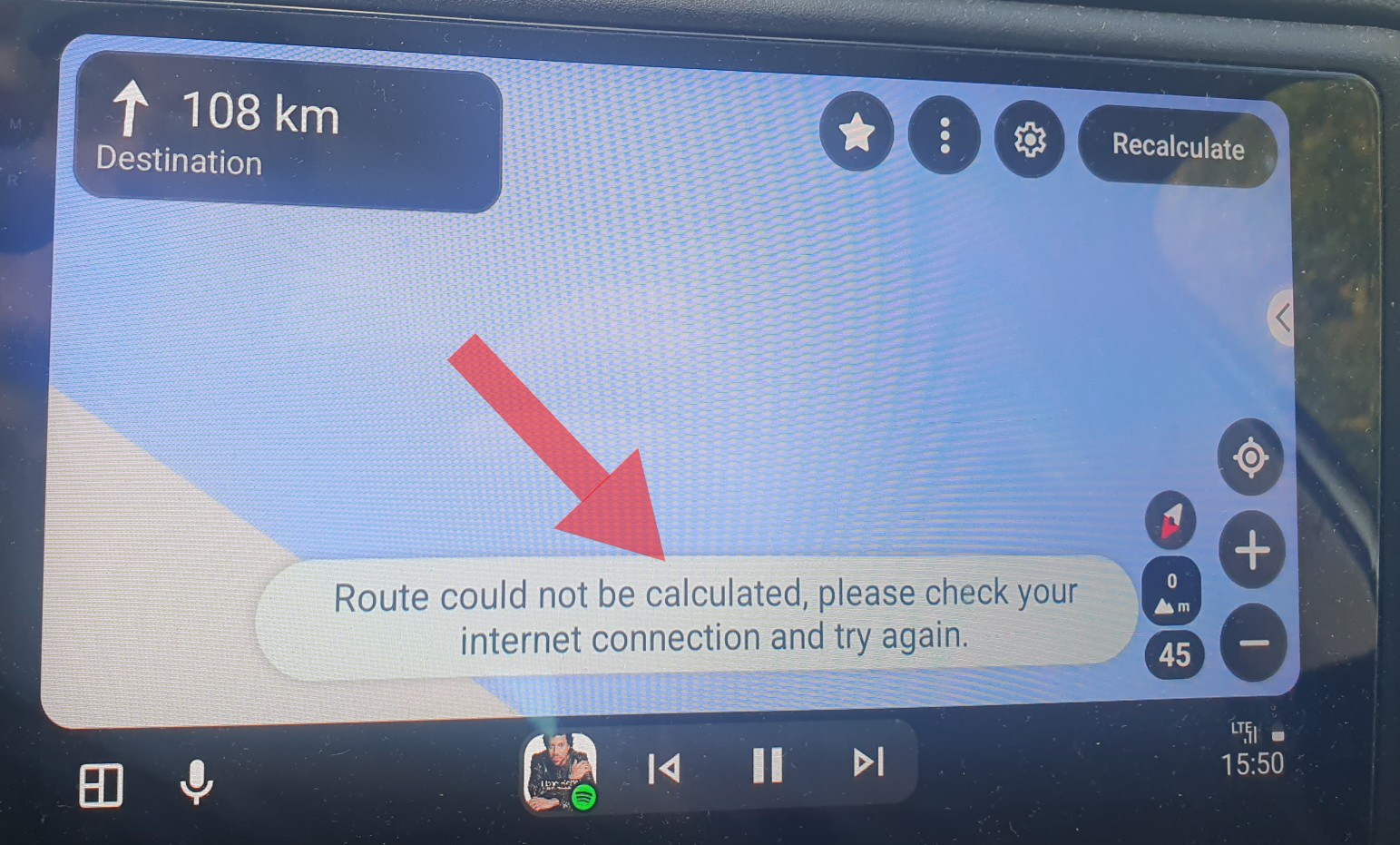
I tried to recalculate and got following error message. Internet was available, but obviously there was a different reasonfor being unable to recalculate:
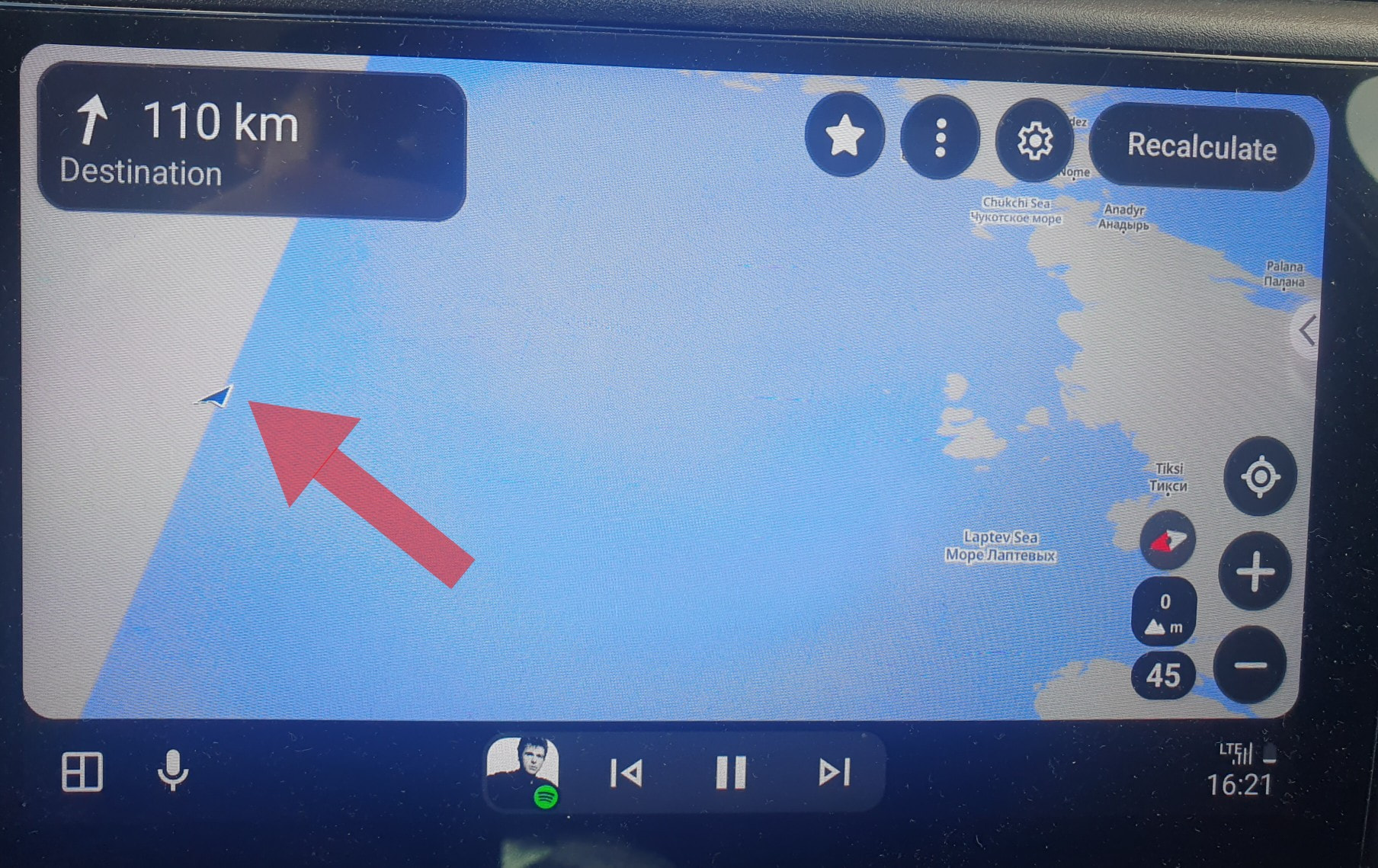
I managed to reproduce the behavior, but this time the navigation arrow was visible somewhere at the end of the world.
While the issue was present, I tried to “save favourites while riding” and see where they come out. Since I could not figure out where they are, I tried navigating to one of them and got this previously unseen error message:
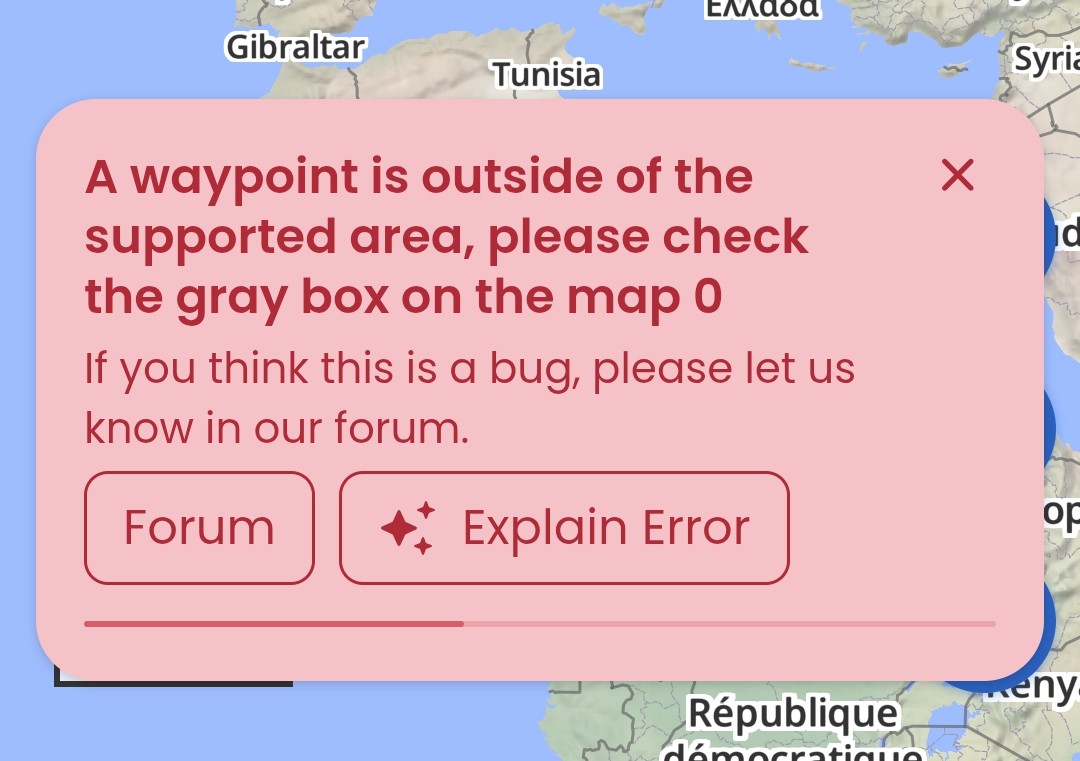
Here is the shared link the saved favourite: Kurviger – Motorcycle Route Planner & Navigation
How to reproduce:
- Load a route
- Connect to AA and open Kurviger on it (“Search/Navigate” appears)
3.Delete the route on the phone (“Navigate” button chsnges to “Follow”) - Press “Follow” - ta-daaaaa
- Stop and restart on AA display resolves the issue.
Can anyone reproduce it?
