The issue occurs with every route during actual trips, regardless of its length or the number of waypoints.
Whenever I try to skip a waypoint after navigating for some time and having already passed several waypoints, the app freezes. This has happened consistently on my trips.
Interestingly, I have just carried out a test using a very short route of only a few metres with several waypoints, and the Skip Waypoint function worked correctly.
This makes me wonder whether the issue might be related to the duration of active navigation or the number of waypoints already passed. I’m not sure if this information helps narrow down the cause, but I thought it might be relevant.
As a workaround, I have to stop navigation, edit the route, manually delete the waypoint, and then restart navigation. Although this works, it is not particularly practical, especially while travelling.
Having the Skip Waypoint feature working reliably would be fantastic, as it would make navigation much more convenient and seamless.
My routes are usually between 100 and 200 km long, with a few shaping points and via points.
For example, if I try to skip a waypoint after about an hour of navigation, the app gets stuck in an endless loading loop and never completes the operation.
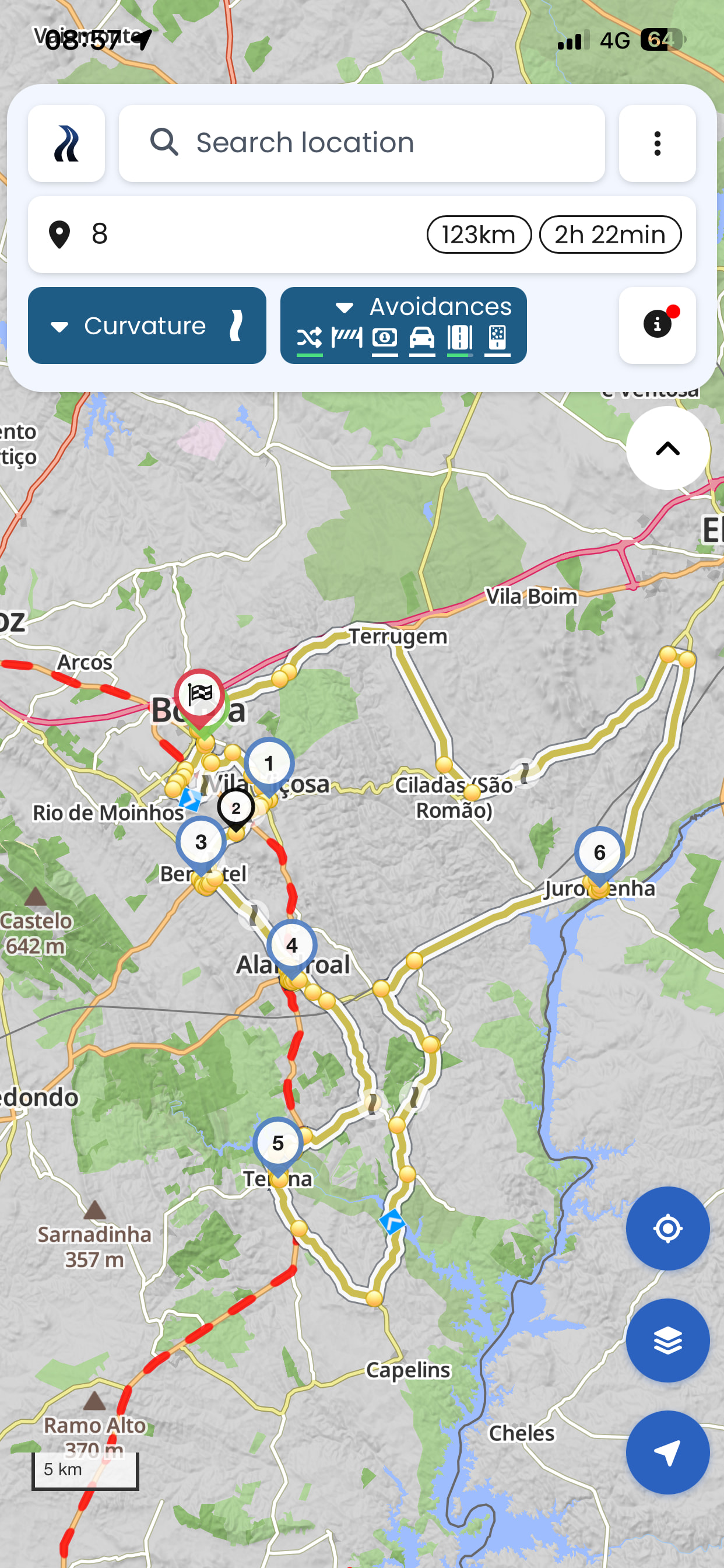
I’m attaching just one example of a route where this happened when I tried to skip a waypoint. And this isn’t even one of my more complex routes.
That raises the suspicion that, with all those avoidances, Kurviger can’t find a route.
Even though it’s been mentioned 1000 times here in the forum… try removing the avoidances for main roads and highways, then it will work. Then select extra curvy or curvy and you’ll easily get those tiny backroads preferred.
To clarify, I made a typo, I can’t reproduce this issue. Sorry for that.
@jgouvsa it would be great if you could have a look a this. Any information would be helpful to find the actual culprit. As it is, we are not sure why the app behaves this way for you.
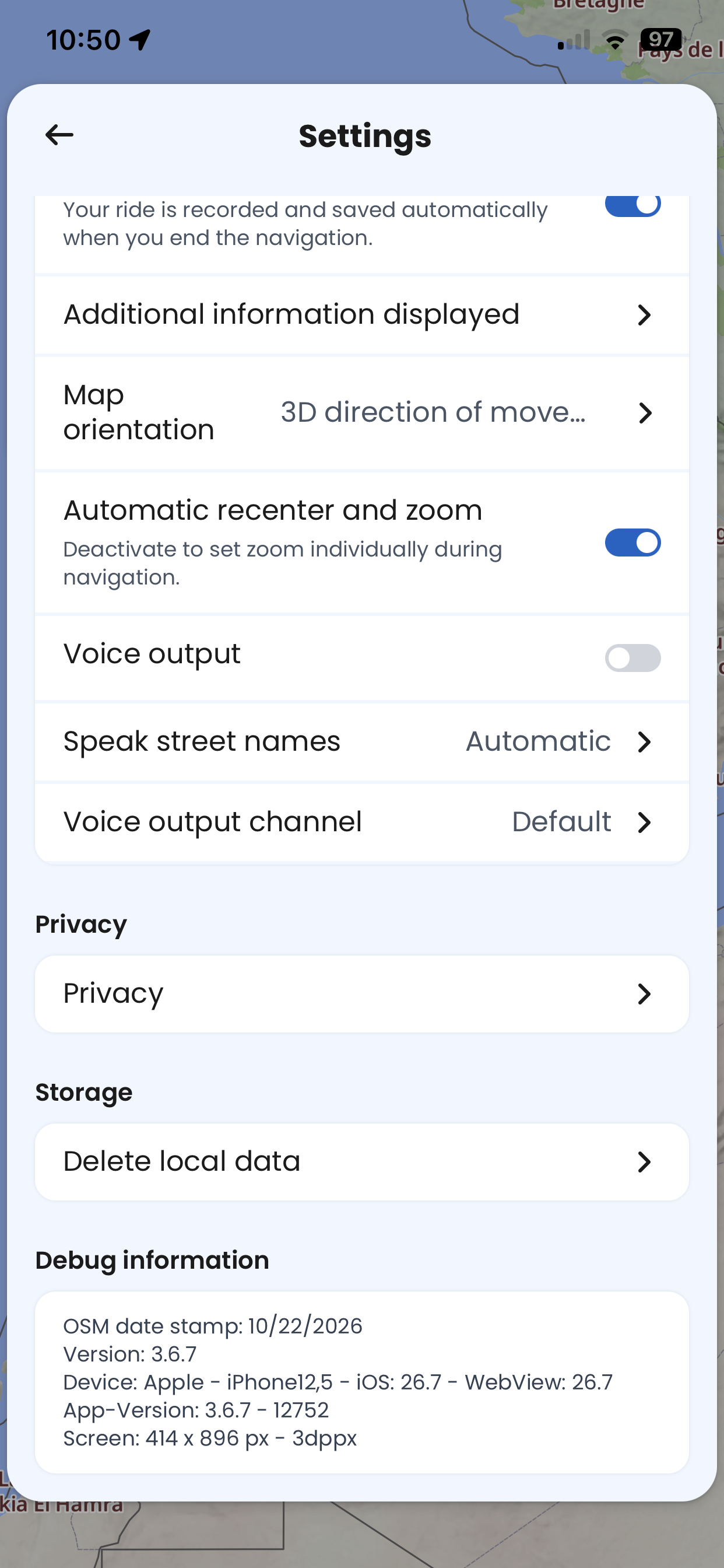
Maybe the issue was fixed with version 3.6.7? But I would have expected that there would have been more complaints if there was a serious issue like that?