Titolo : Feature Request: Temporary Auto-Zoom (5s) when placing a Waypoint to prevent wrong-lane errors
Description:
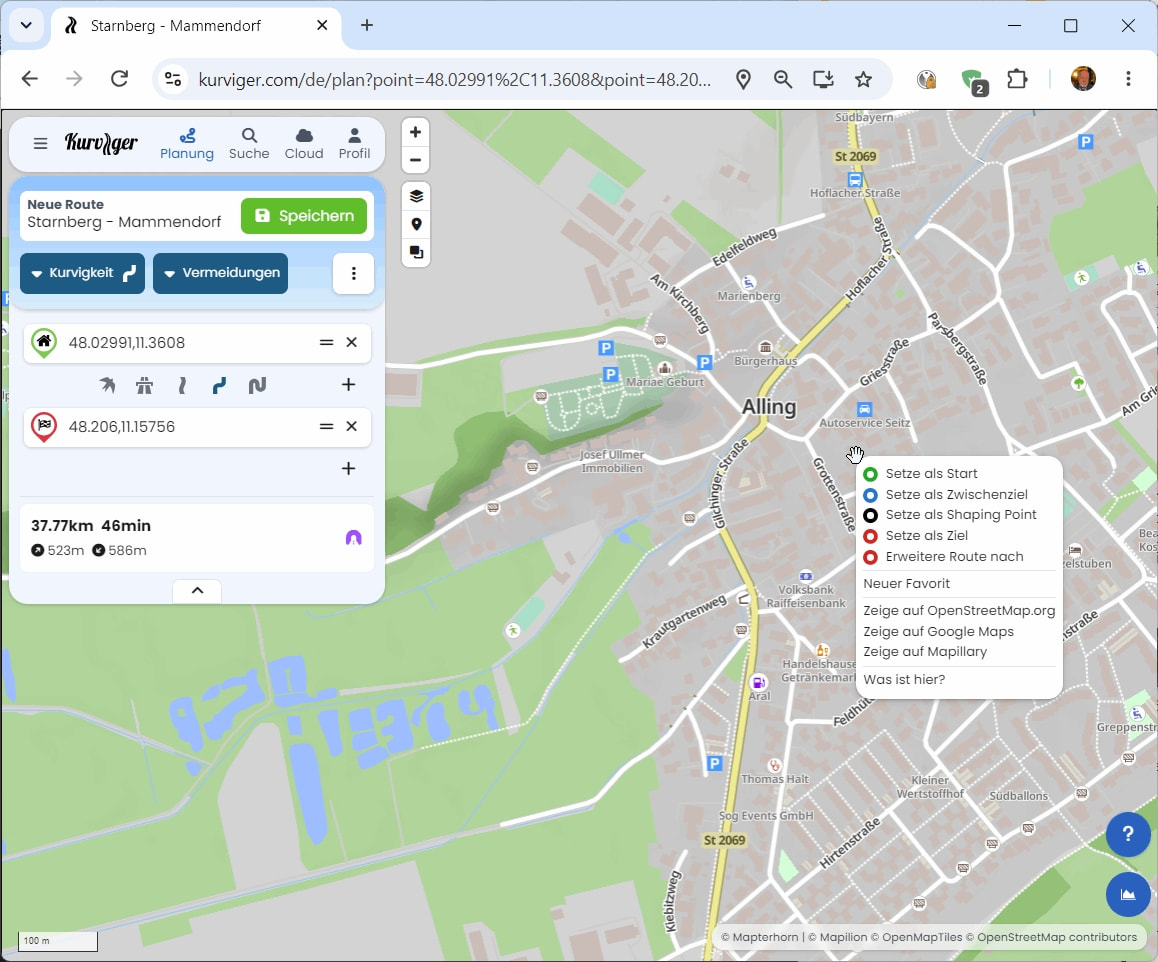
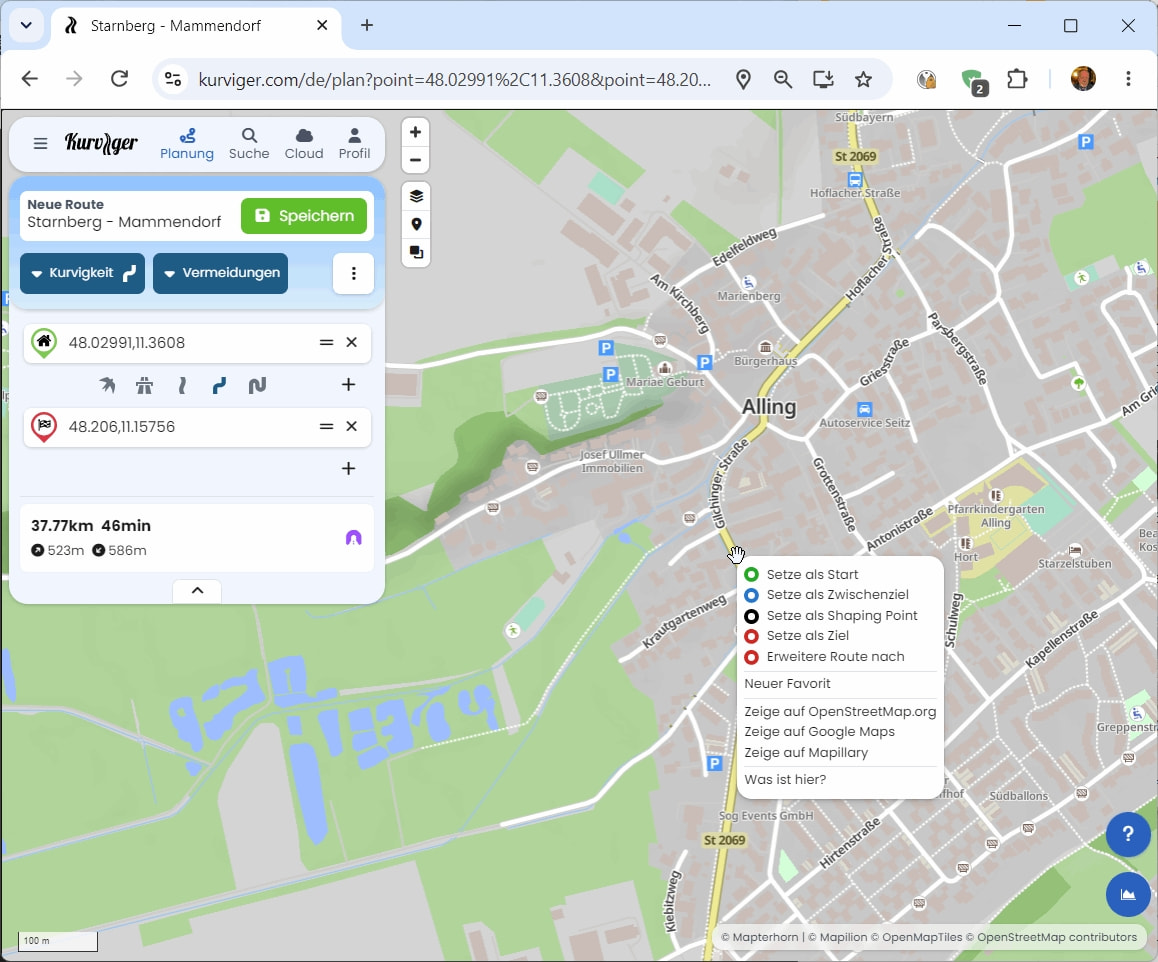
When planning a motorcycle route, accidentally placing a waypoint on the opposite lane or a nearby parallel road causes annoying U-turn requests or continuous recalculations on our TFT/GPS navigators.
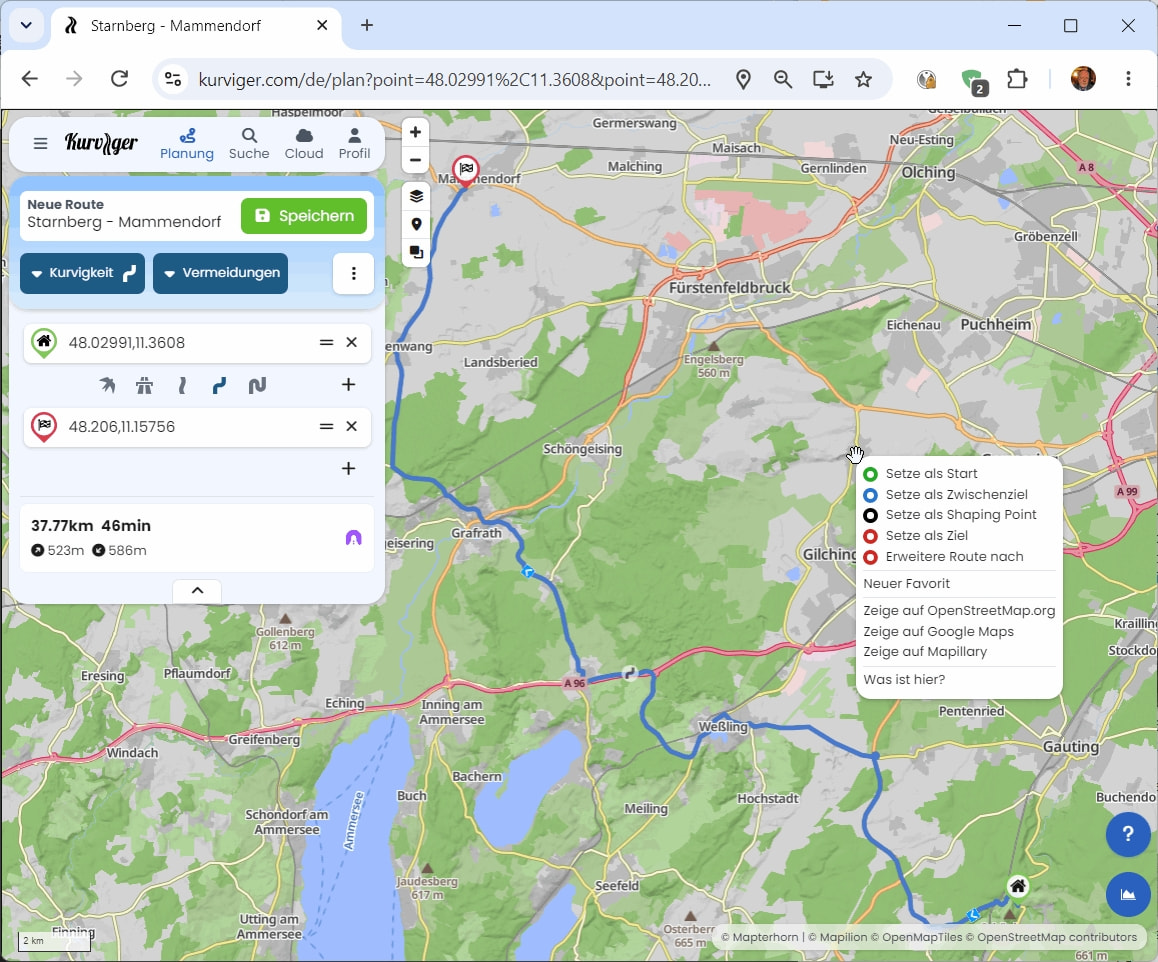
It would be awesome to have a “Smart Zoom” feature: when long-pressing or clicking on the map to drop a waypoint, the app should automatically zoom in very closely for about 5 seconds. This would allow the rider to visually confirm the correct lane. After 5 seconds (or once the point is confirmed), the map should automatically zoom back out to the previous view level. This would save us from continuous manual pinching-to-zoom!
Would two buttons for zoom in/out also work to adjust the view step-by-step? I’d personally prefer that; I’m not a fan of those two-finger gestures where I also end up accidentally rotating the map.
The described automation sounds clever, but I can’t imagine wanting to wait for an automatic zoom, especially since it might hit the mark sometimes and miss others. Then I’ve still picked the wrong street, but it’ll zoom back out eventually..
I think placing waypoints on the wrong street is pretty rare. It happens sometimes, lessons learned. I understand the idea is to minimize zoom gestures, but placing waypoints on the wrong street isn’t a killer argument for me, because it doesn’t prevent placing them in the wrong spot.
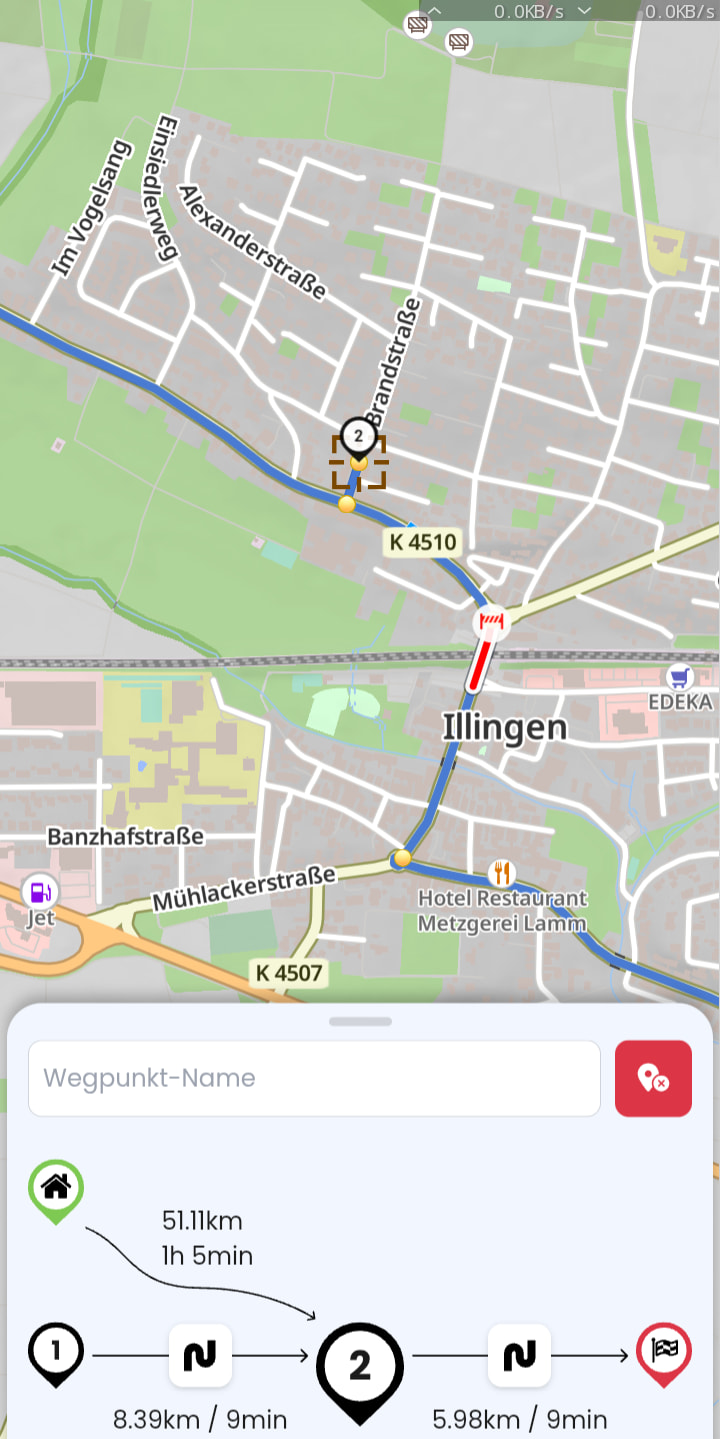
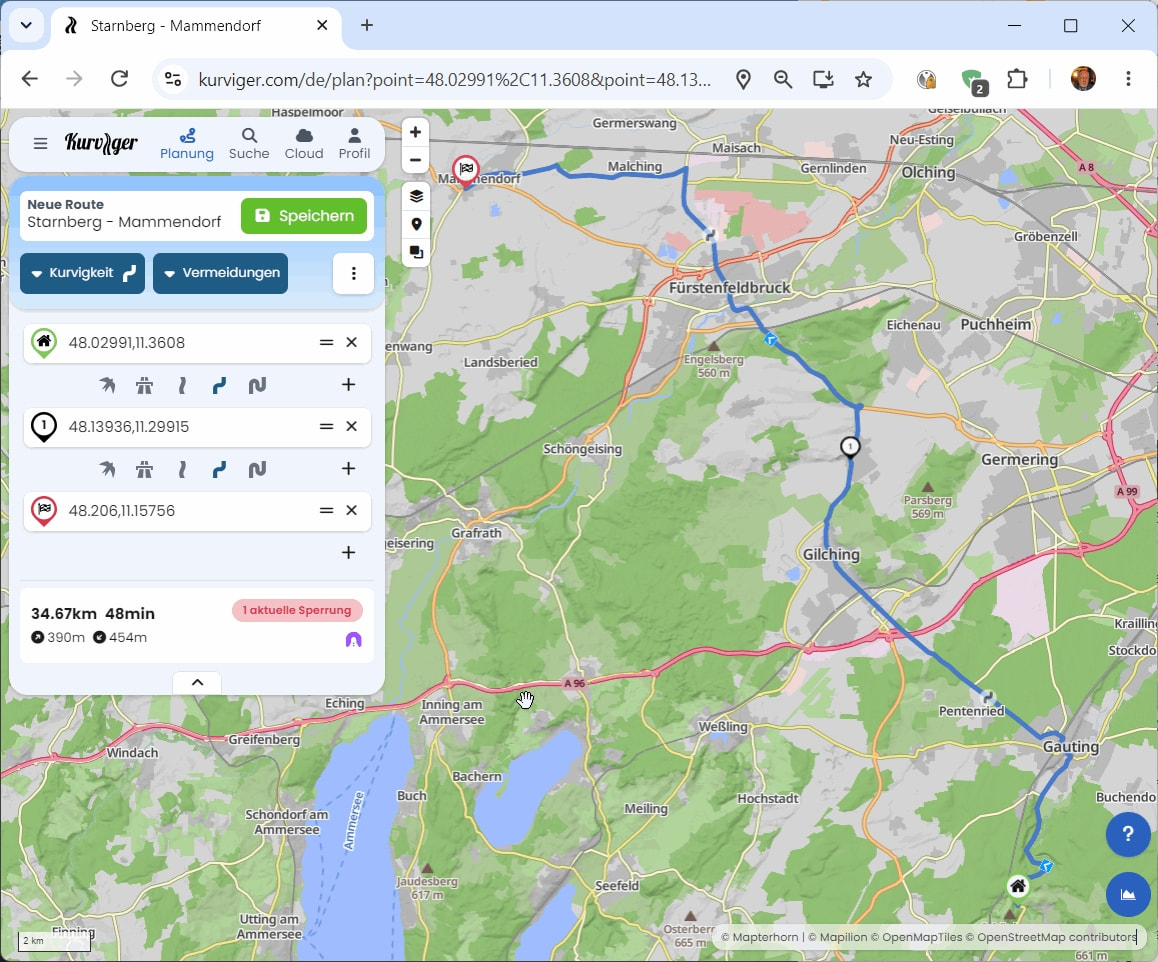
Control is also easy via the waypoint list, just click through and you’re done.
Thanks for your input. I don’t think a five-second zoom makes much sense either as that is quite long, but in general, it might be interesting to try out a quick immediate zoom gesture while setting the waypoint (similar to how characters enlarge when you tap the smartphone keyboard or something similar).
It’s remarkable how a very good suggestion is once again talked to death here.
Yet a similar solution is already implemented in the Kurviger app:
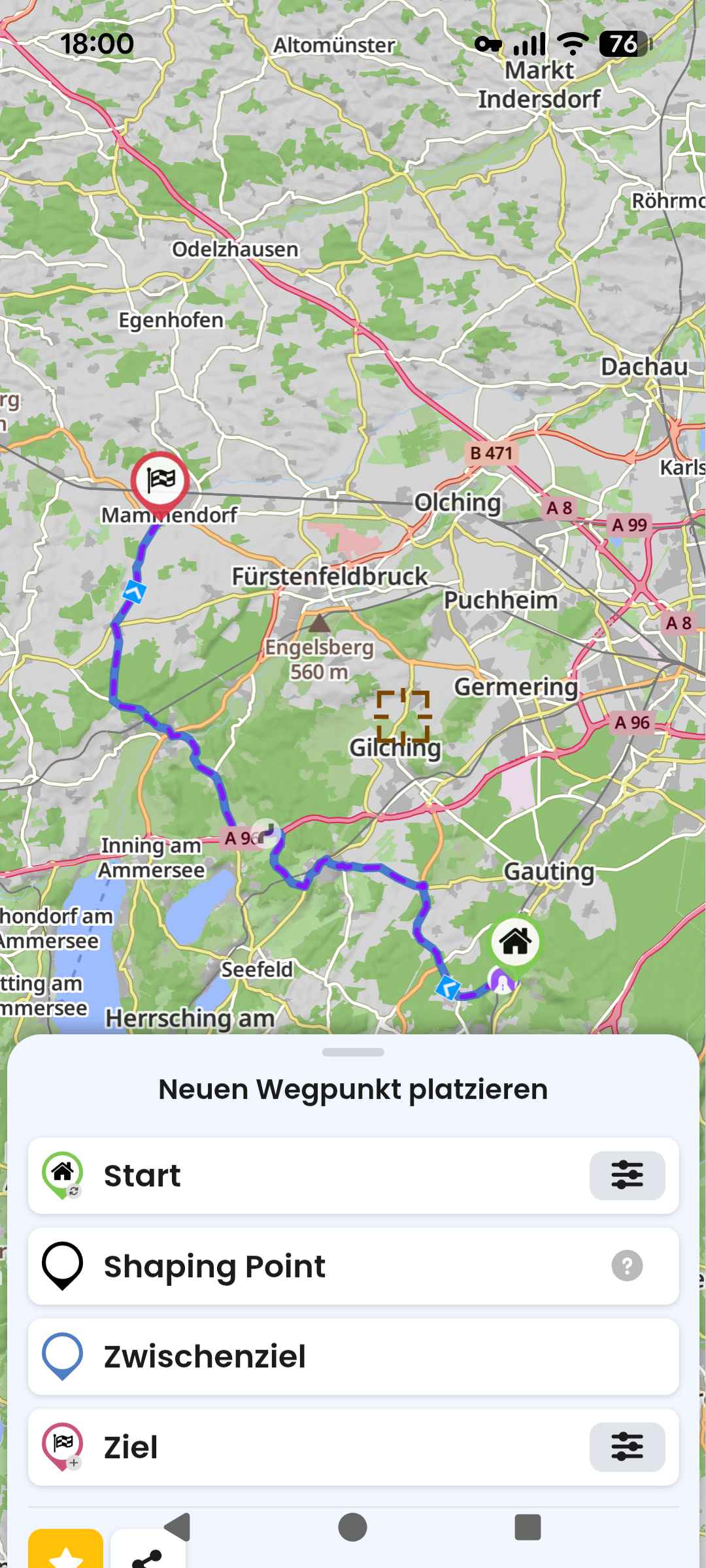
If a new waypoint is to be “placed” with a “short tap”, the selection menu appears without any zoom change. And the position cannot be changed (screenshot on the left).
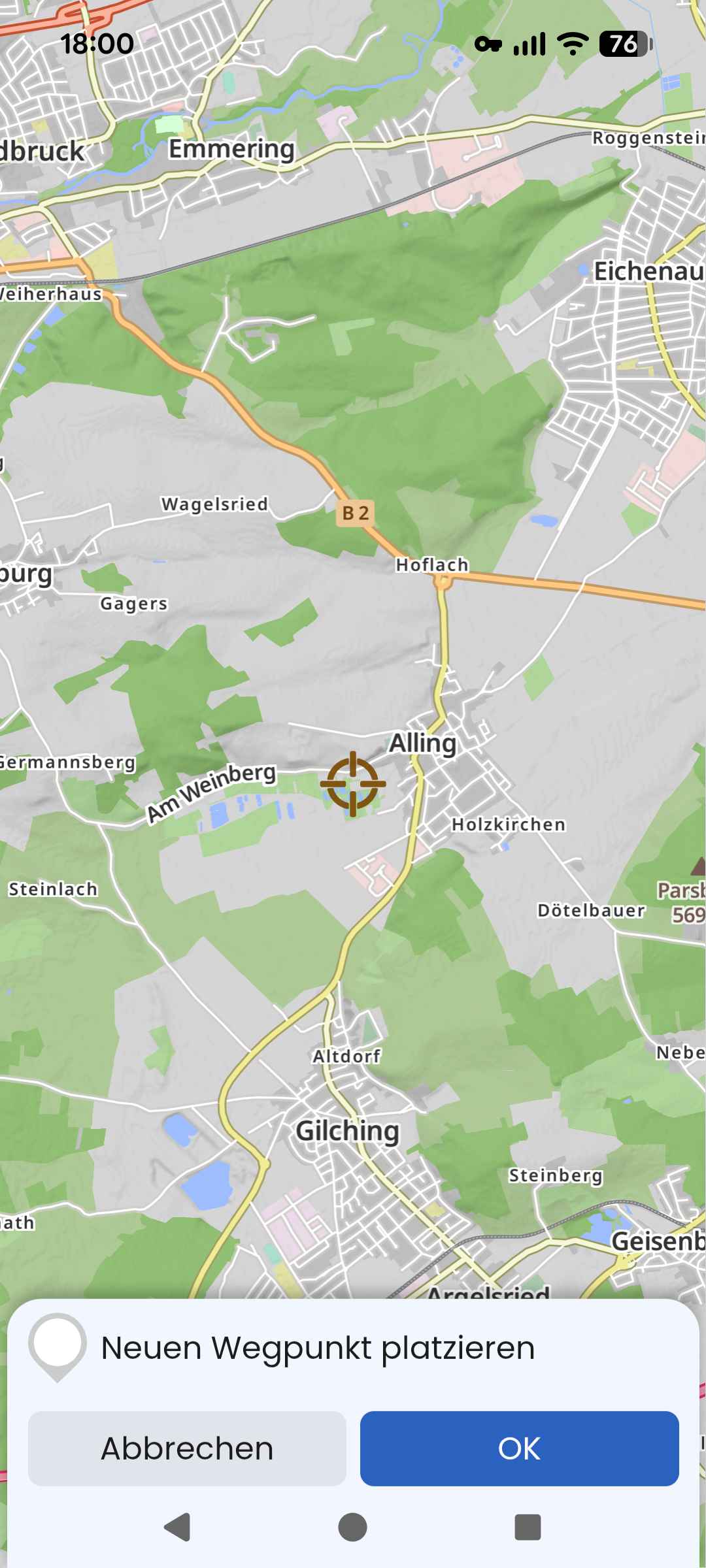
With a “long tap”, on the other hand, it zooms in and the position can be moved; after clicking “OK”, the selection menu appears (screenshot on the right).