This is the feedback thread for the Kurviger App update 3.6.7. We are looking forward to your feedback!
If you would like to request a feature or report an issue, I would kindly ask you to create a separate thread for this as it can get a bit hard to follow the discussion in one huge thread. This thread is about discussing the features that we have implemented with this update https://docs.kurviger.de/changelog
Dies ist der Feedback-Thread für das Kurviger App Update 3.6.7, wir freuen uns auf eure Rückmeldungen!
Wenn es um einen neuen Funktions-Wunsch oder einen allgemeinen Fehlerbericht geht würden wir euch bitten ein separates Thema im Forum zu öffnen, damit es in diesem Thema übersichtlich um die Änderungen dieser Version gehen kann, danke https://docs.kurviger.de/de/changelog
Looking pretty good so far.
Now, though, I’ve got a problem. No idea if this was already the case before, because I’ve never done this with the app previously.
I loaded a route from the cloud to check the duplication.
Then I saw that I wanted to change something and did so. Everything easy up to that point.
I see the dashed old route and think, oh yeah, save.
I go to the three dots and only see “Save route as” and other things like share.
Huh? Under “Save as”, surely there should be a direct “Save” option as well, right?
I couldn’t find “Save” at all.
I’d really like to do that now, though, otherwise I’ll have to redo it on the computer.
Edit: I figured that you guys keep building in safeguards anyway. So I just hit “Save as”.
Okay, it was probably the same before. But nah, it’s just as bad as Windows. Gotta click Start to shut down first.
The thing you need the most is probably save, because you’ve been “optimizing”.
Couldn’t you group one of the other items instead to keep the menu from getting too long?
Many thanks to the developers - finally cleared out some old technical debt!
You didn’t even mention “One finger zoom” (double-tap-hold-slide) in the change log, but I’ve been missing it a lot.
Compared to the desktop version, you’re missing a bit of info, hence the “Save As” dialog, which makes it crystal clear which route you are overwriting and how. In the save as view, you see the name again and clearly state overwrite. Otherwise, it’s way too easy to overwrite a good version by accident. But we can definitely discuss if and how that can be improved, best in a separate thread
Yes exactly, thanks to the vector maps, a whole bunch of map issues are sorted out and many other little problems are finally solvable . Also things like stepless zoom. Better map font size depending on the device, rotatable map, more gestures, etc.
I think you’ll find even more changes that aren’t mentioned in the changelog, but I don’t like those overstuffed changelogs with too much chatter, I prefer keeping the relevant things short and sweet, you’ll see the rest for yourself — but there really are a ton of things in this release.
Man. Who came up with that name?
From now on, I’m calling it the “star button”.
I’m so glad it’s finally here.
Salt and pepper : Does it also respond to a keystroke?
Another cool thing would be if you got a sensible name suggestion in the “Save location” menu. This suggestion could also change if you use the “Adjust position” feature.
The location is saved as a favorite. It would be great if you could enter the description and attach images right in the same dialog. Otherwise, you have to go somewhere else to pull up that exact same spot and add the description and pictures. A bit clunky.
thank you for implementing the favorites. But why can’t I add the “On the go” folder as an overlay? I can select it in the picker, it seems to be saving, but then it disappears from the overlays? Seems like a bug.
The clock in front of the word “Temporär” (Temporary) suggests that there might be an “expiration date” of the saved places. Is there a time limit to move the places in other folders and if yes, how long is it?
I just noticed something that I believe didn’t work before either.
When planning a route in the iPhone app, if I select “Favorite Location” when choosing a waypoint, the folders that I have set as an overlay are not displayed. Is this a feature or a bug?
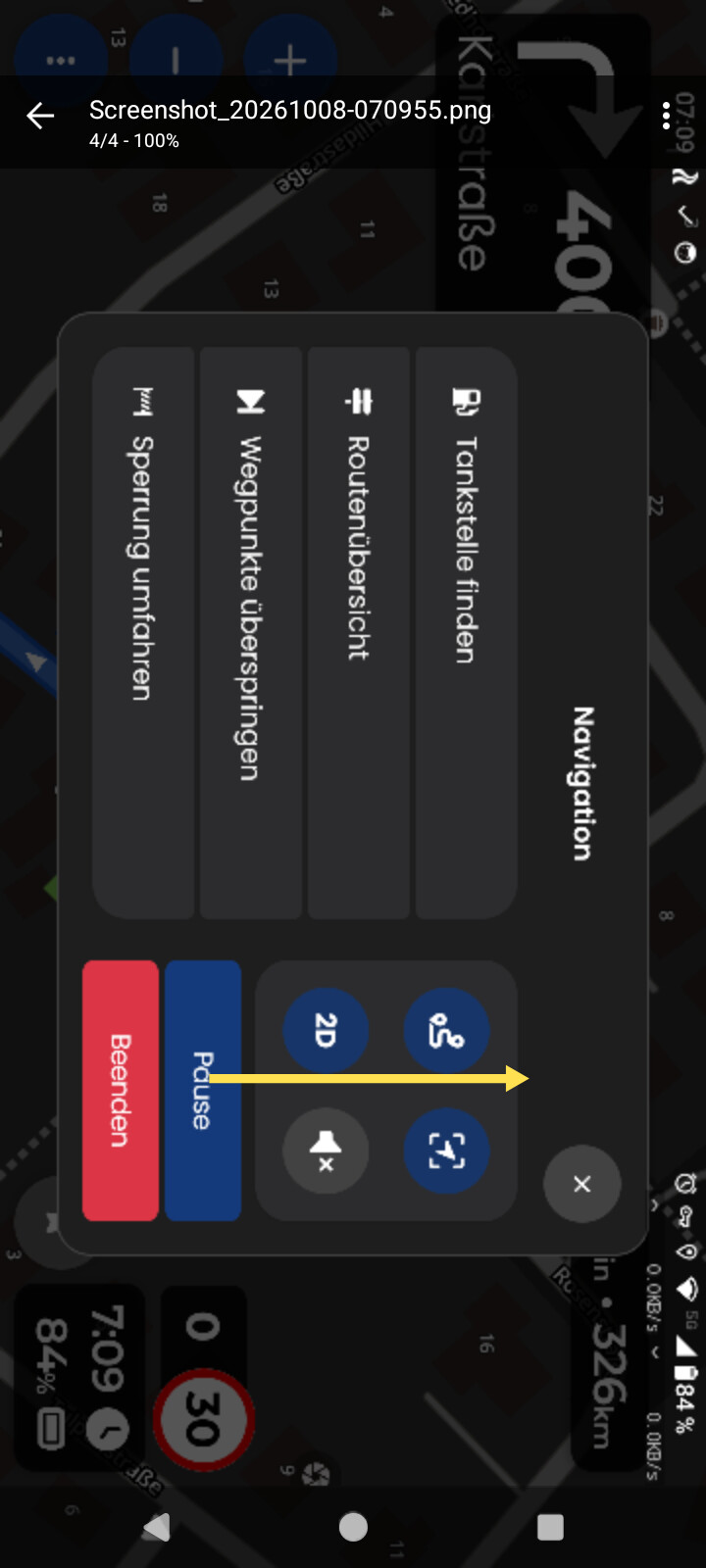
In landscape mode, the Pause and End buttons are very close together. To pause, you have to aim very carefully so you don’t accidentally press End. Plus, the red button seems to magically attract my finger.
In portrait mode, the buttons are on the left and right, which is actually fine.
Suggestion: Move the buttons further apart. I could imagine this working well for portrait mode too.
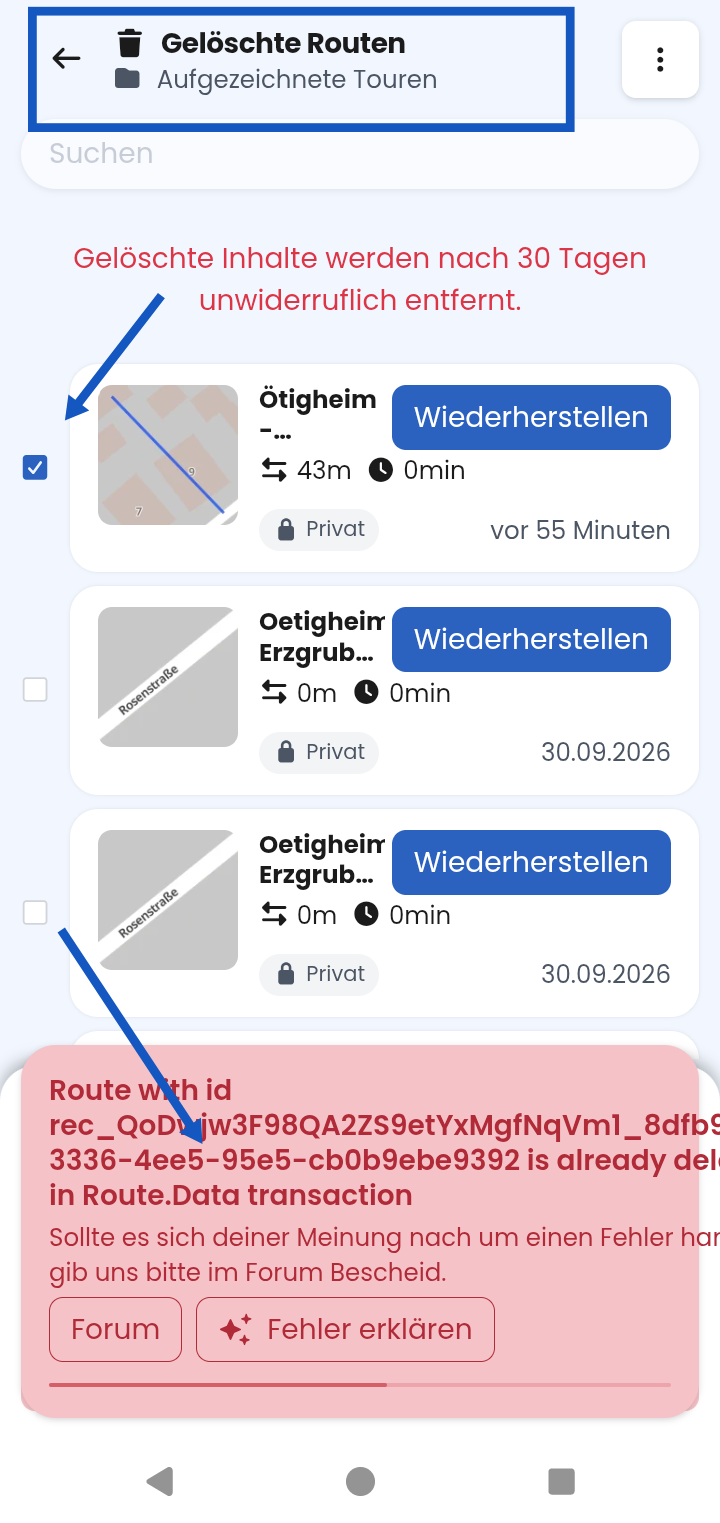
Based on the message, it looks more like deleted entries cannot or should not be permanently deleted (by design). I would like to be able to permanently delete them — or rather, I want to, not just be able to.
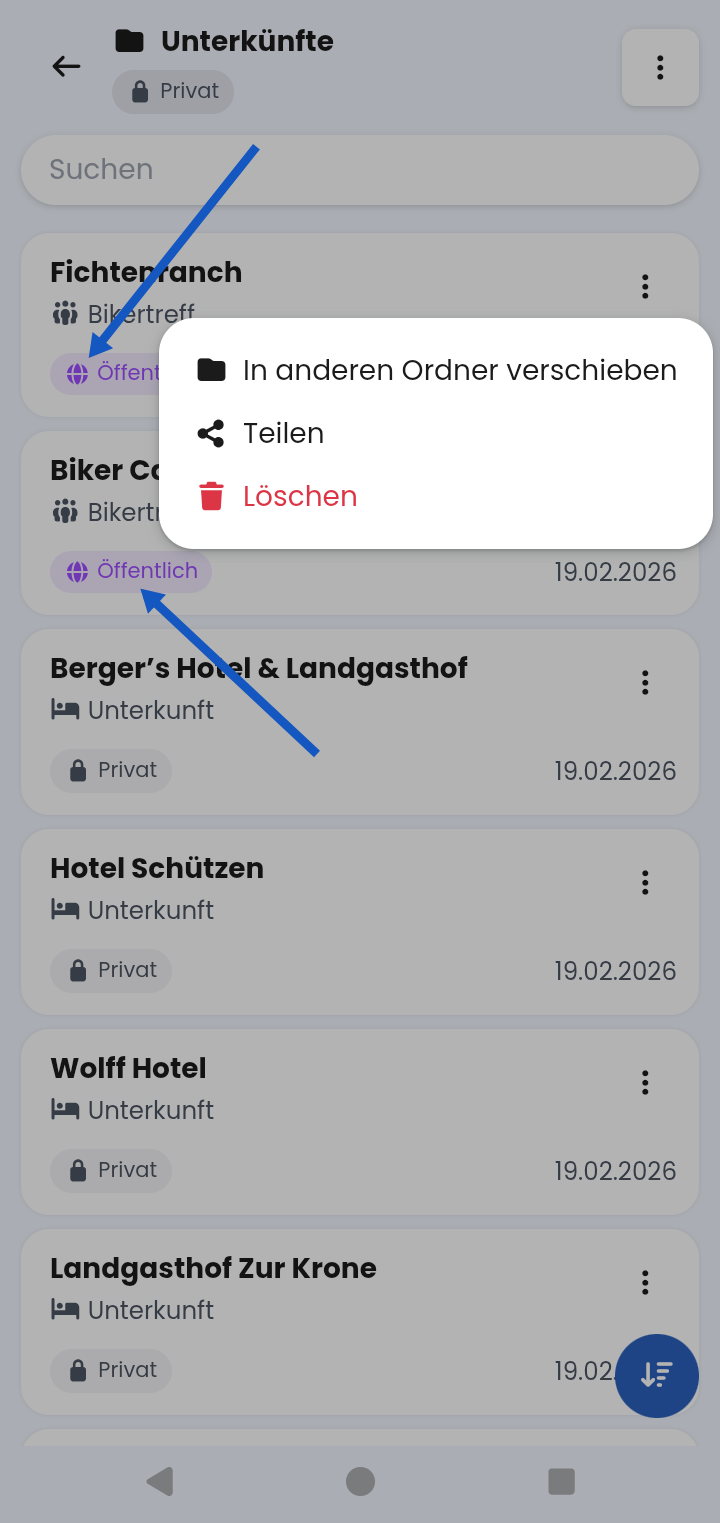
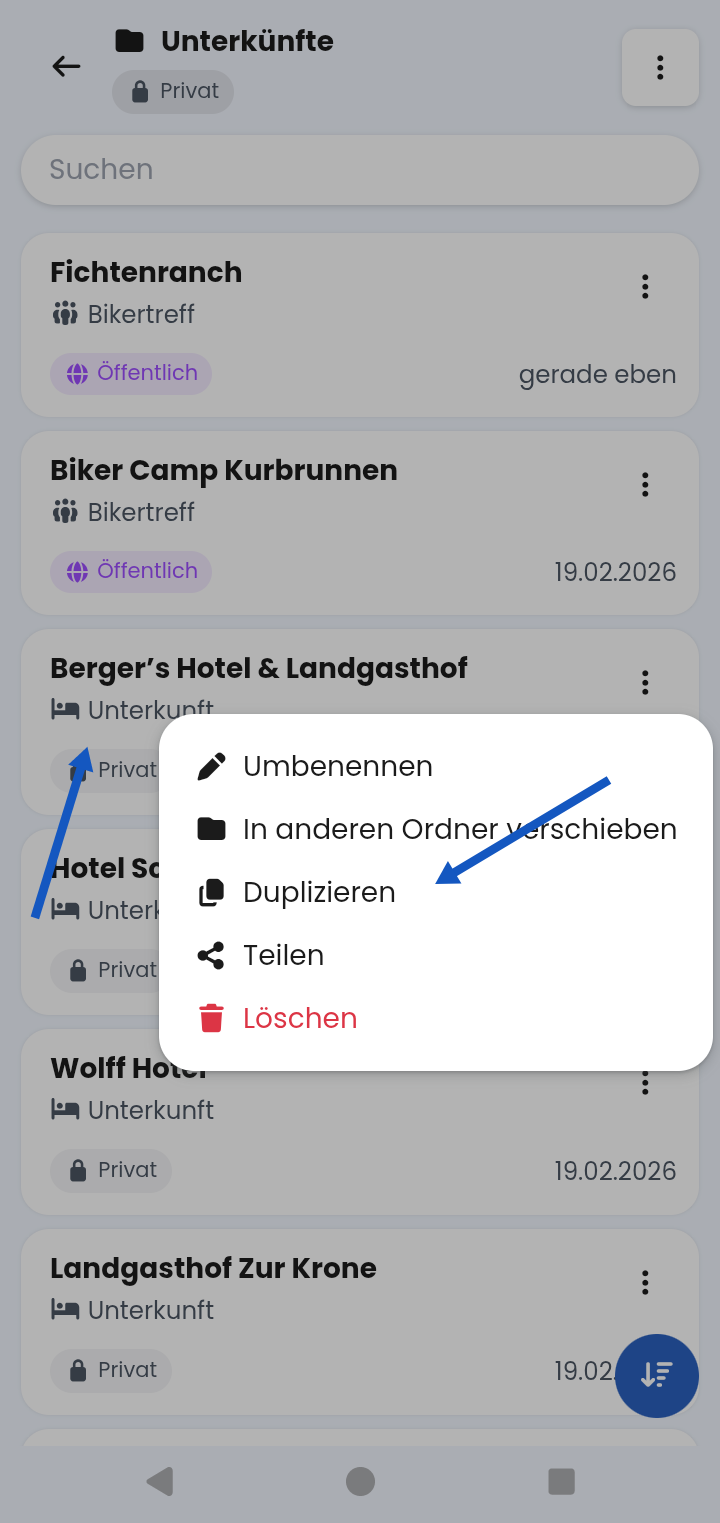
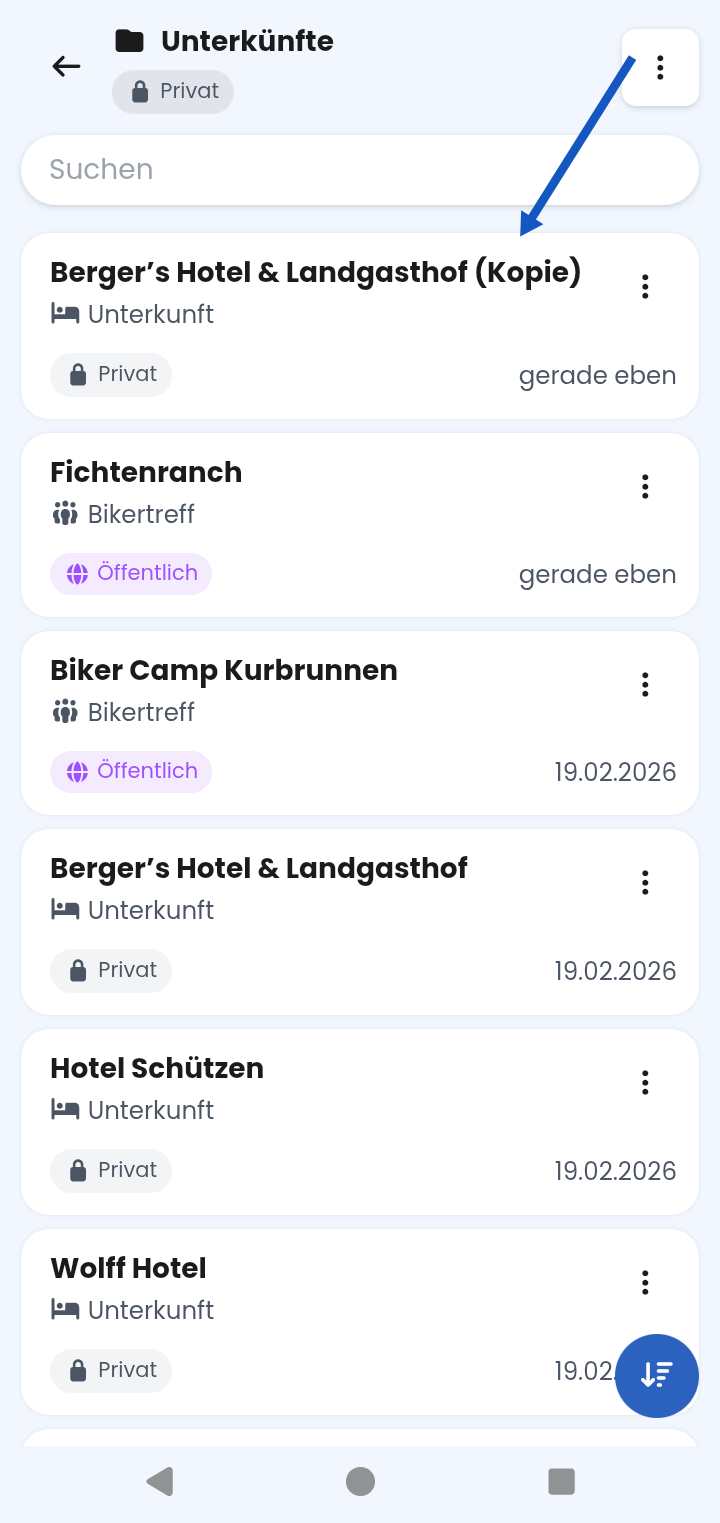
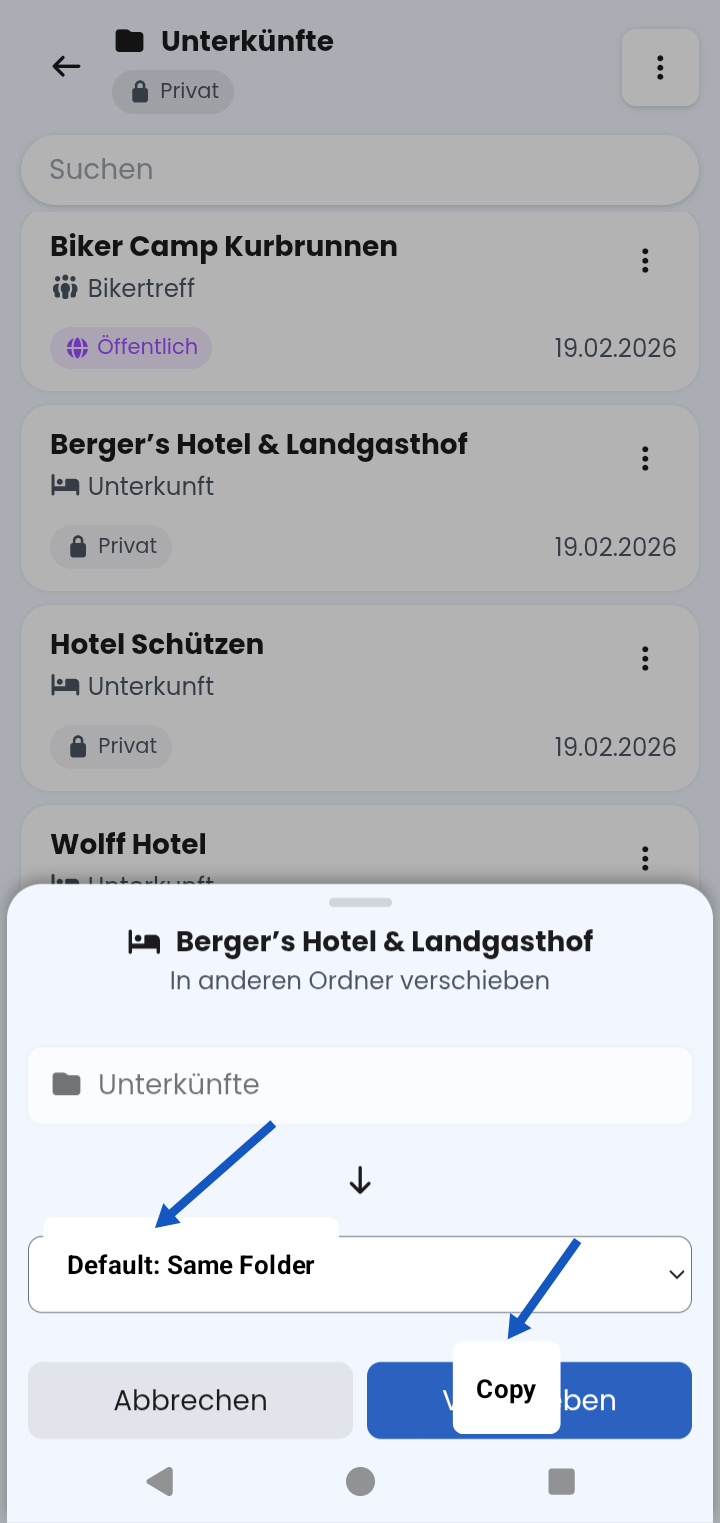
Feature request: The move dialog could be used. All folders — including the current folder — should be selectable. Set the current folder as the default, or alternatively the folder last moved to. If the target is the current folder, append „Copy“ to the name; otherwise don’t. If there is already an entry with the same name in the different target folder — tough luck.
No, don’t worry. Previously, when using offline mode in the planning view, you didn’t have a map (except maybe a small piece in the cache). That has now improved, and the planning view uses these maps as well, so to speak.
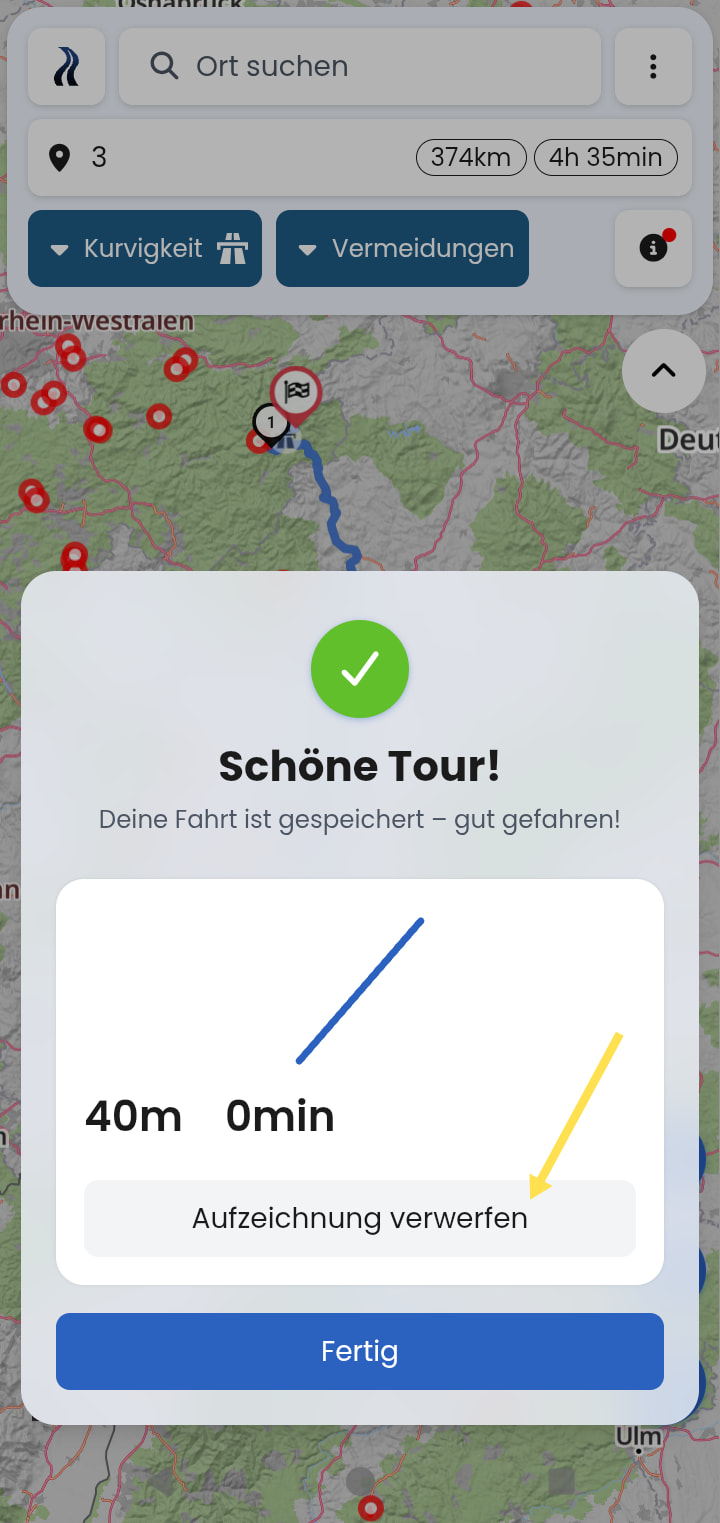
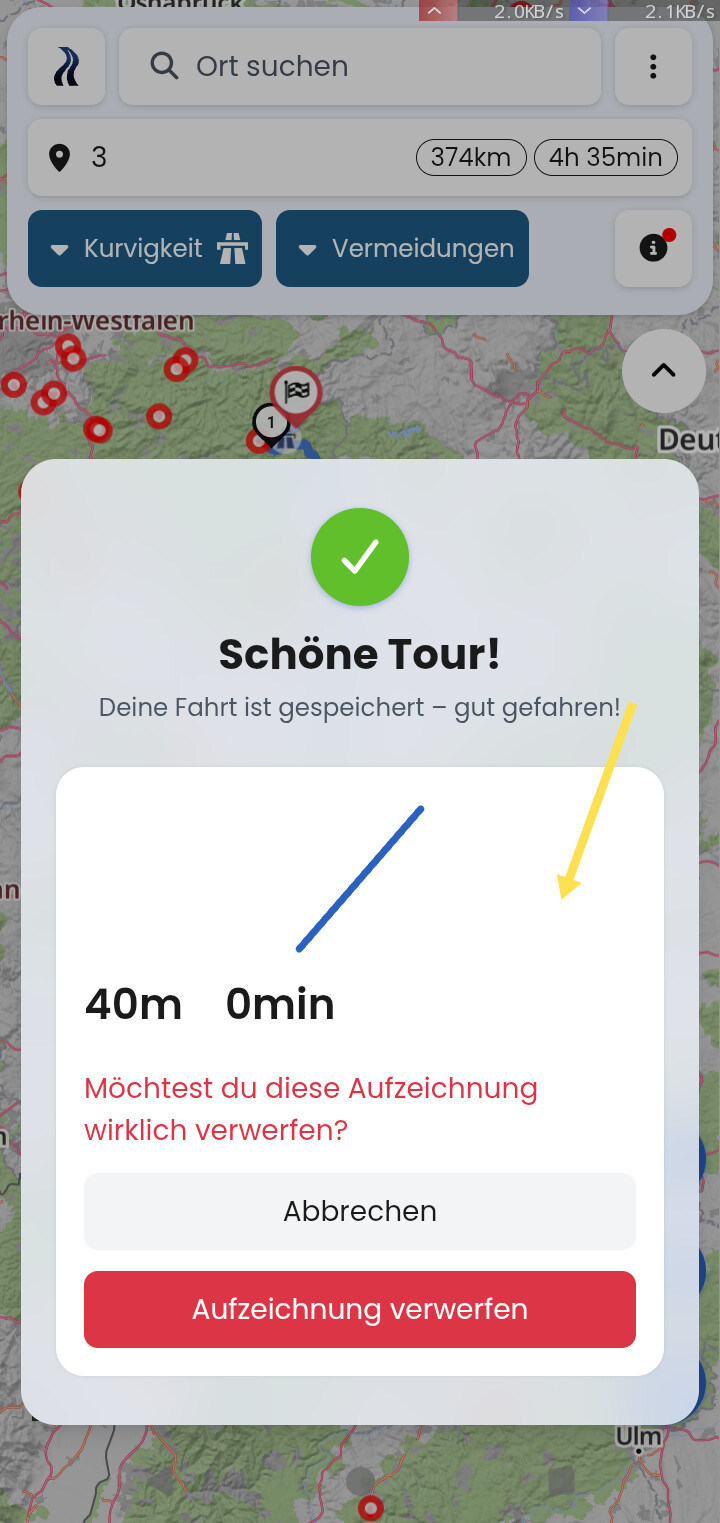
We messed around with this for a while and ultimately decided it was good. However, we’ll keep an eye on whether there’s really as much risk of confusion or misclicking as you feel there is.
On the one hand, you can resume the trip and recording and merge them briefly later if that should ever happen by accident. On the other hand, that’s what the confirmation prompt is currently there for.
You can also completely disable recording in the settings. But the confirmation prompt beforehand is primarily a transitional issue, because previously the “Finish” button took you to an intermediate state from which you could resume the trip and recording.
Thanks for finding the bug. I’ll pass it on
I understand the idea, but I’d say “hiding” copying in the move dialog doesn’t seem like a final good solution yet either. I will definitely take your input on board


 . Also things like stepless zoom. Better map font size depending on the device, rotatable map, more gestures, etc.

 I’m so glad it’s finally here.


 Does it also respond to a keystroke?
 Another cool thing would be if you got a sensible name suggestion in the “Save location” menu. This suggestion could also change if you use the “Adjust position” feature.
 The location is saved as a favorite. It would be great if you could enter the description and attach images right in the same dialog. Otherwise, you have to go somewhere else to pull up that exact same spot and add the description and pictures. A bit clunky.
 to you.