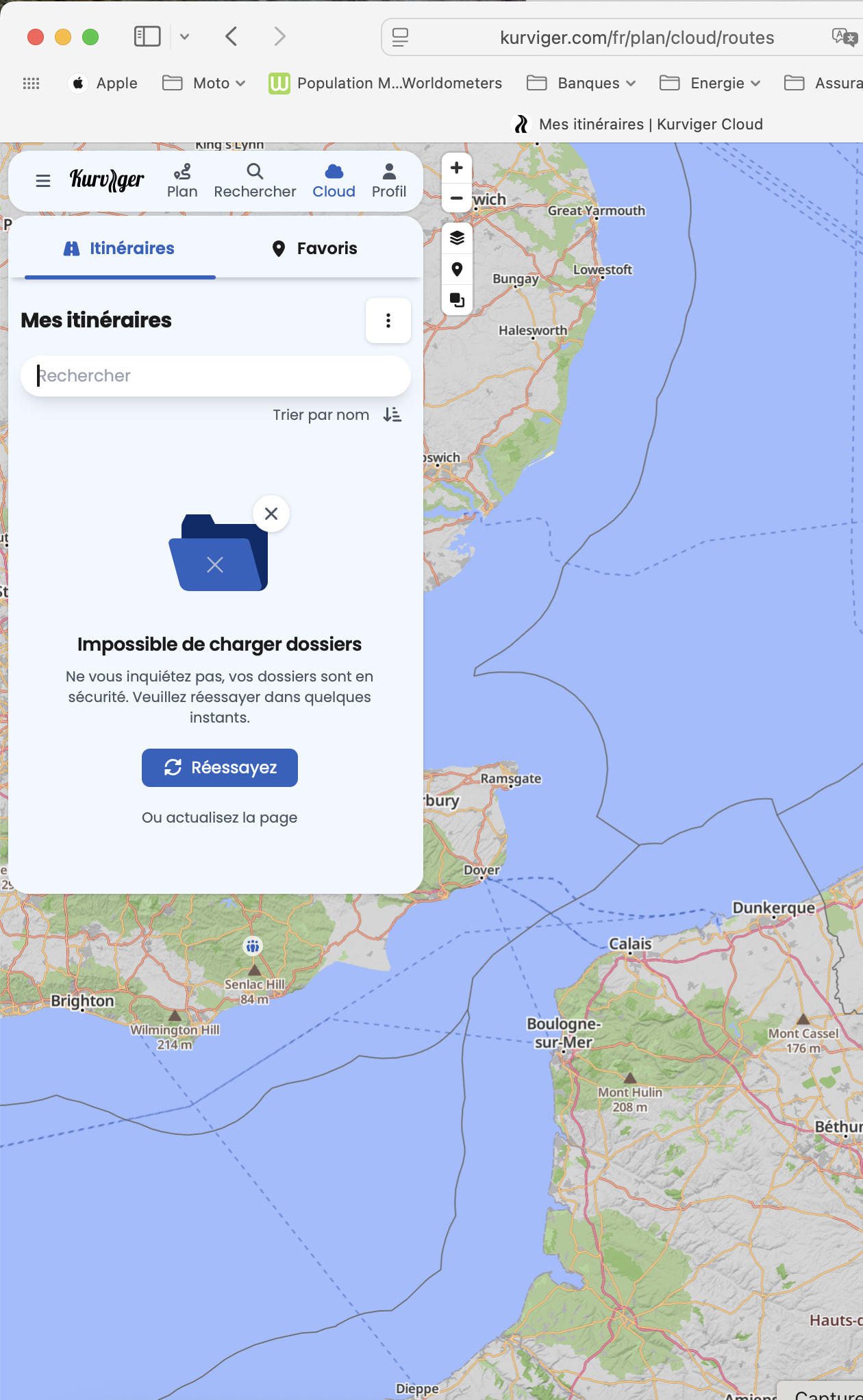
Access to Cloud issu

Hello

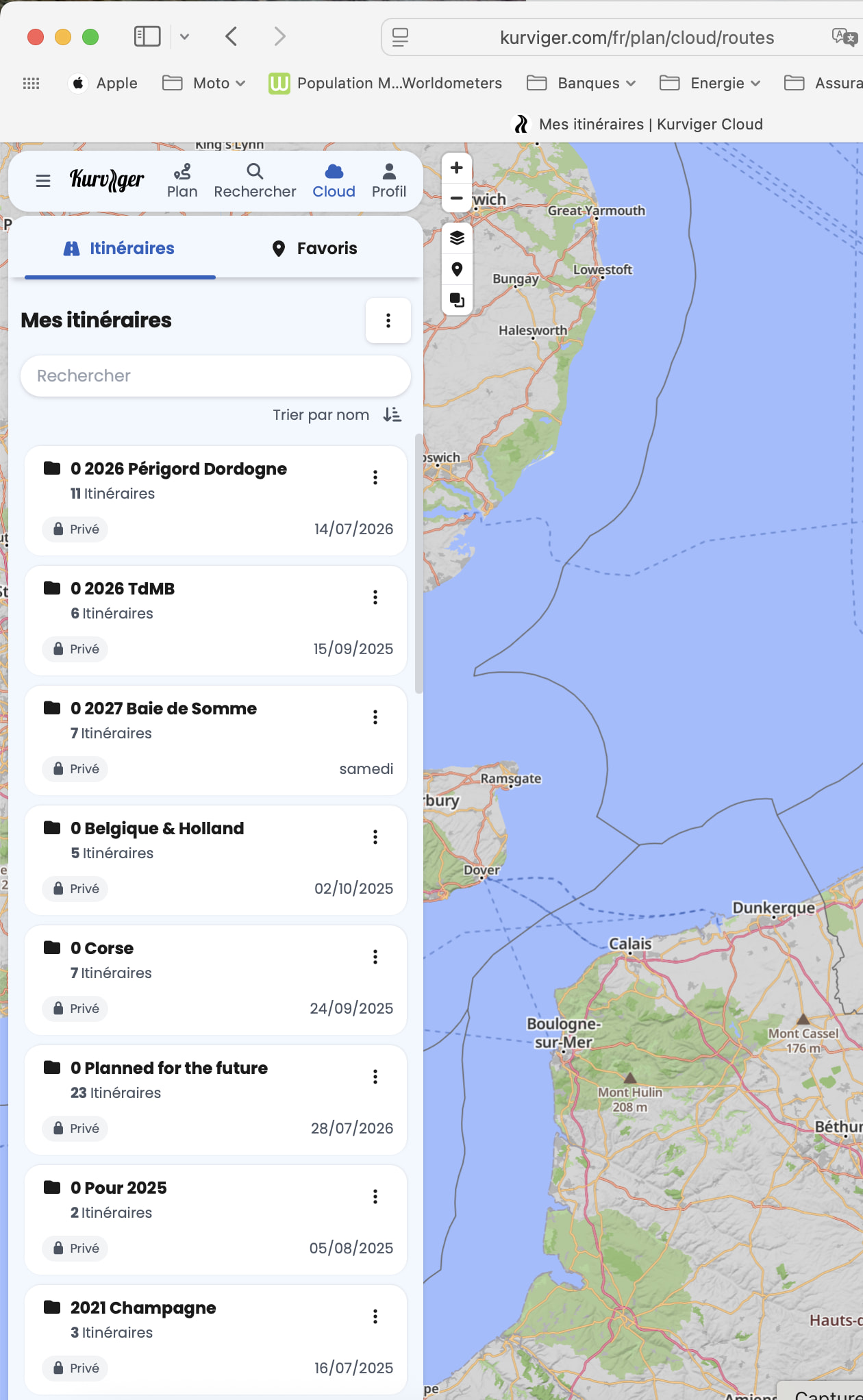
Since several weeks the access to the cloud does not show each time all the planned roads. The right quantities off planned roads are correct in the folder but if you open it you can have only 1 or 2 or all the planned roads

I have to restart several times Kurviger in order to get the roads available

Was there a change ?

Best regards

Can you give more details? Web or app, both?

Try: Kurviger - Settings - Delete local data - delete plannung data. Before you do this: Check your route history for unsaved routes. The route is history is cleared, as this is temporary data on your device. Overlays are not removed, just tested.

Does it work now?

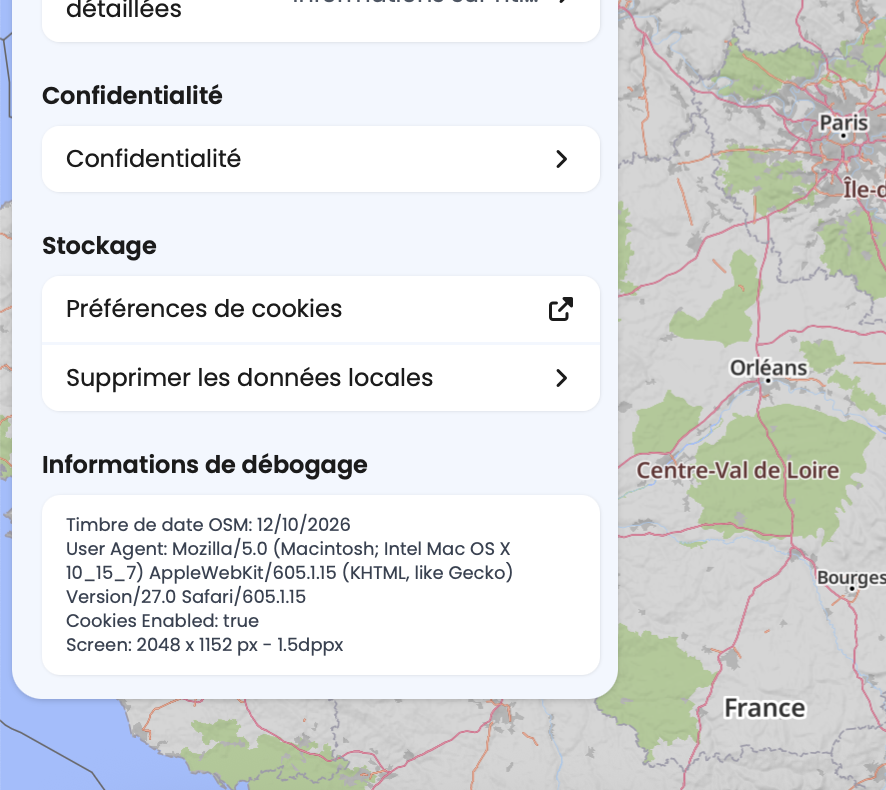
Please: Kurviger - Settings - Scroll to bottom - Tap on Debug info - paste here. Repeat for all devices / browsers where this issue happens.
Hello

I only use web application
I have try to do your suggestion end the result is the same.

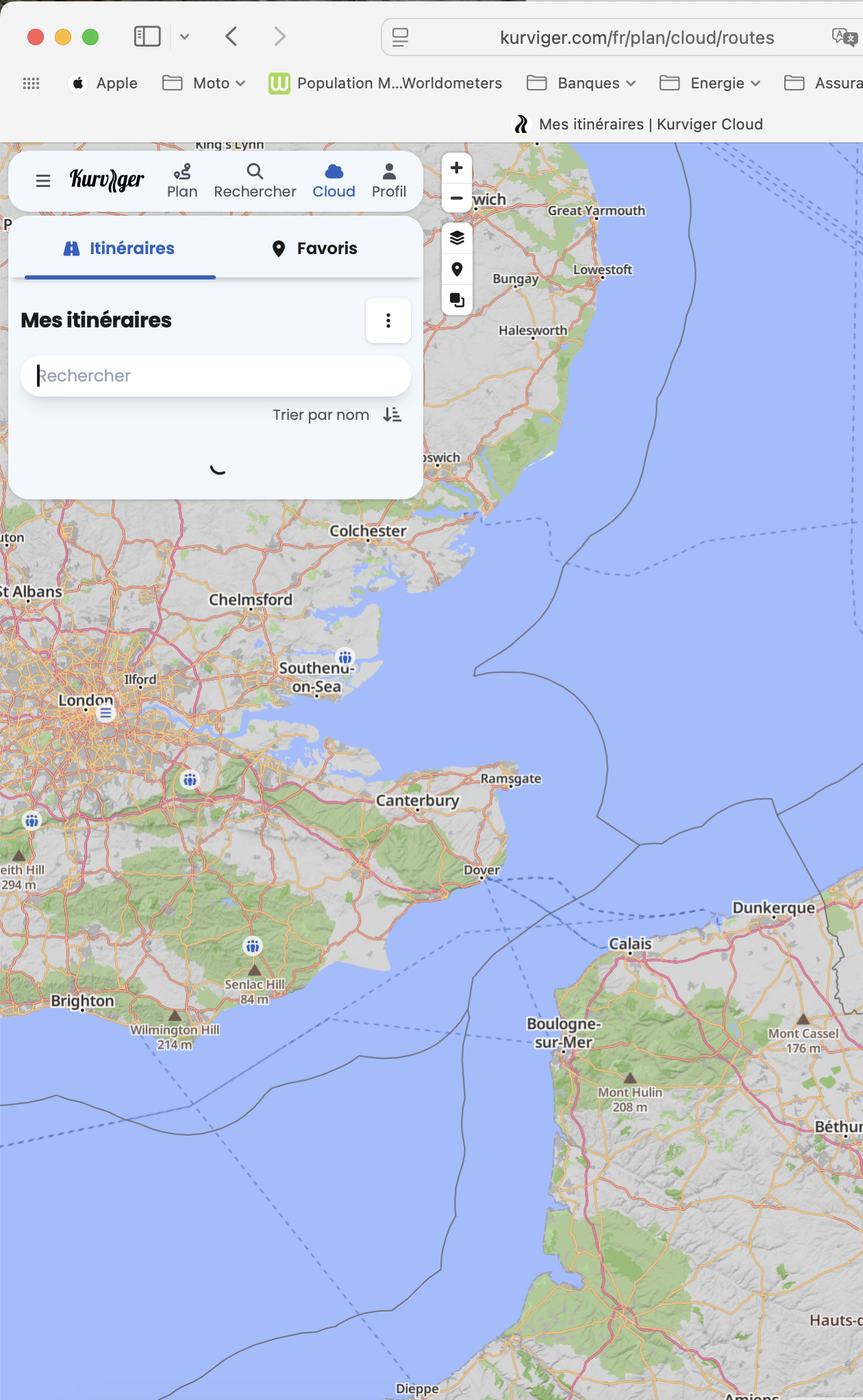
After opening Kurviger I enter to the cloud and some time is long time to open it. Some time it give an error message. I had some screen shots.

After several try, it works bu somme time it shows only one or two planned road trip and some time all planned road trips.

Hi @Christian_G_styr,

Does that happen in every browser or in a specific one? Did you install any browser extensions?

Hello

It seem its only under Safari 27,0 version

With google chrome it works

And did you install any extensions for Safari since the issue occurs? Also, are you browsing in privacy mode?

No for the two questions

Probably just a new version of Safari

We tried ourselves on Safari 27 and it works. :thinking: It is odd that it doesn’t work for you.
Please have a look at our help page regarding this topic to try and solve the problem. Or just keep using Chrome if it’s already working for you.