When editing a route in the web app, I would love to have an “undo” button or simply the regular Ctrl+Z shortcut to undo my last(s) change(s).
E.g: removing a shaping point, then put it back if I want.
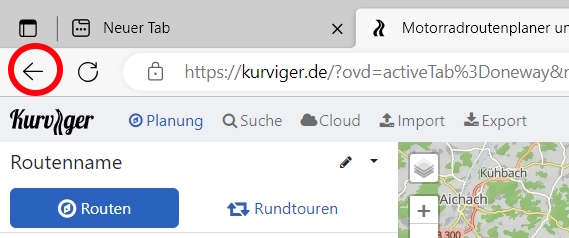
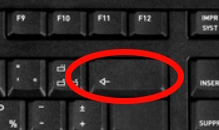
You can use the back button in the browser
Heey that’s fantastic.  Thanks !!
While using the back button is nice, CTRL+Z is the industry standard keyboard command for “Undo”. Using the back button is not intuitive and makes the user thing they are navigating away. Just my opinion.
A lot has changed since the last update, there is a dedicated button in Kurviger now where you can go back and forward. That said, we do have CTRL+Z on our list of things we might add in the future.
Where is this “dedicated button in Kurviger now where you can go back and forward”? I’m on WIN 11 laptop using Tourer and don’t see it. There are too many mouse clicks needed to go into the Route Options dropdown menu to Undo an unintentional route change and then add another shaping point to continue along the intended route. This is very annoying. Thank you.
Using the ‘Back’ and ‘Forward’ functions (left and right arrows) in the browser!?
We already have it on the list to make that function easier accessible on the Kurviger website.