This weekend I had the worst experience possible with Kurviger.
I was riding through the Alps, where limited connectivity is normal and expected. The app completely fell apart. I got logged out unexpectedly, lost access to my planned routes, rerouting stopped working, and the whole navigation flow became unreliable exactly when I needed it most.
The worst part is that even after I regained connectivity, the app kept throwing random errors. I spent more than an hour, in total, on the side of the road trying to recover routes and figure out navigation for the day. Eventually I gave up and switched to Google Maps — and it just worked. That’s honestly embarrassing for an app built specifically for motorcycle touring.
Please focus less on adding new features and more on getting the fundamentals right:
Staying logged in even if no connectivity
Offline access to planned routes
Reliable route caching
Automatic map caching while riding
Graceful handling of temporary connectivity loss
Stable recovery after reconnecting
Limited connectivity is not an edge case in the Alps. It’s the default scenario. Mountain passes are exactly where motorcycle riders want to go, and where your app should perform best.
Right now the app was not just unhelpful — it actively created problems for me and my group the trip.
That really sounds like a bad experience and I can understand your frustration. But currently you do need internet access for routing and to access the Kurviger cloud.
If you know in advance that you’ll have poor or no reception on your ride, I highly recommend this guide: Here we show you the best way to use Kurviger offline.
That sounds odd and without knowing exactly what those errors were, it’s hard to figure out now what happened.
I understand that this was a frustrating experience, and we’re still working on how to communicate temporary connectivity issues a bit smoother.
But I can assure you that an unreliable navigation isn’t the typical experience with Kurviger, and it seems that your main issue was caused by the fact that you were trying to access cloud features or recalculate routes while offline - which is not possible.
I’m really sorry to hear that and hope with our “offline guide”, the next experience with Kurviger will be much better. I personally ride in the alps often and use only Kurviger for navigation without problems this way.
As Kira already mentioned, Kurviger actually requires an internet connection. However, many motorcyclists in Switzerland use the app offline.
Kira has already given you a few pointers, and I’d like to share a few tips of my own that I use to avoid any issues when offline.
Download the maps in advance.
Download the routes once before you set off, and they’ll be available offline in your history.
Turn off route recalculation.
From my own experience, I can say that the app works even without an internet connection.
It is absolutely fine that the internet is needed for recalculation and fresh maps.
I know that so I had maps downloaded and a route loaded.
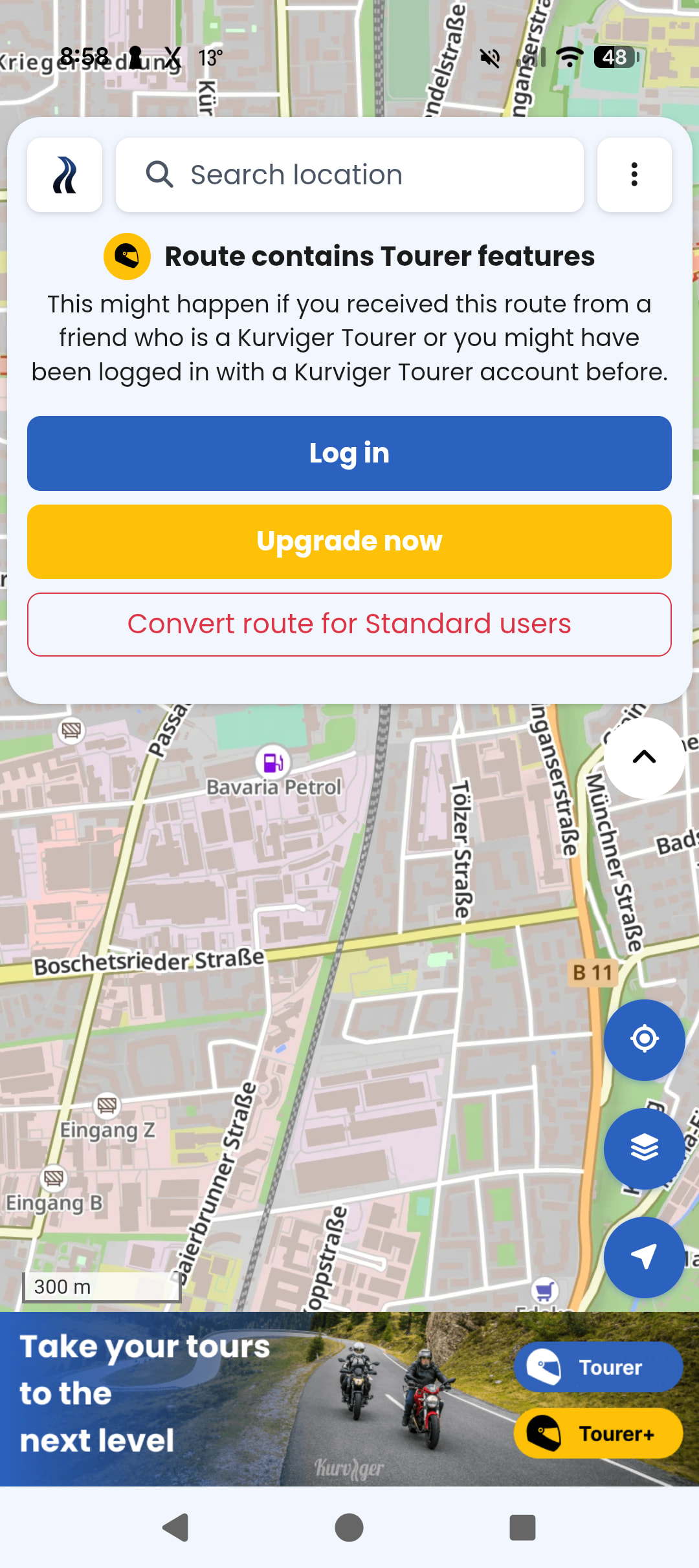
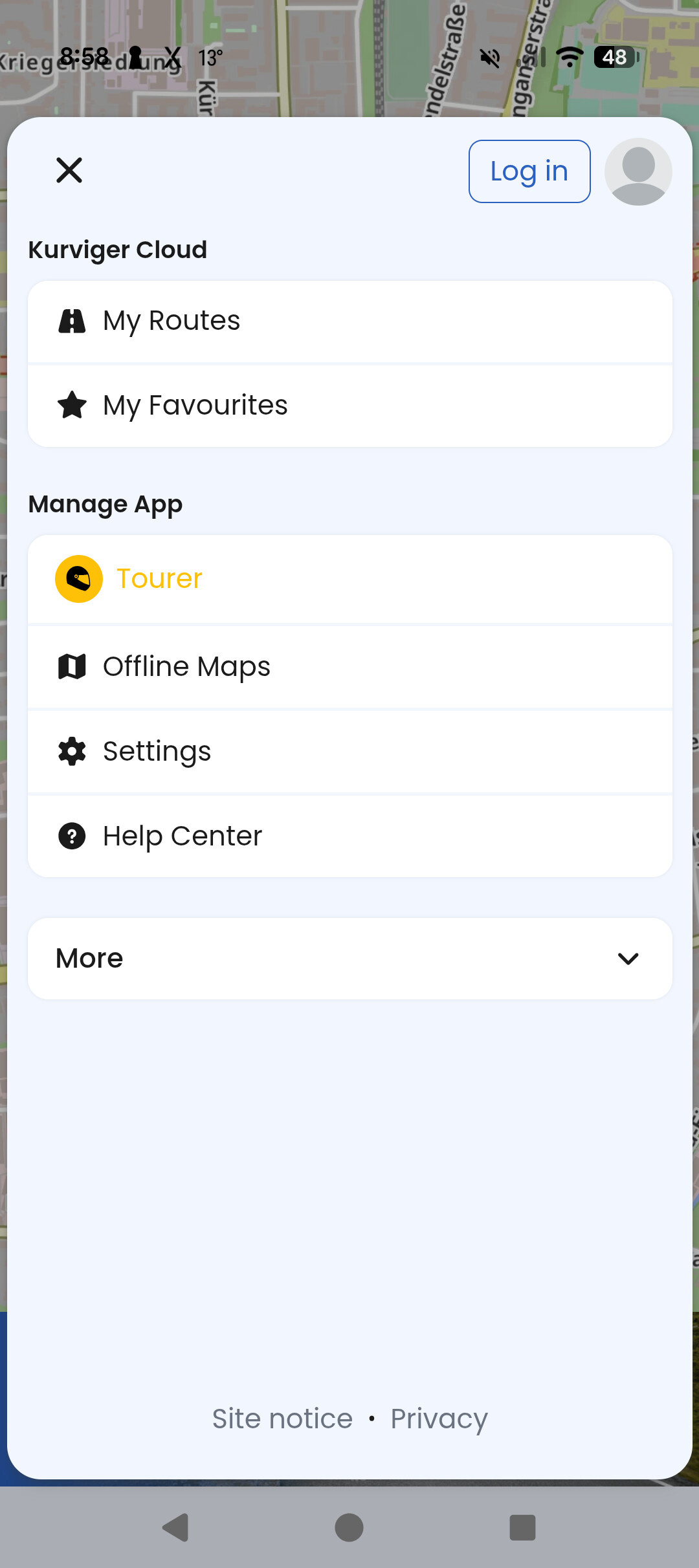
But the app logged me out, and I could not access any route nor navigation. Nothing. Tried to kill the app a few times, nothing…
Even after regaining connectivity, I was not able to log in. I was getting some red toast message… I do not remember the exact error, but it was referring me to the forum to resolve my problem.
The problem was not recalculation or so, the main problem was lack of access to therote due to log out.
@All hatte das Thema mit den Log out auch schon einige male aber hat sich dann immer “gefangen” bis auf 1x das war irgendwo im Breisgau.
Natürlich vergesse ich auch immer wieder das mit dem “Du brauchst Netz” was im Grenzbereich D CH A so ne Sache sein kann wenn man Roming aus hat wegen der Kosten in der Schweiz und das setzt dann schon 80 km vor dem Bodensee ein wenn man Pech hat speziell in der Schaffhausener Ecke.
sorry to hear that. As Hobbyfahrer already explained, here some basic settings to prevent this behaviour a bit more detailed:
turn off automatic recalculation in navigation settings. This will prevent the app of trying to connect to server. If you leave the origin route you can navigate back ‘on sight’
when you know that you are riding through a region less or bad internet connection save the planned route as *.kurviger file on your navigation phone. You can open it and start the navigation then directly from your device less internet connection. Either start the navigation when you still have internet connection to get the offline maps related to the route downloaded or download the necessary maps upfront
try this e. g. with switching off your internet connection in an area you know well to get familiar with this workaround.
I know this is not self-explaining but it will do the job. I hope this helps to prevent in future such inconvinience.