Hello Kurviger Forum,
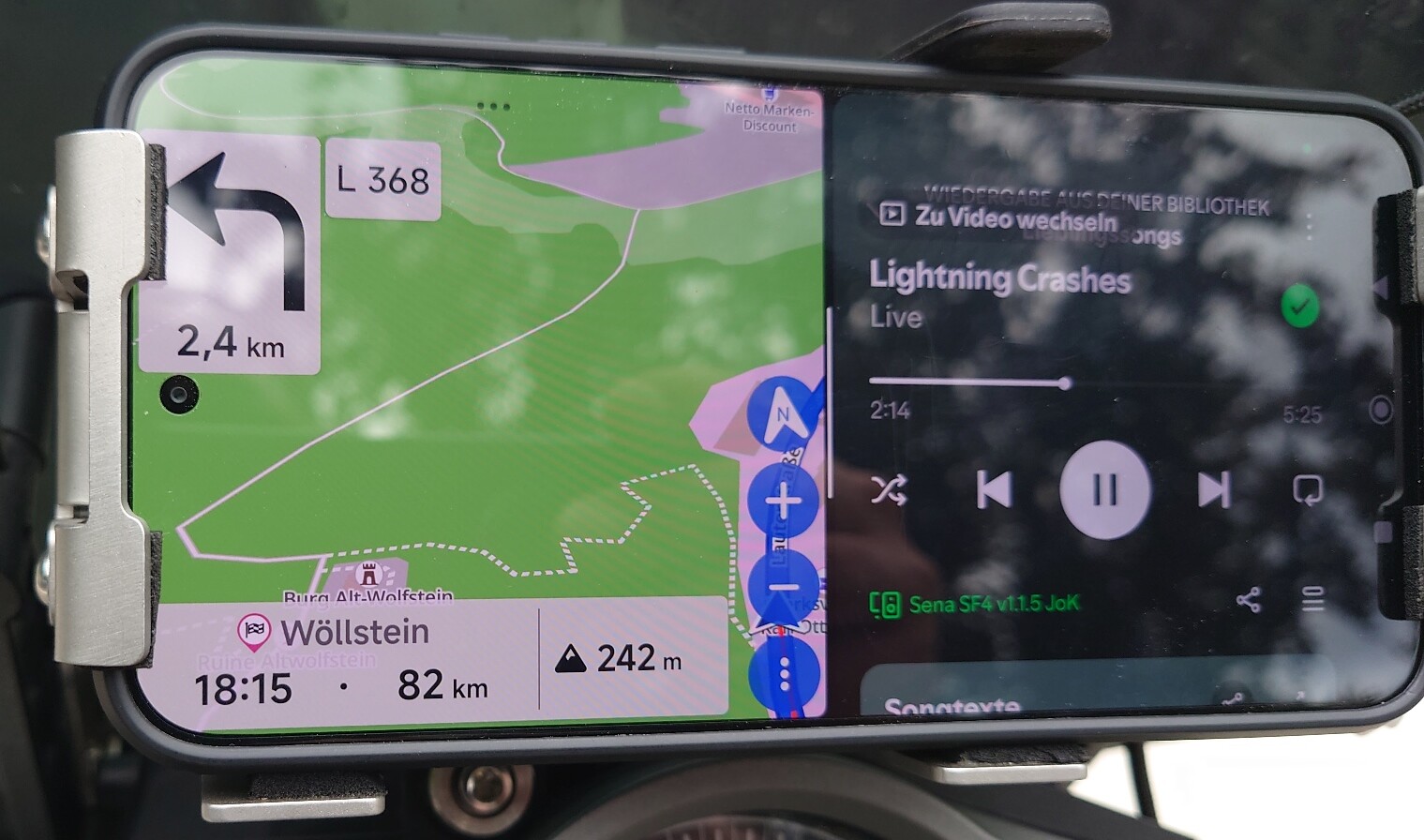
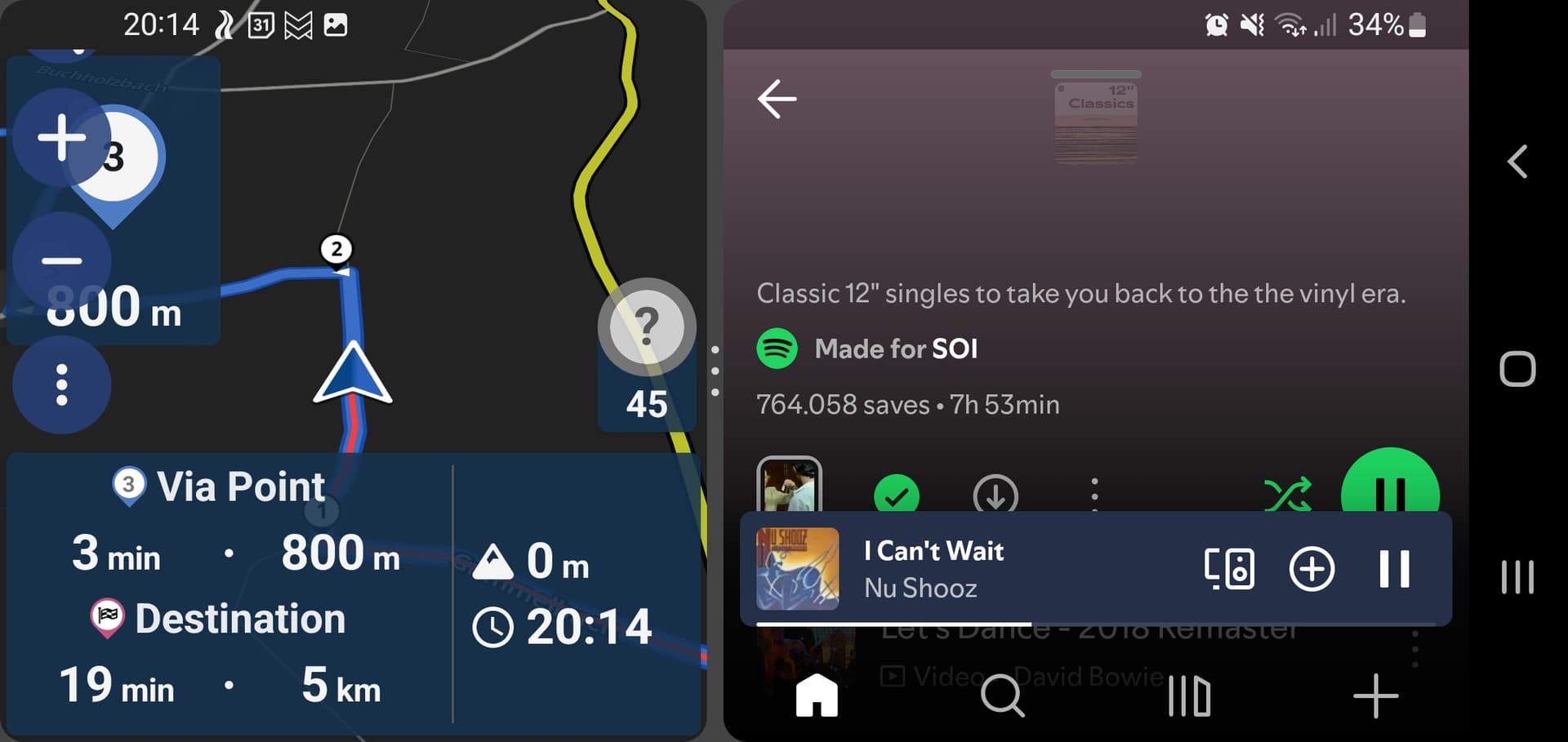
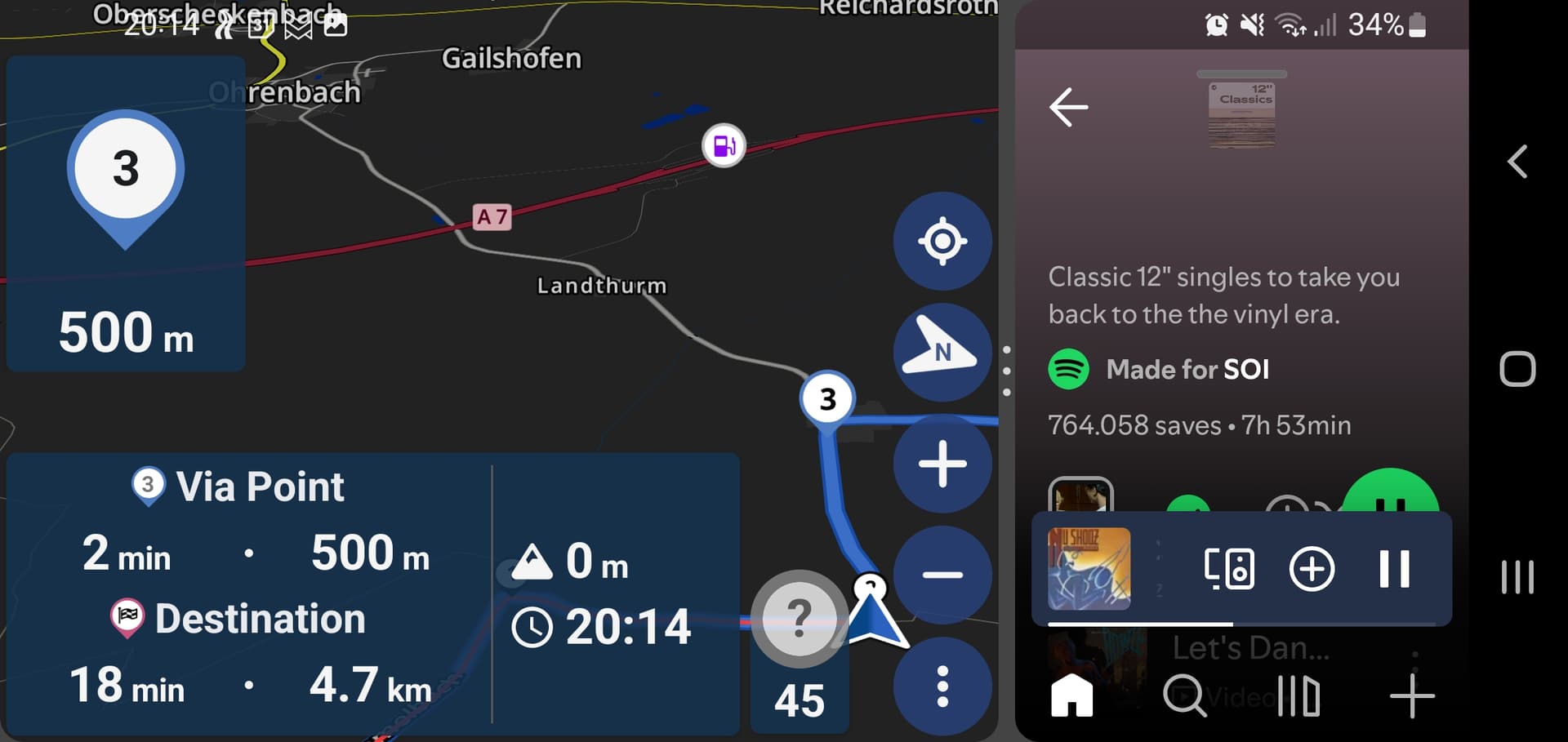
I’m using an Android Phone (Poco F7) for Navigation in Landscape orientation/often in Split screen setting (Phone just allows for 50/50, I would prefer 2/3-1/3). With this setting on Kurviger Display my actual position (Arrow) and the route ahead are always shown on the very low right corner of the Screen, often completely hidden by the menue buttons. This renders the display mainly useless, see foto.
Is there a setting to show the actual position arrow always in the center of the available Screen?
Thank you for your Help,
Jan
I don’t want to make any promises, but we are currently changing quite a lot in that area. Not sure if this particular case will be fixed, but it might worth trying this again with the next update or the update after that.
Thank you for the quick response, I can set Kurviger to portrait mode, will give feedback after my next ride.
