not sure if the Kurviger crew is monitoring this forum but i have an issue I cannot fix: hitting the ‘route exportieren’ button reliably crashes the kurviger app, even before the file picker appears.
what I’ve tried without success:
restart phone
delete first cache, then app storage
reinstallation of the app
enrolled for the beta programme. retraced all above steps in the beta app
importing eg a GPX File works without problem. file picker works normally
created a short roundtrip tour natively to avoid imported route to have any kind of corruption
checked kurviger permissions. it has them all and is not background nor battery restricted
queried ChatGPT extensively, bottom line after all suggested checks: a bug in kurviger
That would be my first bet as well. My first thought was that maybe the route is very long? So that would be the first thing to look into, a very simple and short route with 2 waypoints and export this.
I tried to export in gpx, gpx erweitert as well as zumo xt2/3.
from my previous post you’ll see that I had kurviger create its own little roundtrip tour. also tried other routes with approx 10 waypoints as well. no change.
exporting the route from the browser currently is my workaround. no problem there.
Just to be sure - exporting from the mobile browser on the same device where the app crashes is possible without problems?
Also, when you say “app crashes” - does it mean that it closes without any error message or it remains open and you get some error message?
Since the export appears to be working on the majority of Android devices (for me it does), the team might need some additional data to be able to reproduce and solve the problem.
@Bikernzrh could you check your apps settings (Settings → Apps → show system apps → “Files” (com.google.android.documentsui / OnePlus equivalent)). Is this app disabled? Could you try to clear that apps cache / local data? You could try to uninstall all updates (and possibly reinstall them again from Google Play).
going forward I’ve used and will use this route for testing:
U3-Prebold - Grof, Vransko
export to kurviger native format.
so looking for files or documentsui I do find both
files by google. cleared cache/storage, then downgraded the app to 1.9291.832923990.0-release, rebooted, retried export which failed, then updated app from PlayStore back to 1.12252.964568919.2-release, retried export again. issue persists
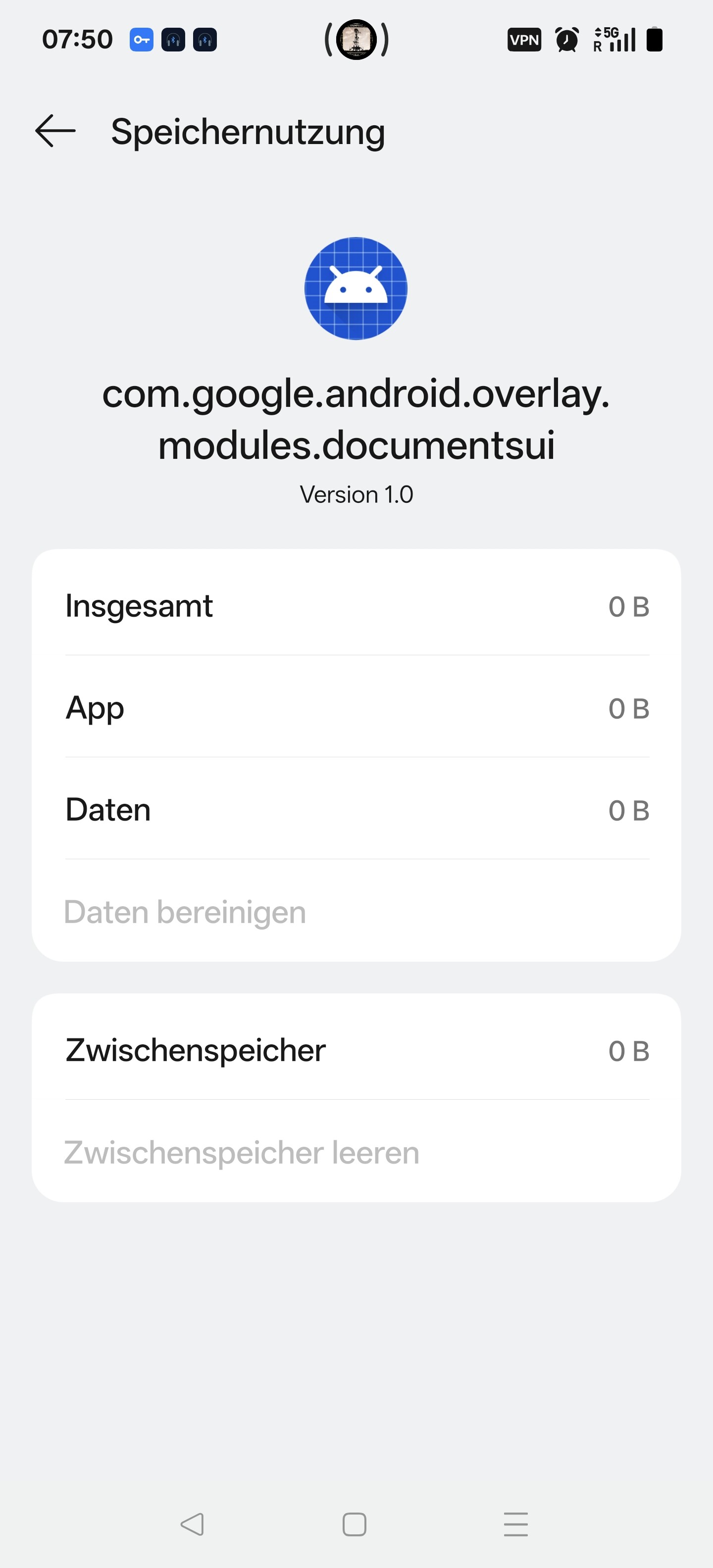
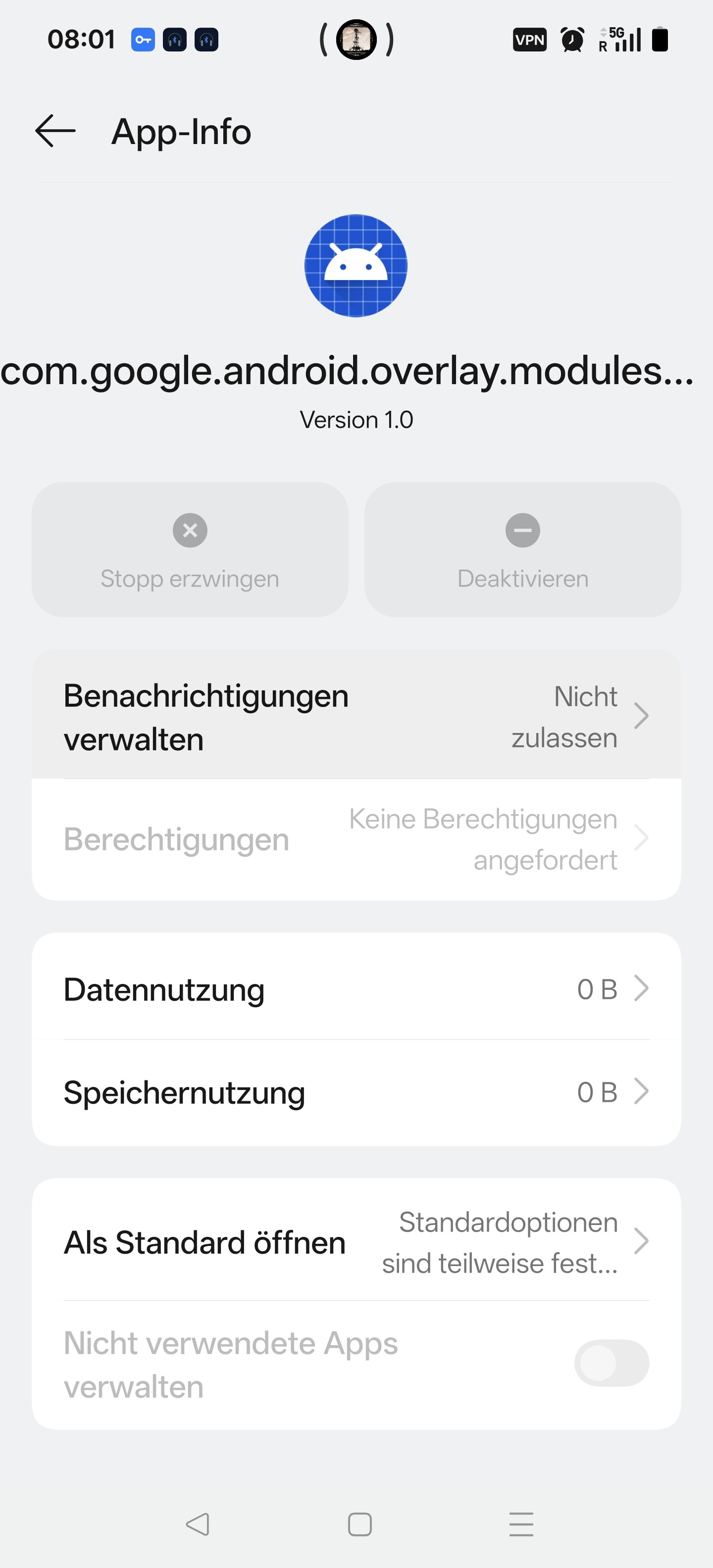
com.google.android.overlay.modules.documentsui. this however does not allow me any manipulations nor seems to consume storage. see screenshots
Are you using an antivirus or security app or maybe your device is an enterprise device that is controlled by your IT department or anything like that? It could be that something interferes with Kurviger saving a document.
Something else to test would be if other apps can open the same file picker to save files. For example the Google Contacts app under Organize → export to file opens the same file picker as far as I can tell.
Ok, so the same behaviour as in our app. So it is very likely an issue with your device.
Since resetting the files app did not work, you could look into other possible updates still dangling (OS, or any other apps like Google Play). In the worst case, you could try to do a OxygenOS “repair”.
From our side I don’t see a possible fix for this, I am sorry.
however for some reason the installed CX file explorer could not write that MIME type.
I fixed that by reverting to the default DocumentsUI.
the AI suggested to change the Kurviger export MIME type to something like application/gpx+xml
would that be a sensible way to avoid problems for users not running the default file manager?
Thanks for the update. I am happy that you could resolve this!
No, because that only works for GPX and KML. Other files that are not XML including .kurviger have a different mime type. This can lead to issues.
While sounding a bit weird, this is a very common mime type, so this should be supported by all file explorers, so I am wondering it does not work with CX. If you like their file explorer, it might be worthwhile to post an issue with their support.