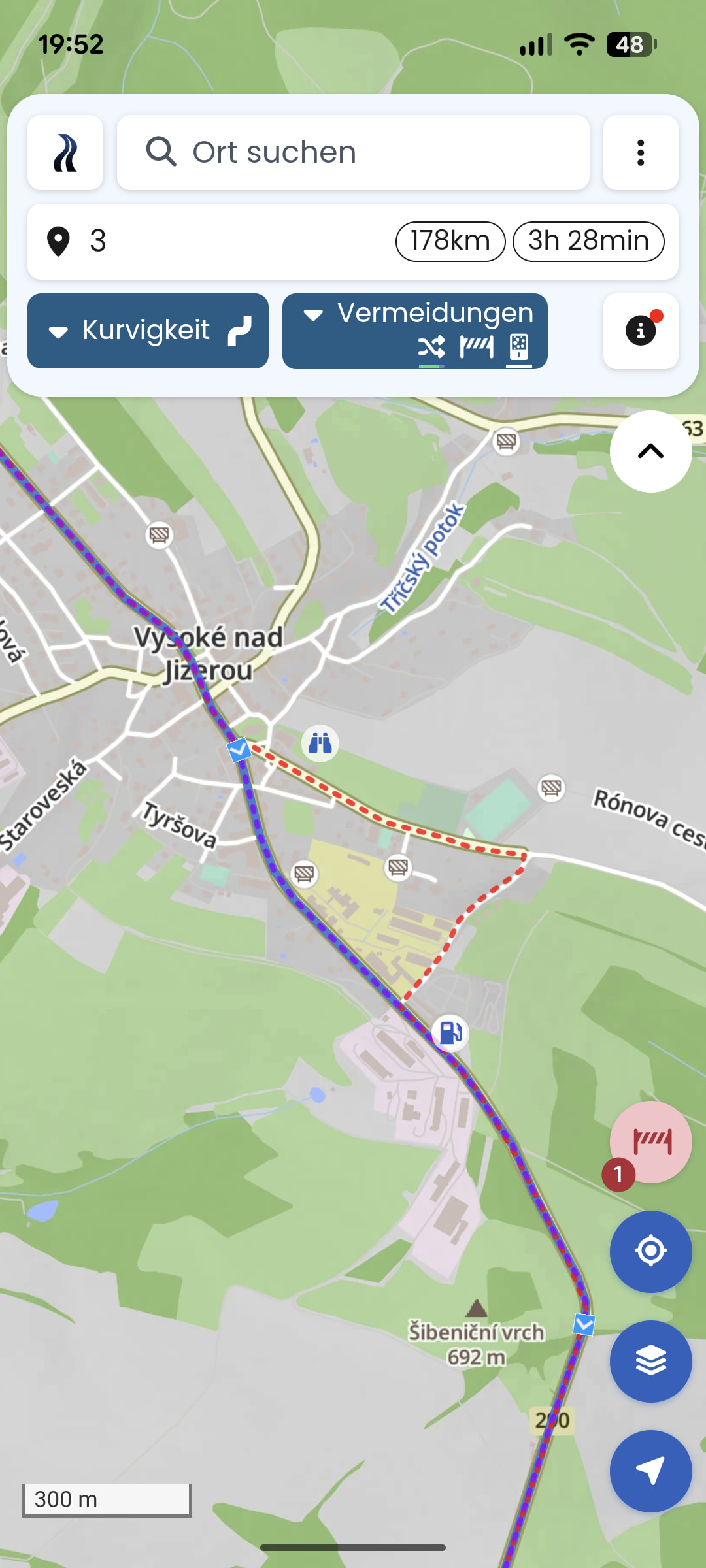
I had a minor issue during my last tour. I planned a route through the Czech Republic and Poland (Krkonoše / Riesengebirge) and used Kurviger for navigation. When I reached Vysoké nad Jizerou, the road was closed due to construction work. I followed a local detour, and everything was fine.
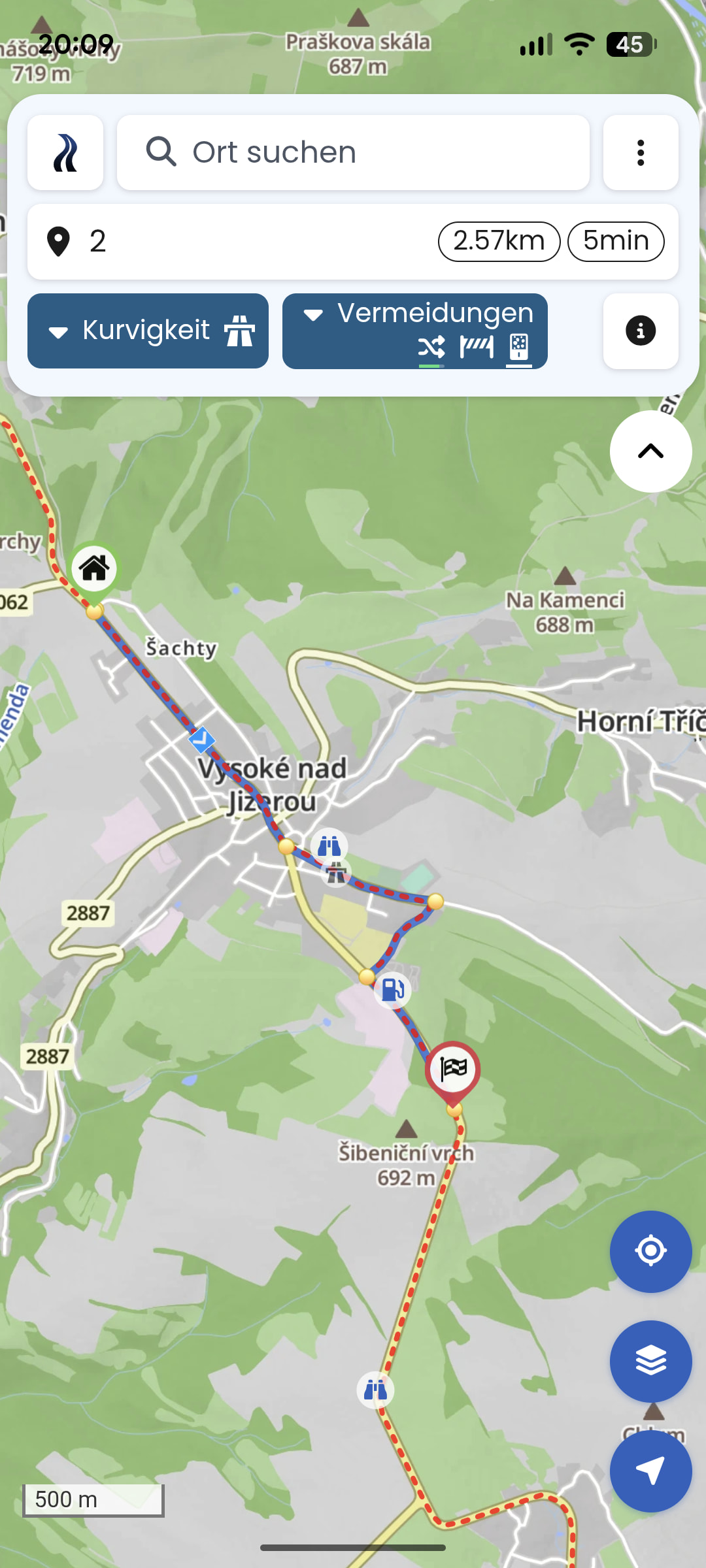
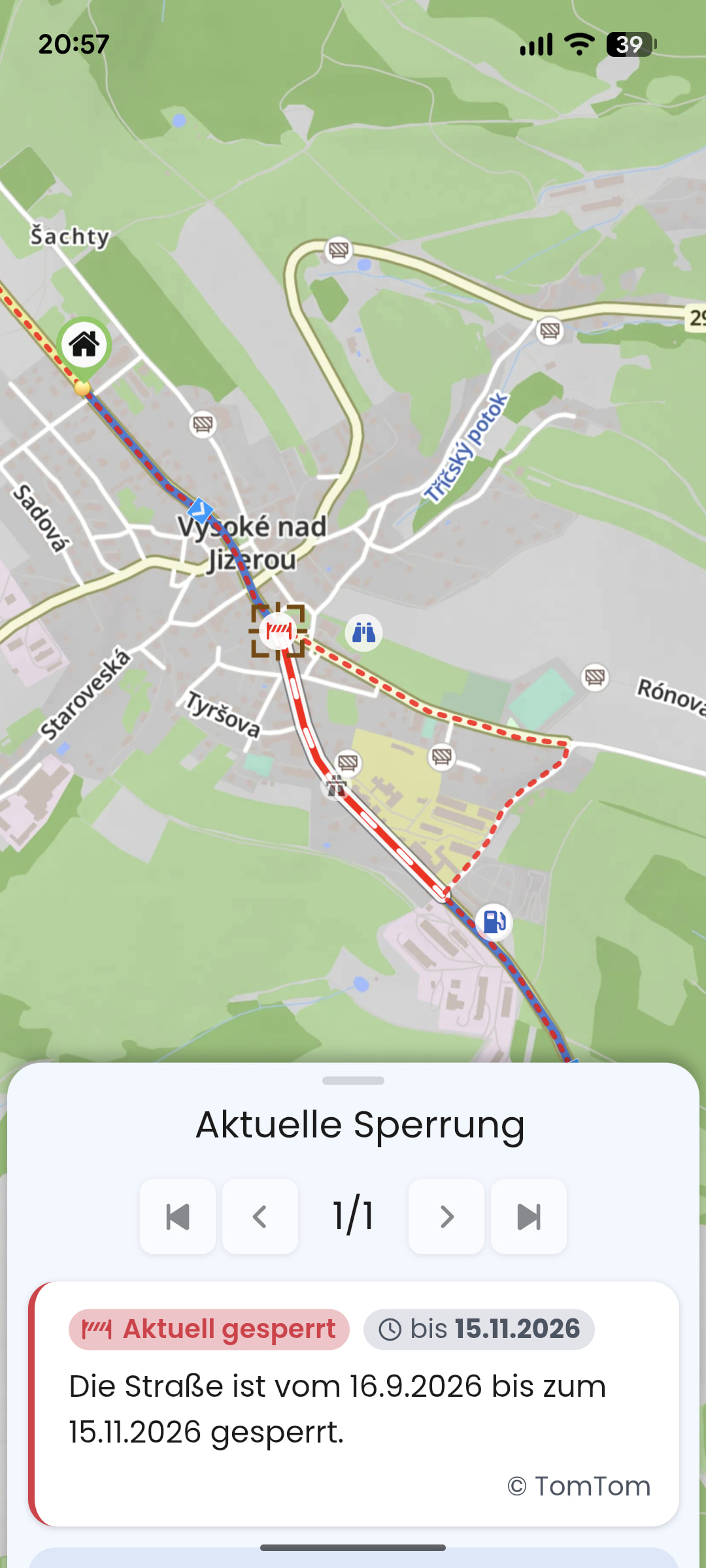
Afterward, I checked the route to figure out why Kurviger didn’t reroute me. I checked TomTom, and the road closure was listed there as well as on the Kurviger map. However, when I reload my route, it still guides me through the construction site. Strangely, if I plan a new route just from the entry to the exit of the town, it correctly routes around the closed road. Rerouting is enabled in both cases.
I would like to share the Kurviger Tour. But it starts at my home and as soon as I change it, the tour is different or it recognise the construction site.
The warning in Kurviger about a closed road is near my home.
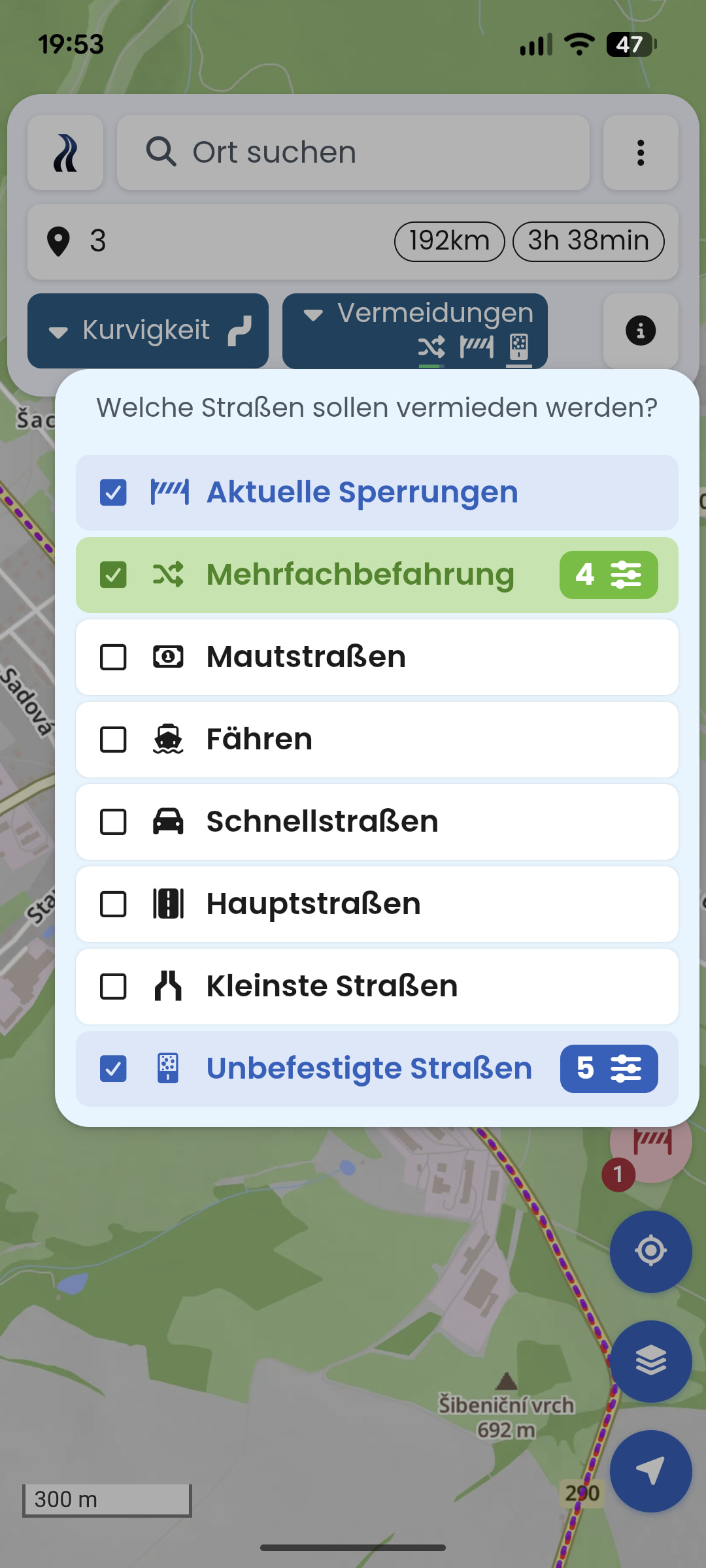
The picture shows no road blocks, the red line is just a overlayand picture 1 to 2 has a changed curviness.
When you load a route, there is no automatic recalculation! It just loads as planned. You can try by loading the route and move a single point a little bit. Then recalculation should be done and the block is avoided - yes?
My idea about this is, that the road block did not exist, when you planned. Then you drove 100% exactly as planned, no deviation from the route and therefore no recalculation at all? This way Kurviger had no knowledge about the road block.
If I turn off the auto-rerouting function, the road closure becomes visible on the map. And you’re right—the closure was published on the exact day I started my tour, whereas I had planned the route the day before. Just bad luck, I guess!