Also the gpx import and BRouter routing work exactly the same in both 1.12 and 1.13 (Beta) versions.
@devemux86 Mit welchem Profil hast Du die Tracks berechnet? Ich begreife das nicht, bei mir kommt bei 1.13 Route nicht gefunden. Mit 1.12 keine Probleme… 
@devemux86 With which profile did you calculate the tracks? I don’t understand this, with me at 1.13 Route is not found. With 1.12 no problems…
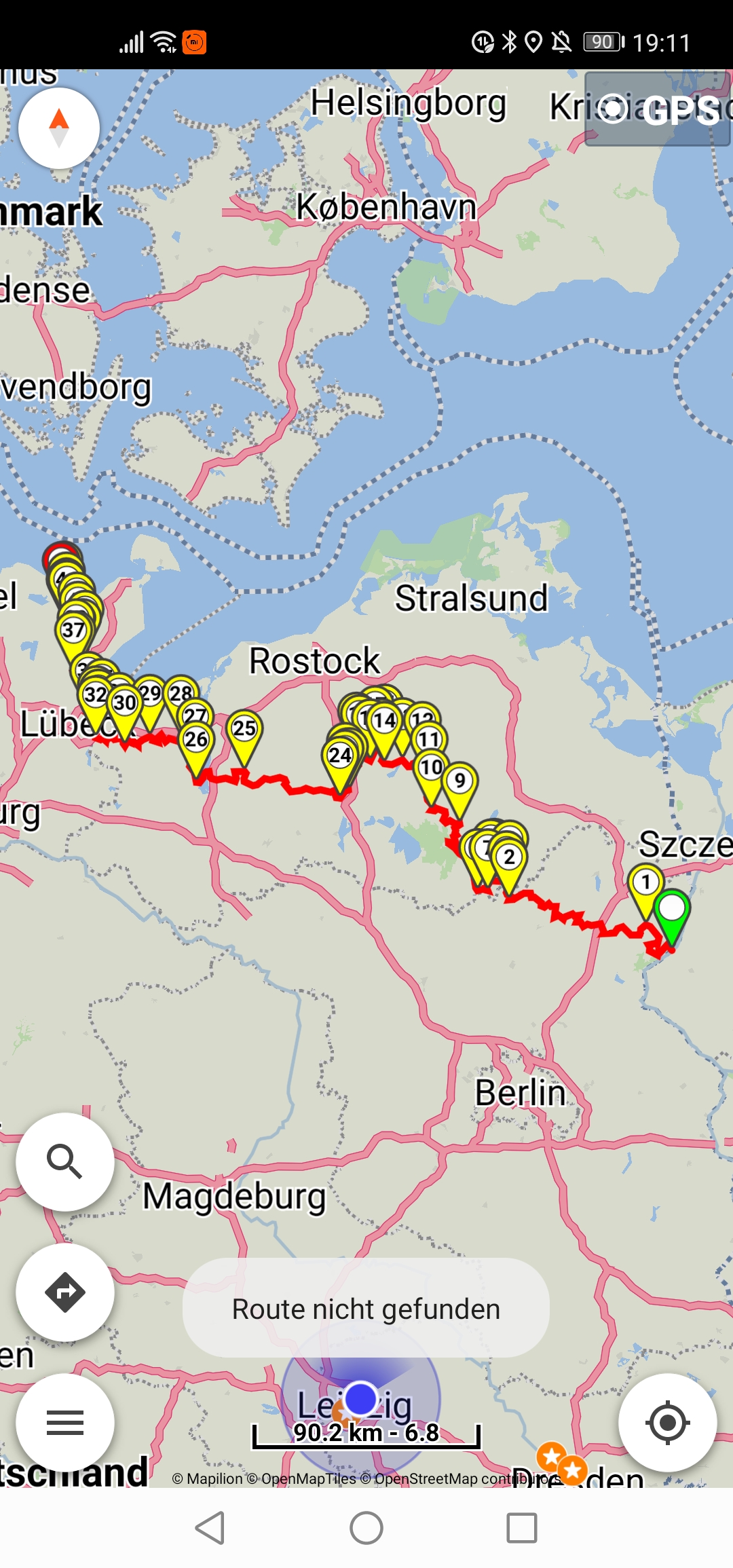
I made a clean install of BRouter and didn’t change anything else.
When change BRouter profiles, must understand its profile guide and test with small routes.
From BRouter readme:
"Note that if called via the service-interface, BRouter uses a timeout of 60 seconds,
which sets a limit on the distances you can calculate."
Naturally the 60 seconds timeout is different on each device as depends on CPU performance.
@devemux86 Ok, dann hat BRouter bei Dir also die schnellste Route gewählt. Für mich trotzdem nicht erklärbar warum “Enduro” mit 1.12 funktioniert, mit 1.13 nicht? Wenn es eine Zeitüberschreitung gibt gäbe es eine entsprechende Time-Out-Meldung. Könnte es mit den Änderungen in der Beta zu tun haben die Du bezüglich BRouter vorgenommen hast?
@devemux86 Ok, so BRouter has chosen the fastest route for you. For me still not explainable why “Enduro” works with 1.12, but not with 1.13? If there is a timeout, there would be a corresponding time-out message. Could it have something to do with the changes you made to BRouter in the beta?
Cannot know for others profiles and the calculations / messages are external, we don’t influence them.
Better make tests with small routes and examine where the routing fails because of the profile changes.
BRouter certainly works fine in 1.13 (Beta) - as seen above.
Tested track2.gpx with 1.12 and still cannot be calculated with BRouter because of via points 4, 13, 44.
The BRouter improvements in Beta are done on its turn instructions.
So routing has to finish and a successful route result to happen first.
Hat schon jemand eine Lösung gefunden die Profile von @SchlesiM in Android 11 in den BRouter zu importieren?
Ich probiere gerade über alle Kanäle den Anbieter zu erreichen. Aussage von Samsung ist: Wir müssen die Data Ordner wegen der neuen DSGVO unsichtbar machen, bitte wenden sie sich an den Hersteller der App, dass dieser seine Struktur anpassen soll.
Has anyone already found a solution to import the profiles of @SchlesiM in Android 11 into the BRouter?
I’m trying to reach the provider through all channels. Statement from Samsung is: We have to make the data folders invisible because of the new DSGVO, please contact the manufacturer of the app that it should adjust its structure.
Have you also asked in the application repository?
Ja, ich habe bei Google in der Gruppe die man über die BRouter Seite erreicht auch meine Anfrage eingestellt. Ich habe vorhin auch eine 1.Stern Rezession im PlayStore mit der Anfrage hinterlassen und zusätzlich habe ich den Ansprechpartner via LinkedIn angeschrieben.
Yes, I have also posted my request on Google in the group that can be reached via the BRouter page. I also left a 1.star review in the PlayStore with the request and I also wrote to the contact person via LinkedIn.
I have seen your 2 topics in BRouter forum (here and here).
You can also ask in BRouter development repository.
No, please do not do that!
This is extremely bad practice..
BRouter works perfectly with its default profiles.
The problem is from Google and Android 11 forced changes.
There are many libraries / apps / workflows that are broken with those changes..
Can you try the following in your Android 11 device?
-
Uninstall existing BRouter app from your device
-
Download the latest BRouter zip from BRouter website
-
Extract and install the “BRouter_api10.apk” in your device
-
Start BRouter
-
Grant the storage permission
-
Select “/storage/emulated/0” as base dir
-
-
Download the routing data for your selected regions
-
See if you can access the profiles in “/storage/emulated/0/brouter”
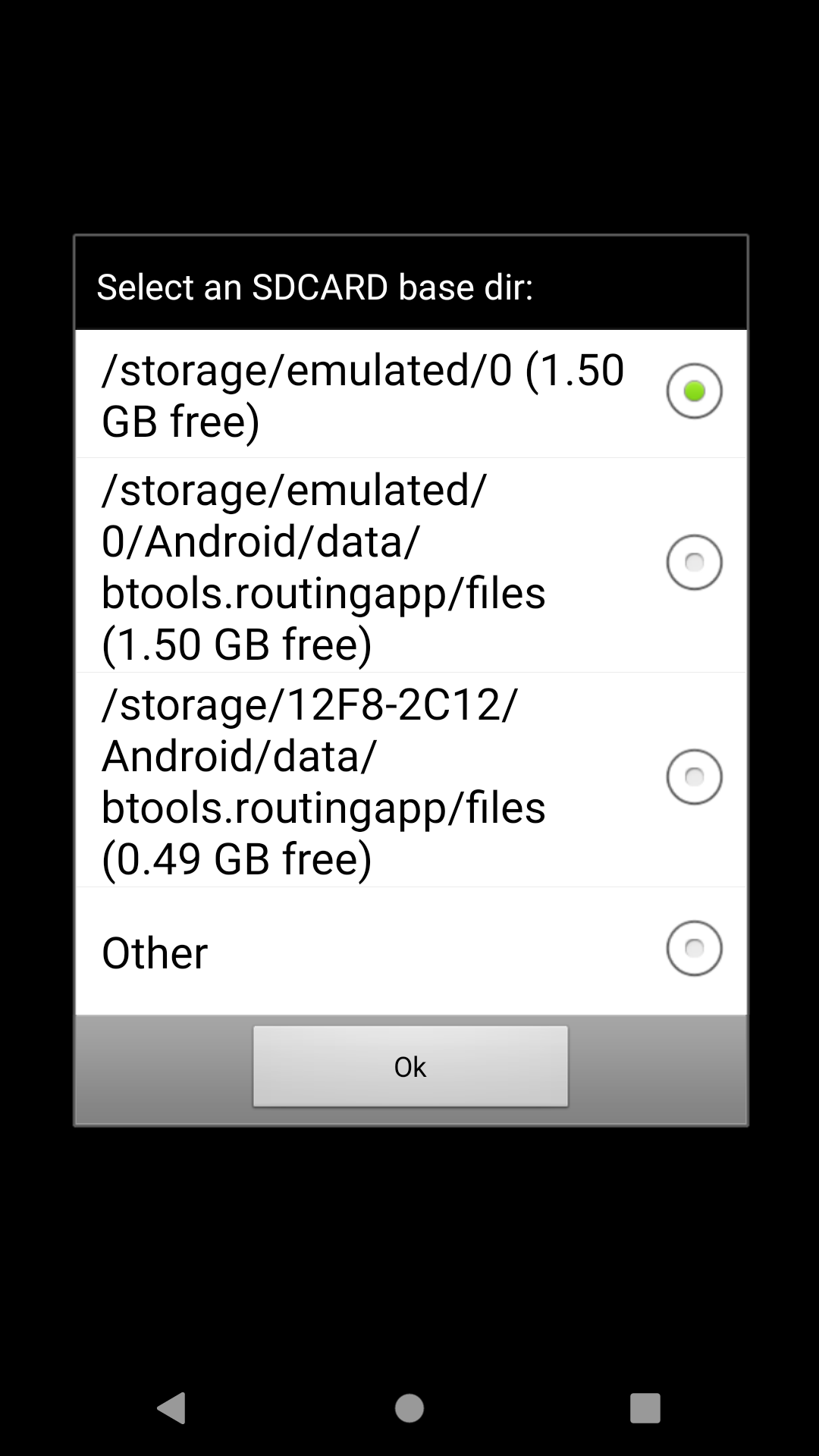
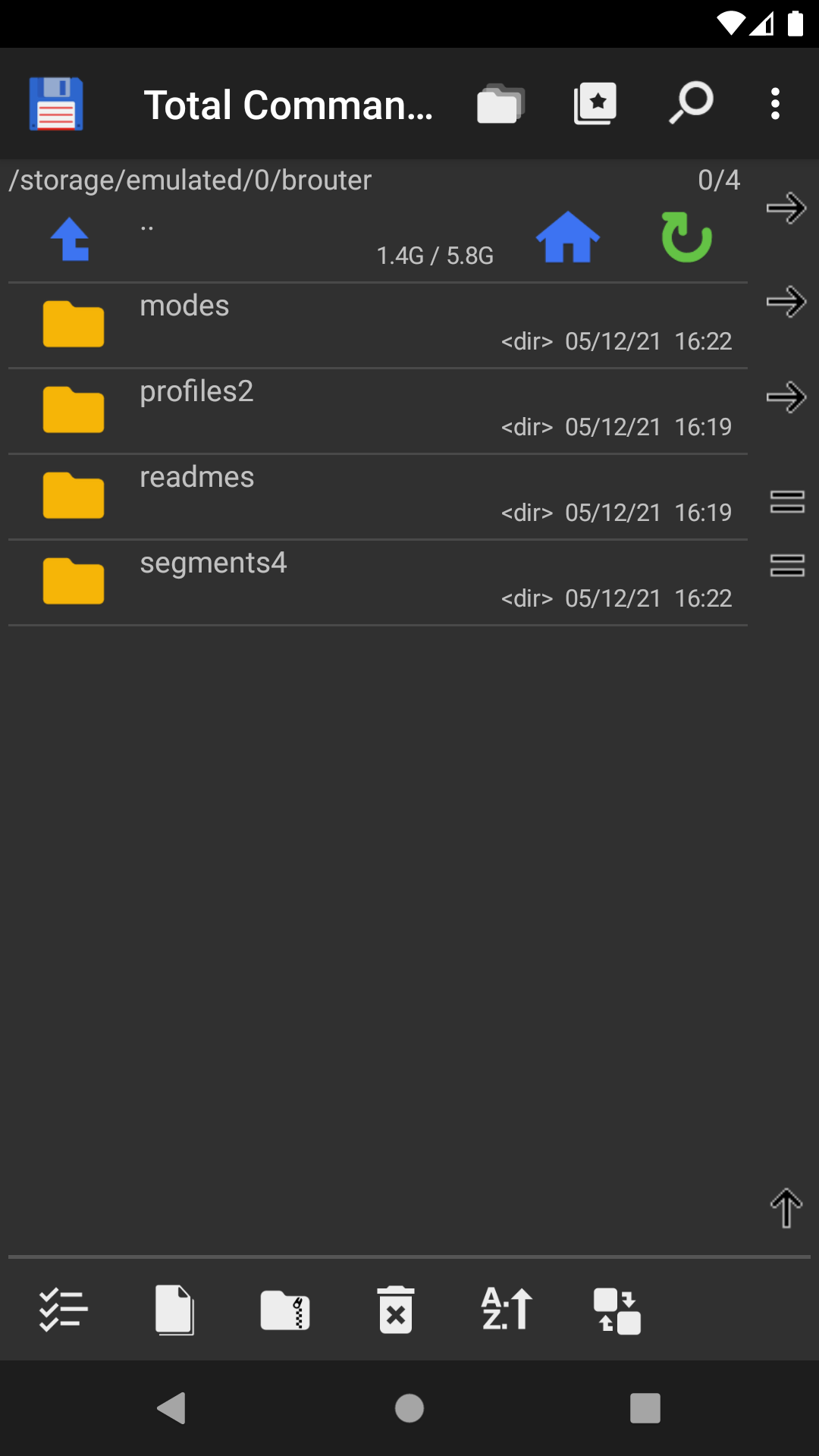
Super, Danke für den Tipp. Es hat geklappt und ich kann jetzt die Ordner sehen und auch die Profile. Habe die Datei von @SchlesiM auch noch gefunden und mir geladen. Import hat geklappt und die fertigen Profile sind jetzt sichtbar. Es wäre gut wenn jemand den Hinweis in die Bedienungsanleitung für den BRouter mit hinterlegen würde für die neuen Android 11 Geräte.
Great, thanks for the tip. It worked and I can now see the folders and also the profiles. Have the file of @SchlesiM also found and loaded me. Import has worked and the finished profiles are now visible. It would be good if someone would put the hint in the manual for the BRouter for the new Android 11 devices.
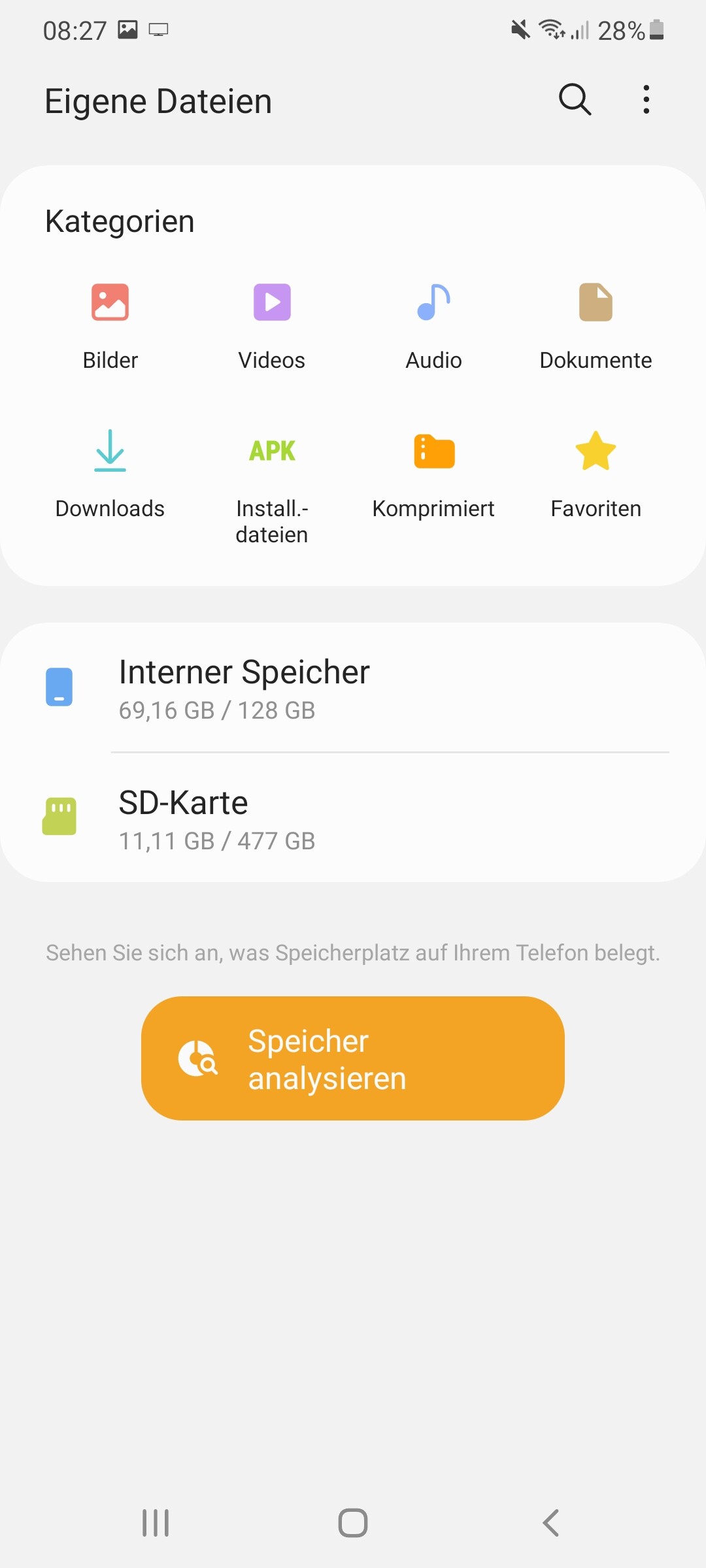
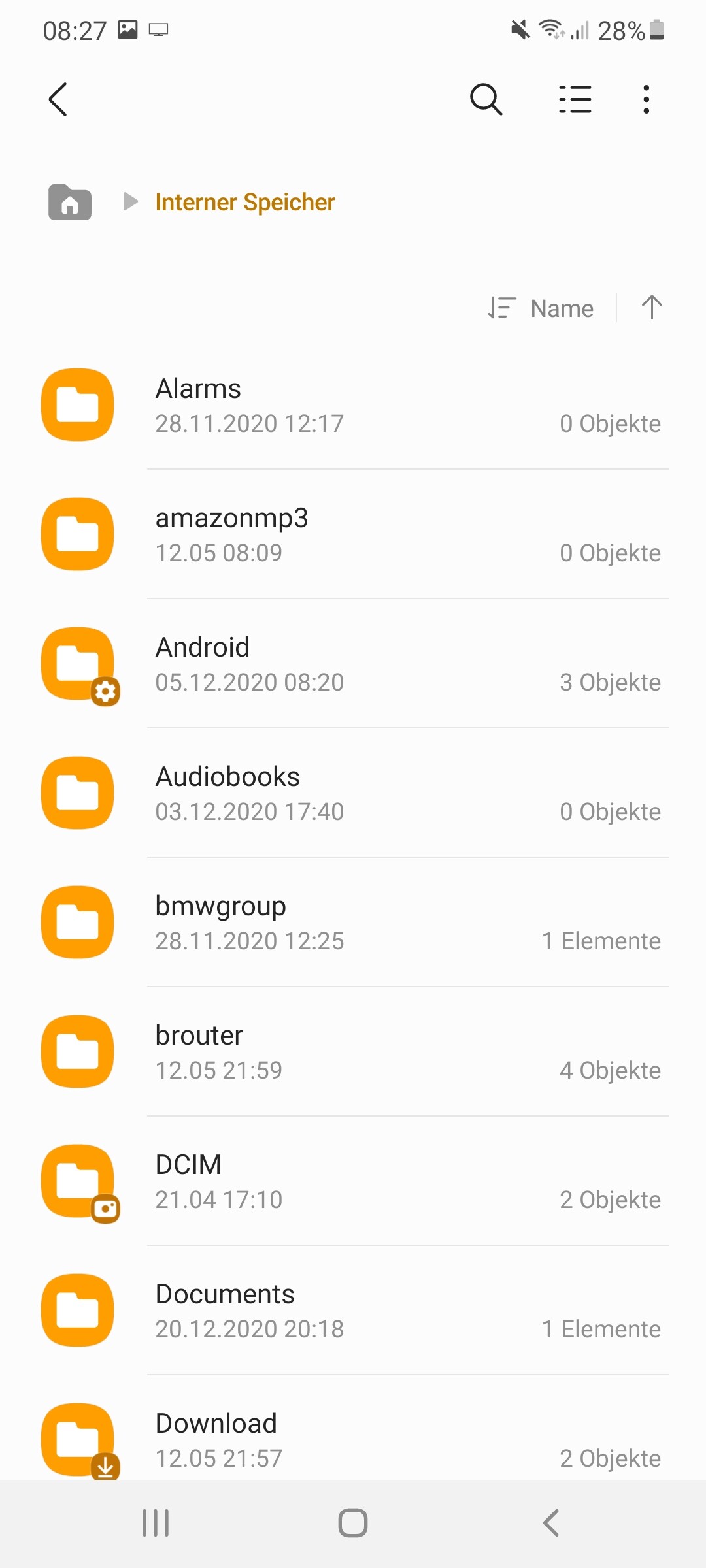
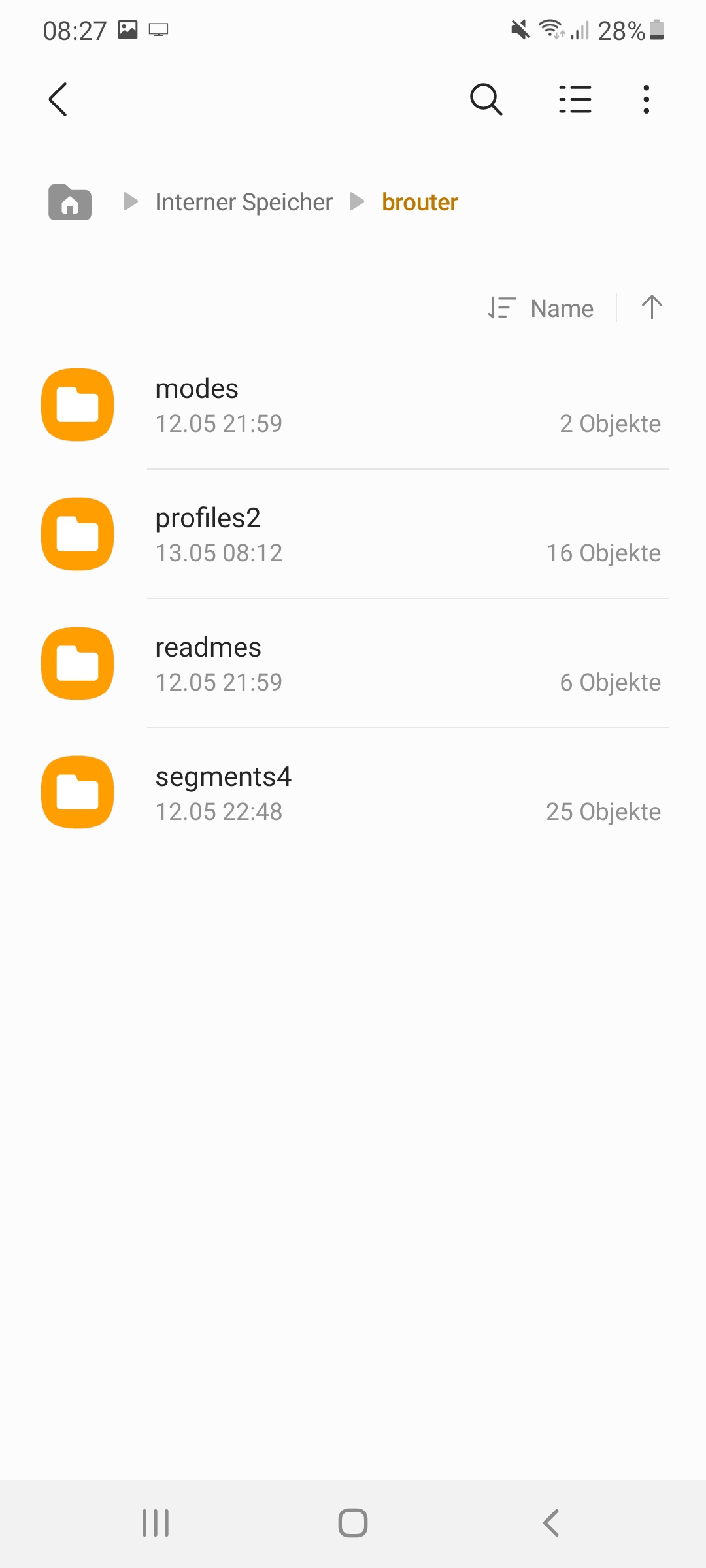
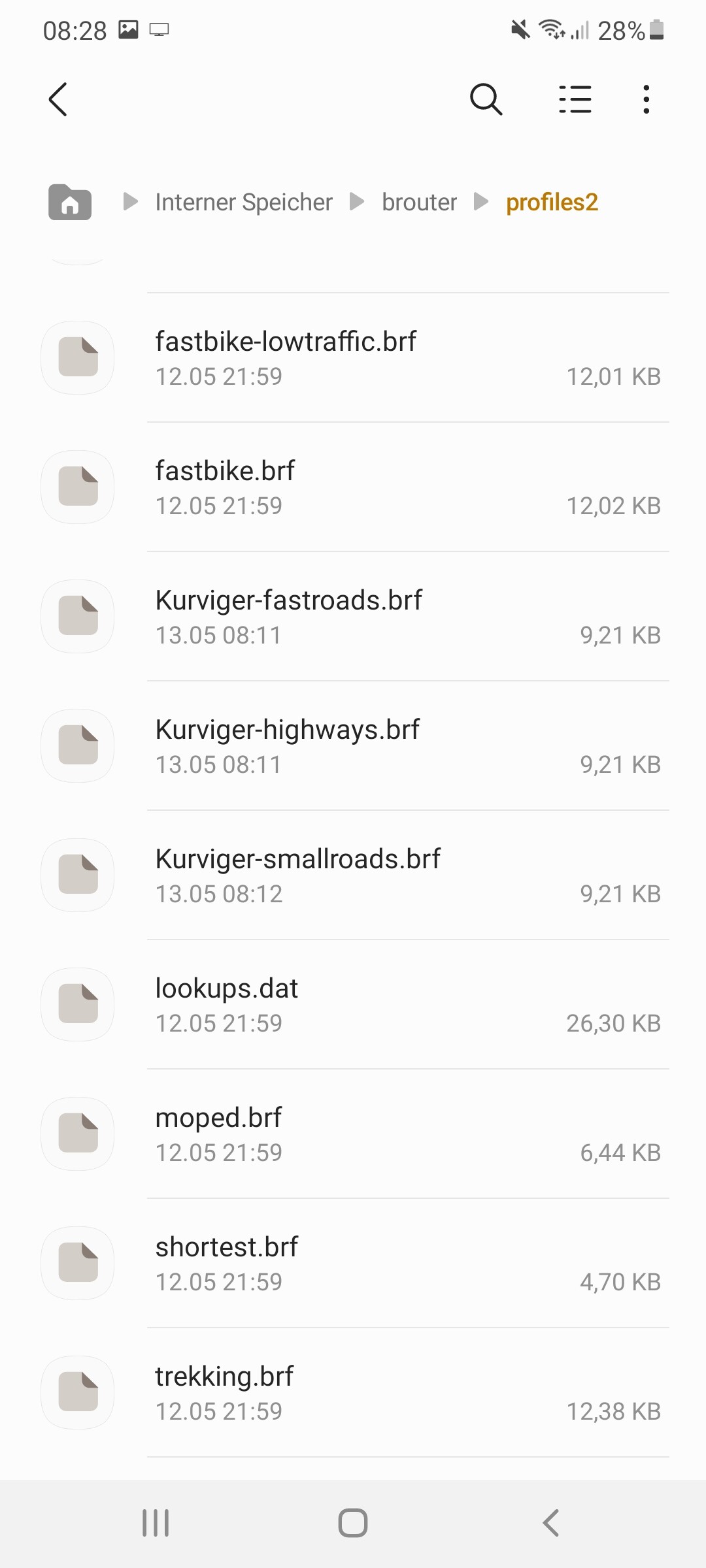
I updated the offline routing guide.
So you can change the BRouter profiles on Android 11 with BRouter_api10.apk.
Unfortunately Google no longer allows such apk on Google Play (it is forbidden).
Those who need it must install it manually…
BRouter app will be updated, we will see how it will work on Android 11+.
Total Commander author mentions in its forum:
“On Android 11, when you go to /storage/emulated/0/Android/data, there is a new link “-> Installed Apps”. You need to tap on this and then allow access on the next page.”
So there should be access to “/storage/emulated/0/Android/data/btools.routingapp/files”
on Android 11+ to access BRouter profiles?
In BRouter repository they mention that for current BRouter 1.6.1 on Google Play
you can change BRouter base dir and customize BRouter profiles on Android 11+
if you manually enable the “Files and Media” permission in the Android settings.