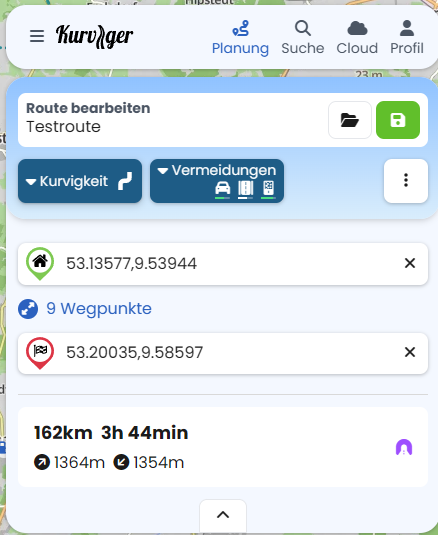
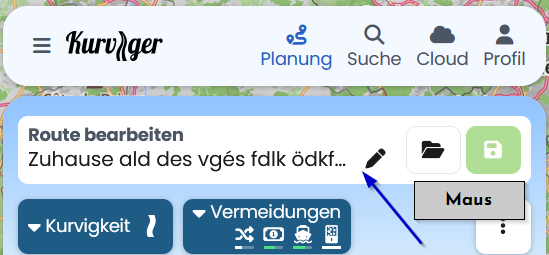
… though clicking a few times on the green button after the name change, the new name ins’t recorded.
I tried many times and always the same issue.
Not important at all but just wanted to mention it.
It is happening for all the routes that I’m trying to rename - more than one to answer your question.
I use Chrome and don’t have another brower to test.
I’ve tried over and over usuing the edit/pencil icon to rename routes but it just stays the same. I click the blue check box. The green file save box does not highlight to save route. Yada, yada. Tried a dozen times different ways.
Maybe you tried to rename the route in planning view? Unfortunately there is currently a bug. Until that is solved, please change the Route names in the Cloud directly as explained in the link above.
Thanks. That’s what I’m doing. Actually, I think it is a software glitch. After I posted I went back and it magically changed. Some kind of delay glitch.
Thanks Kira. I think it is the bug. After I posted I saw that it magically accepted the name change. Random delay. I’m using the website. I’m putting an 8 day Alps ride with individual routes. If I change the route for a day and want to change the name I simply use the pencil edit and check the blue box. When it works it allows me to click the save file and it shows at the bottom right the route has been saved. But on the renaming the save file icon is not highlighted and I can’t save. Seems like a bug thing perhaps?
I agree here. Changing the name does not trigger the route as “dirty”, so you can’t save it just by changing the name. As a work-around, I make some other dummy change, and then undo it. This marks the route as “dirty” and the green save button/icon will be enabled and you can save.
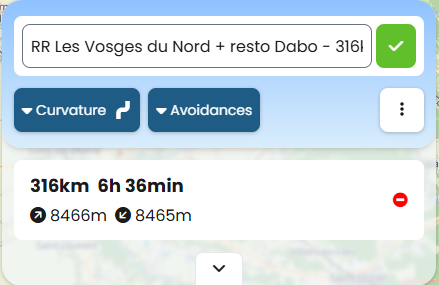
 The window looks different for me, e.g. like this: