Hi.
I have the problem, that I am not able to stop the navigation when I received my final destination.
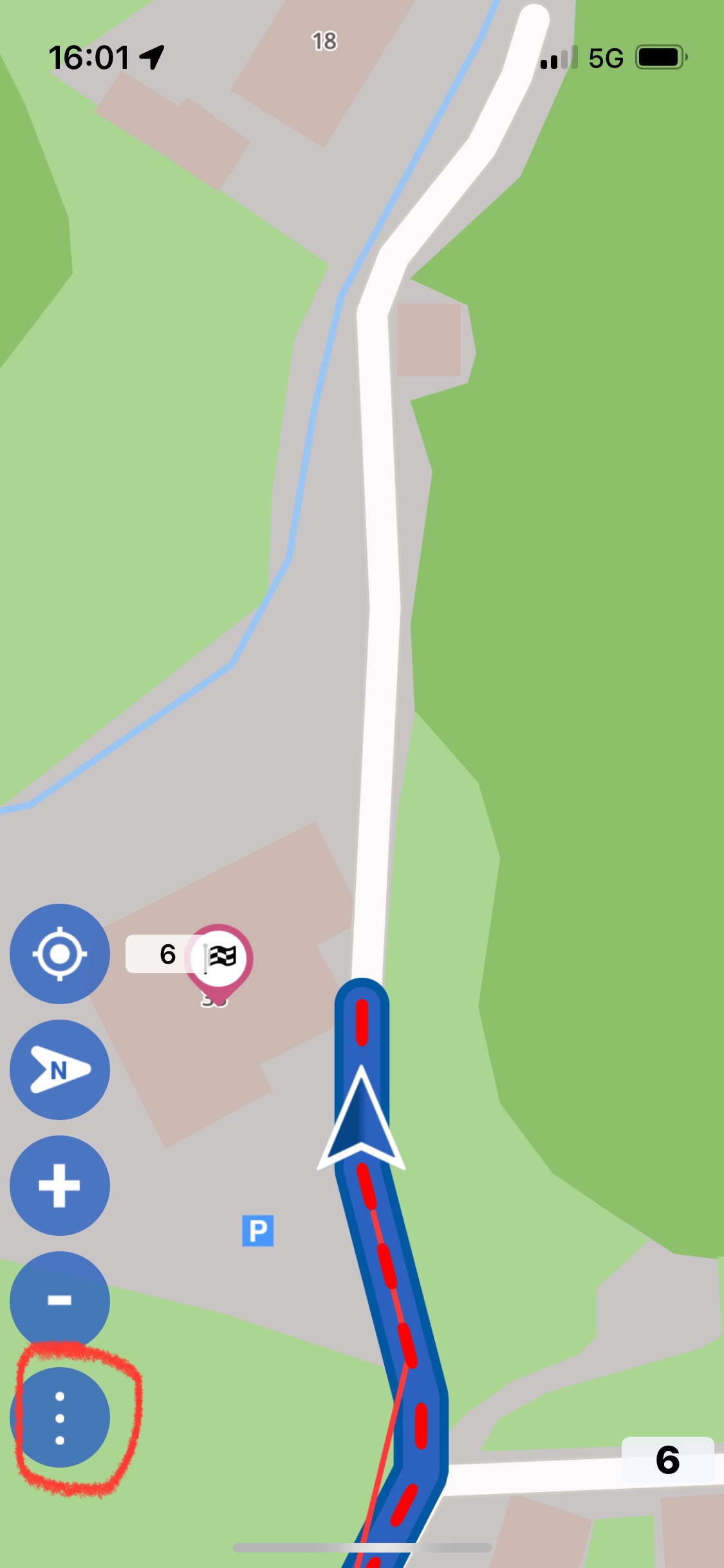
Each time I am arriving at the destination I want to stop the navigation via the three points- beenden menu, but the button is not working. All the other functions work like expect: zoom in and out, positioning, north orientating - but there is no chance to stop navigating (or just enter the tree button menu) - but only after arriving at the destination.
I have to close the app and reopen it, then I am able to finish my trip.
I am using:
OSM-Datumsstempel: 30.8.2025
Version: 3.5.10
Device: Apple - iPhone14,4 - iOS: 18.6.2 - WebView: 18.6.2
Do you have “Full Keyboard Access” switched on?
This setting is located under “Settings / Accessibility / Keyboards&Typing”.
If it is ON, try switching it OFF
In the past I have experienced simmilar effects that (buttons on screen not working) if this setting was switched on. Noone could tell me exactly why was this the case.
Update: just tried to reproduce the problem I had in the past - without success. So it is probably something else.
For me the “end navigation” button will sometimes be very slow to display. It will be grayed out for a long time like it almost needs a mobile connection or wifi before it turns color and you can then stop the navigation.
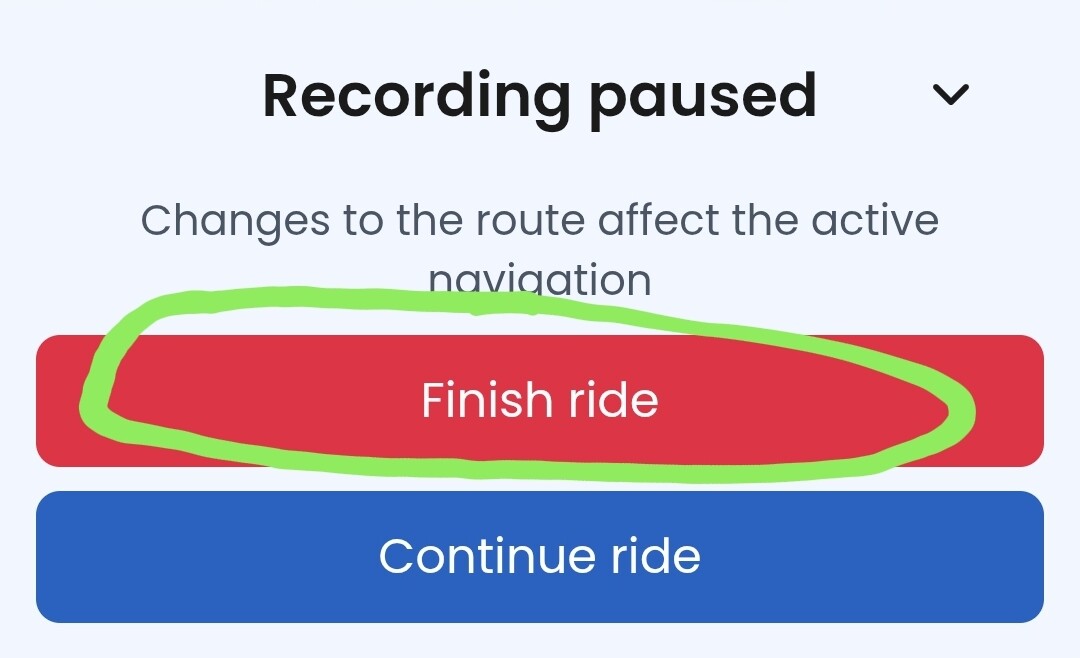
No “finish ride” will be very slow. I’m not recording my rides, but it will still be slow like it needs an internet connection. That shouldn’t be required and it also defeats the purpose of Kurviger’s offline navigation.
This is correct, clicking finish ride currently requires an internet connection. We don’t have the option to cache the recording locally until it can be uploaded in the cloud in the background.
 And I actually thought we had fixed that bug already