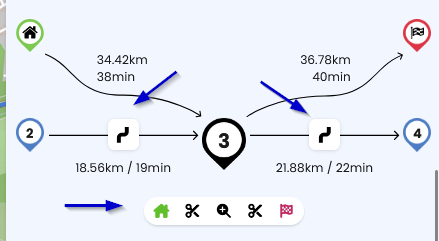
Kurviger offers nice round trips as POI and there are also a lot of similar GPX files available online.
Is there an easy way to change the starting/ending point of a round trip?
In this example the start and end are on the east side of the tour and I would like to start in the west side, say from WP45. I would like to end my round trip at the WP44.
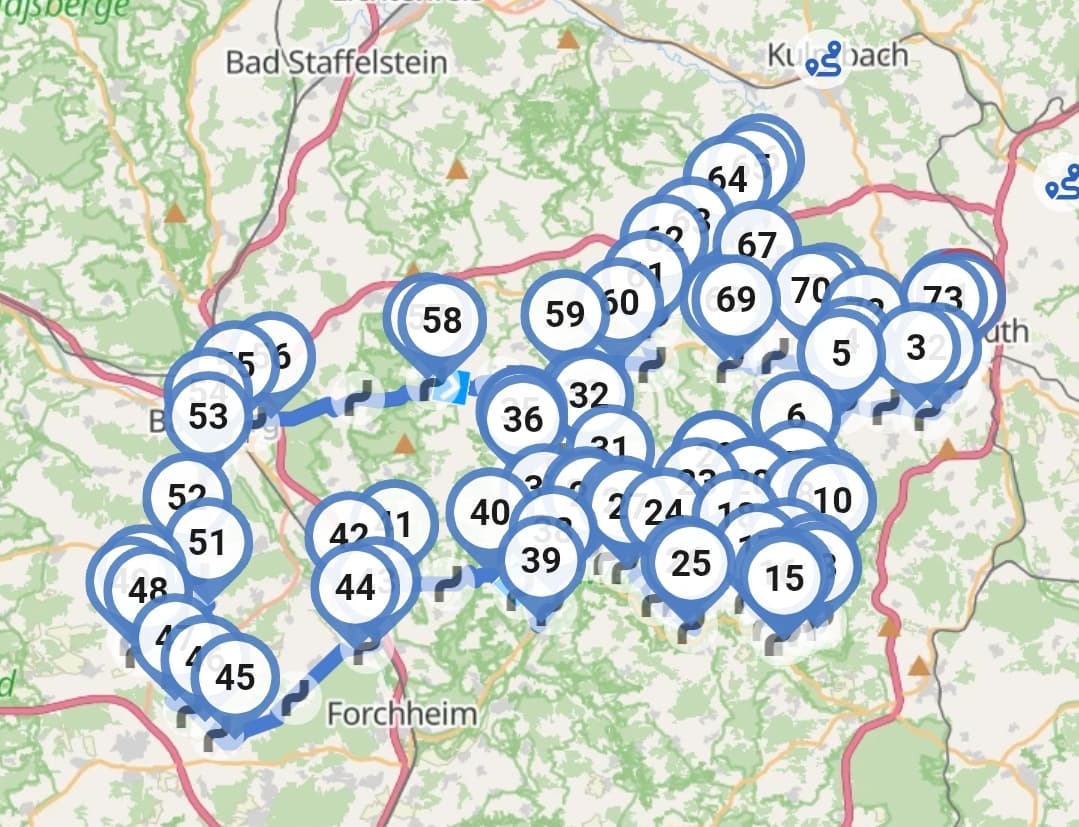
Currently, I see two options:
- Just enter at point 45 and loose the part 1-44. When I reach the last WP, I can reload the route from route history or cloud, restart it and continue to point 44.
- I could extend the initial route by loading exactly the same route and then cut out the part from WP45 to the WP with same coordinates as the WP44 using “
 Split route”.
Would it be possible to offer this function as a simple route operation in the planning mode (like “reverse route”)?
Alternatively, would it be possible at the start of the navigation, that the app recognizes that it is a round trip (start and end are very close) and preserves all WPs in the round trip (moving the end at the last WP before the entry point) and not just those between current location and the end location?