(Debug information, this helps us helping you, you can remove this if you don’t want to share this data, it should not contain any personal or sensitive information)
Device: Apple - iPhone14,7 - iOS: 27.0.1 - WebView: 27.0.1
App-Version: 3.6.6 - 11939
Screen: 390 x 844 px - 3dppx
Please give us some background information so we can help you: What exactly were you doing/ when did this error message appear? Did this happen just once, or has it happened more than once? Can you reproduce the error on purpose, and if so, how?
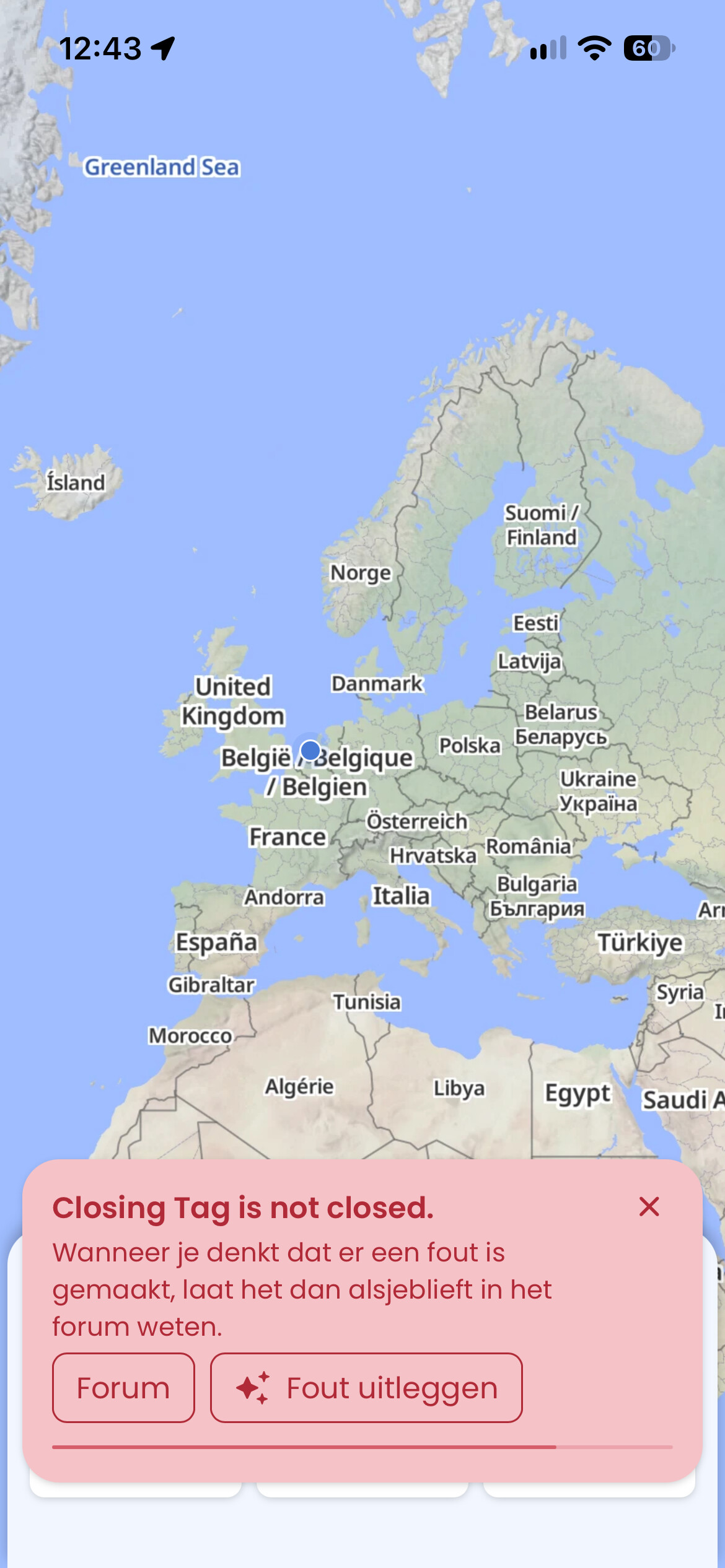
When i try to import an gpx file. Then the notification will come up. I tried it just a few minutes ago and it did it again. Its really strange hahah. Let me know if you find something. Thanks!
It only does it with this gpx. I try to delete this gpx but that doesnt work as well. It says that its being used by an app. Dont understand what is happening hahah.
Did you try to delete the local data as described? Also, please try importing another gpx file just to check - maybe there is something wrong with the specific file you’re trying to import.
Yesss i deleted the local data. Other gpx files work normally. I think its the gpx file. I will try to download again, maybe that wil change something!