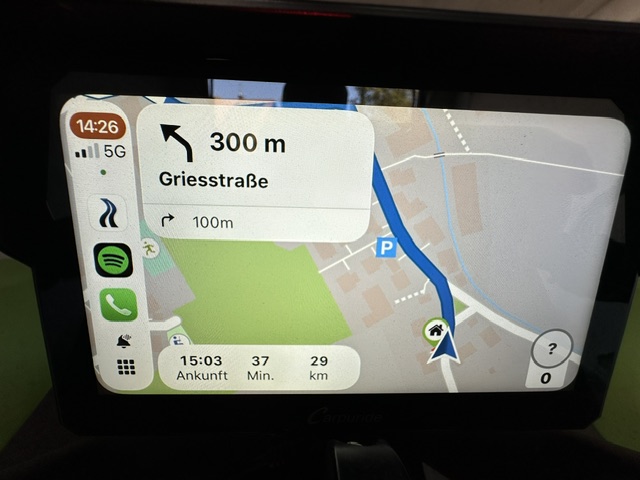
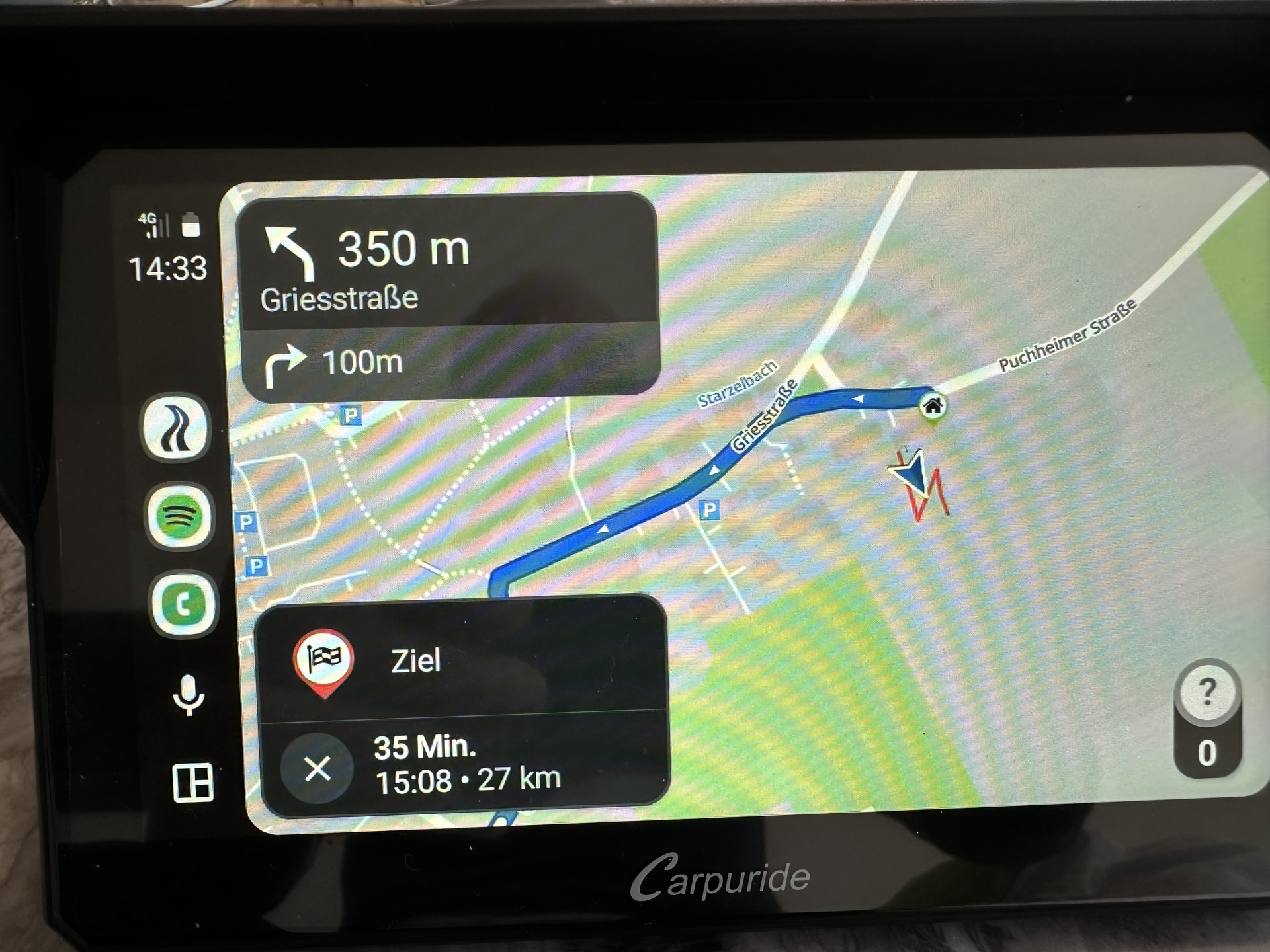
Display in Android Auto

Hi,

I’m currently considering switching from an iPhone to Android (Samsung). Today I tried out Android Auto on the Carpuride 702. I noticed that the display windows for the turn-by-turn directions and the distance/time remaining to the destination are displayed much larger than in CarPlay. I’d even go so far as to say that these two windows are too big in relation to the overall screen. They cover up a huge part of the road map.

Is this normal, or is there a way to adjust it?

Best regards, Heinrich

Hi @HEINRICH,

Unfortunately, we have no control over this because within the CarPlay and Android Auto environments, we operate within a predefined framework. Is the difference on your device really that big?

uhh I always thought the sidebar was better … seeing it like this, the bottom bar is actually more advantageous because “more” is visible.

PS I also have the W702, works pretty well with the display

this is what it looks like on CarPlay:

and this is what it looks like on Android Auto:

Well, it’s not quite that bad after all.

With Android Auto, I wish there was a feature to display the complete route. Unfortunately, that’s only possible on the smartphone

AA also shows the names of the via points, which you currently can’t see on CP. That’s why the bottom window is bigger… but that only plays a marginal role
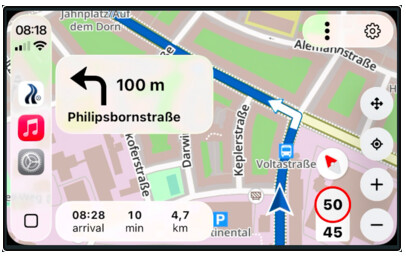
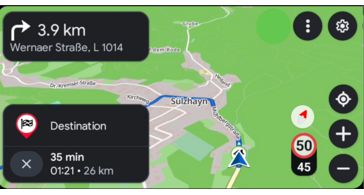
I would like to support this request:
Both GMaps and TomTom offer this very helpful feature, which in AA-Kurviger can only be achieved by zooming out multiple times.
(Cf. in this further context also my thread Trennung der Einstellungen “Zoomfaktor” und “Zentrierung” (Wiederaufnahme).)