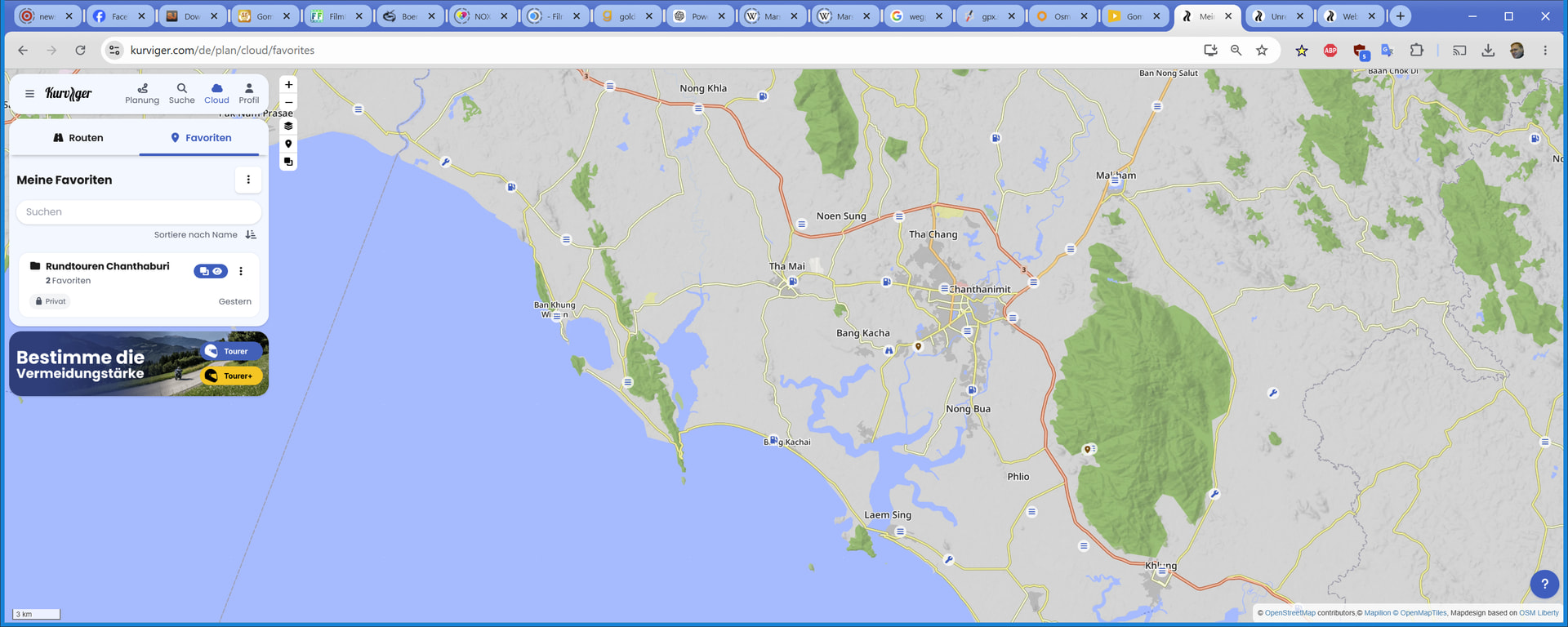
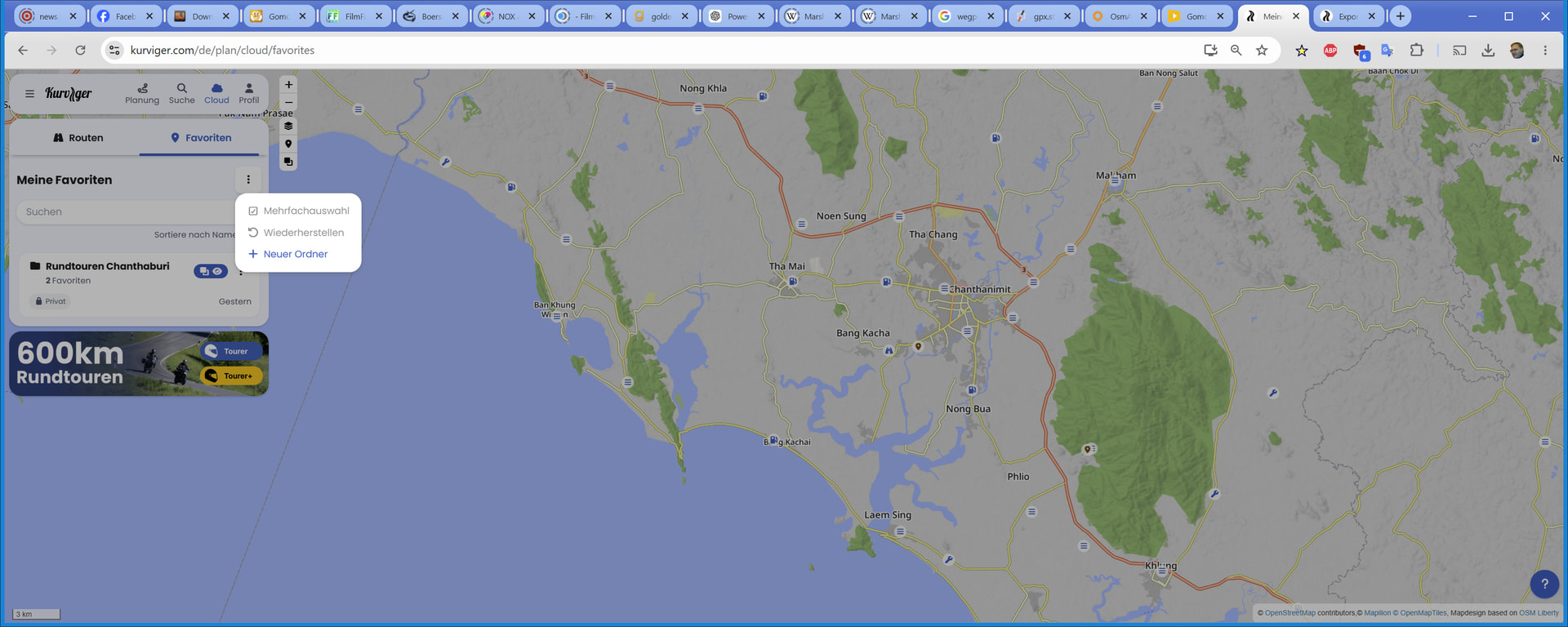
i dont have the advanced options icon. so how to export
ich habe kein erweiterte optionen symbol. also wie geht es zu exportieren?
Thank you.
Danke.
Helllo @twk1,
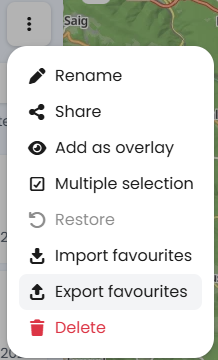
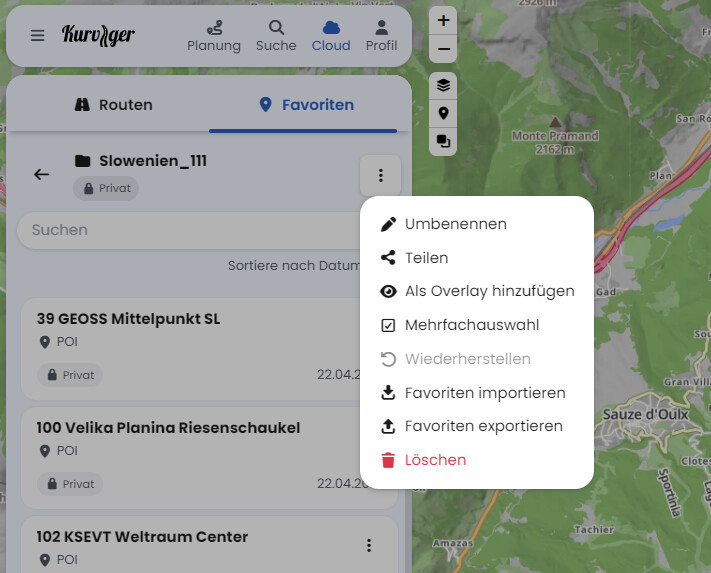
If you want to export favorites as gpx file you can do so by clicking on the respective folder and then on the three-dot-menu. Here you find an option to export favorites 
Weil du eventuell das kostenlose Abo hast?
dann geht es nicht?
Nutze doch das kostenlose Testabo für Tourer + und dann siehst du es ganz schnell 
danke. werds versuchen
Weil du nicht in einem Ordner bist, sondern auf der Übersichtsebene. Siehe die Posts von @zaphod_42 und @Kira
Man benötigt kein Testabo! Auch ohne Abo, mit einer Anmeldung, funktioniert die Cloud.
Ja und hätte ich nicht gedacht, dass Kurviger diese tolle Leistung kostenlos zur Verfügung stellt. Ich hätte es nicht gemacht.