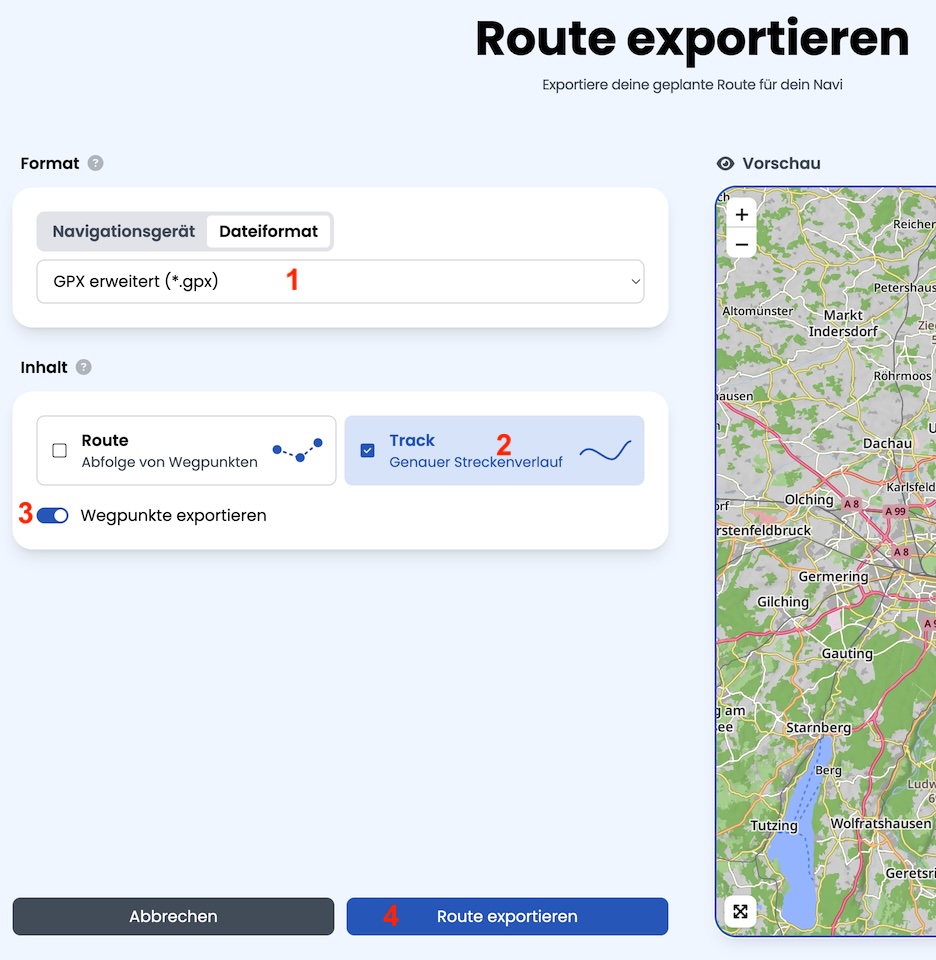
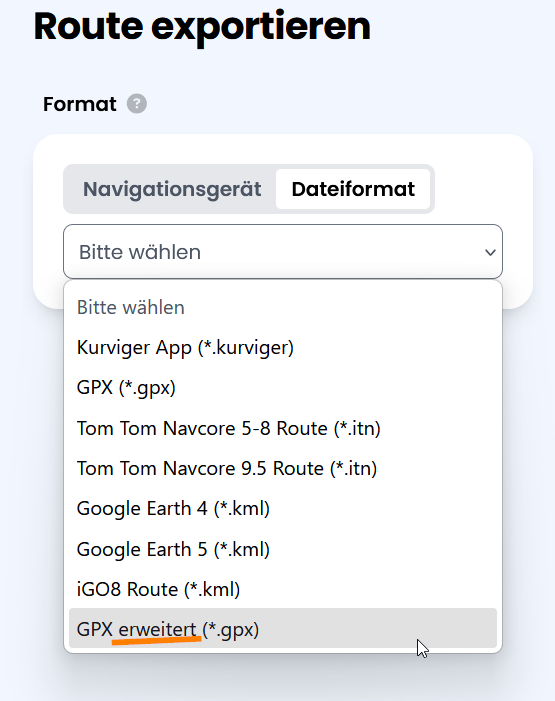
I am having a problem with the new Export function in Kurviger. Before I think I was able to export a GPX file and import it to DMD2. Now none of my ‘via points’ show up as Waypoints in DMD2 only the Start and End show as waypoints?
Can someone explain what I am doing wrong? Or is it a problem with the Export function?
In place of the Wegpunkte exportieren I have None, Intelligent and Interval choices. From reading the help screen, none of these choices sound like what I need?
You were apparently away for a while…
The whole export is undergoing quite a big rework. That is why the documentation and the app are lagging a bit. On the website the team can publish updates quuckly, in the app you have to wait for the next beta or official release.
It sounds like the export format from Kurviger might have changed. When exporting your GPX, make sure to select an option like “Include waypoints” or “GPX (route, waypoints, and track)” if available. Sometimes Kurviger’s default export only includes the start and end points. Also, check if DMD2 requires waypoints to be in a specific GPX format (“wpt” instead of “via”). Try opening the GPX file with a text editor to see if your waypoints are listed. If not, it’s likely an export setting or a recent change in Kurviger.
DMD2 is sticking tightly to the GPX format standard while making adjustments because of the gorilla (Garmin) in the room.
All is good with the new advanced export function. Other than the shaping points are being seen as waypoints in DMD2. DMD2 has a feature that shows you the distance to the next waypoint. So with a shaping point you get the distance to it too, not ideal. I have asked for a way to exclude the shaping points. DMD2 does recognize the difference between via points and shaping points in the Kurviger GPX file so it should be possible.
Maybe editing the Kurviger GPX export file is a possible option, I will explore that option when I have time.