Hi,
I know there have been other discussions on the topic but wasn’t able to find a solution.
Topic: I would like to see all my “favorites” on the plan that I’m using to draw a route.
Now, unless wrong, the only option to see them, is to open the related favorites folder.
If not open my favorites won’t be displayed. Furthermore, they are not very visible. Would it be possible to have specific icon / colors that we could choose from for each favorite.
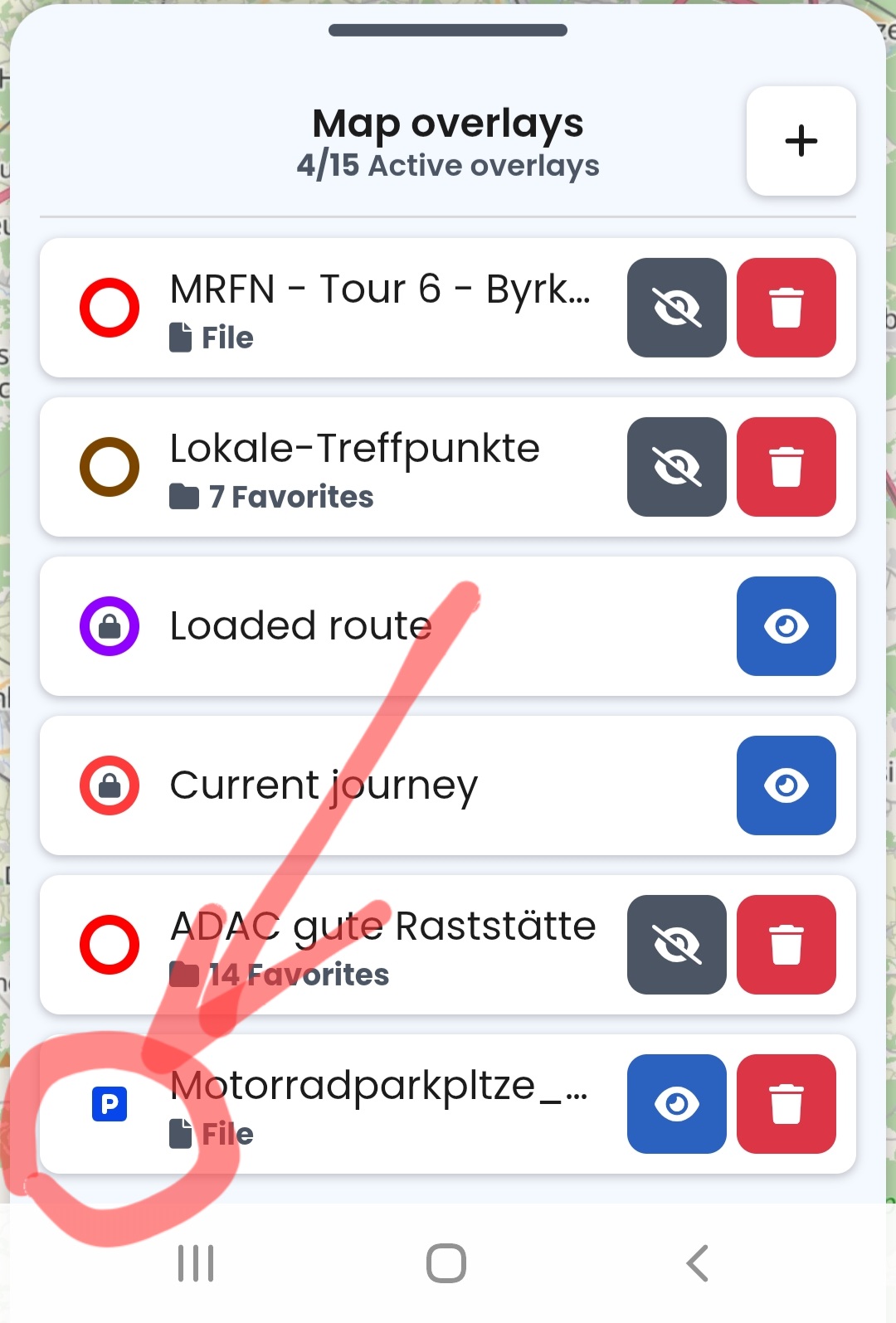
You must use overlay button for your problem
Go to the folder view of your favorites in your cloud .
On the right side of every folder there should be a Button with two signs in it. the right one looks like an eye.
In your situation they should be grey (unvisible in map)
Klick on it an the button will change to blue. (visible)
And about the icons: You can change to some different topics.
I think that is to do for every single manuel.
Klick on exact that Favorit you want to change.
Then on the 3 dots and there you can change the category
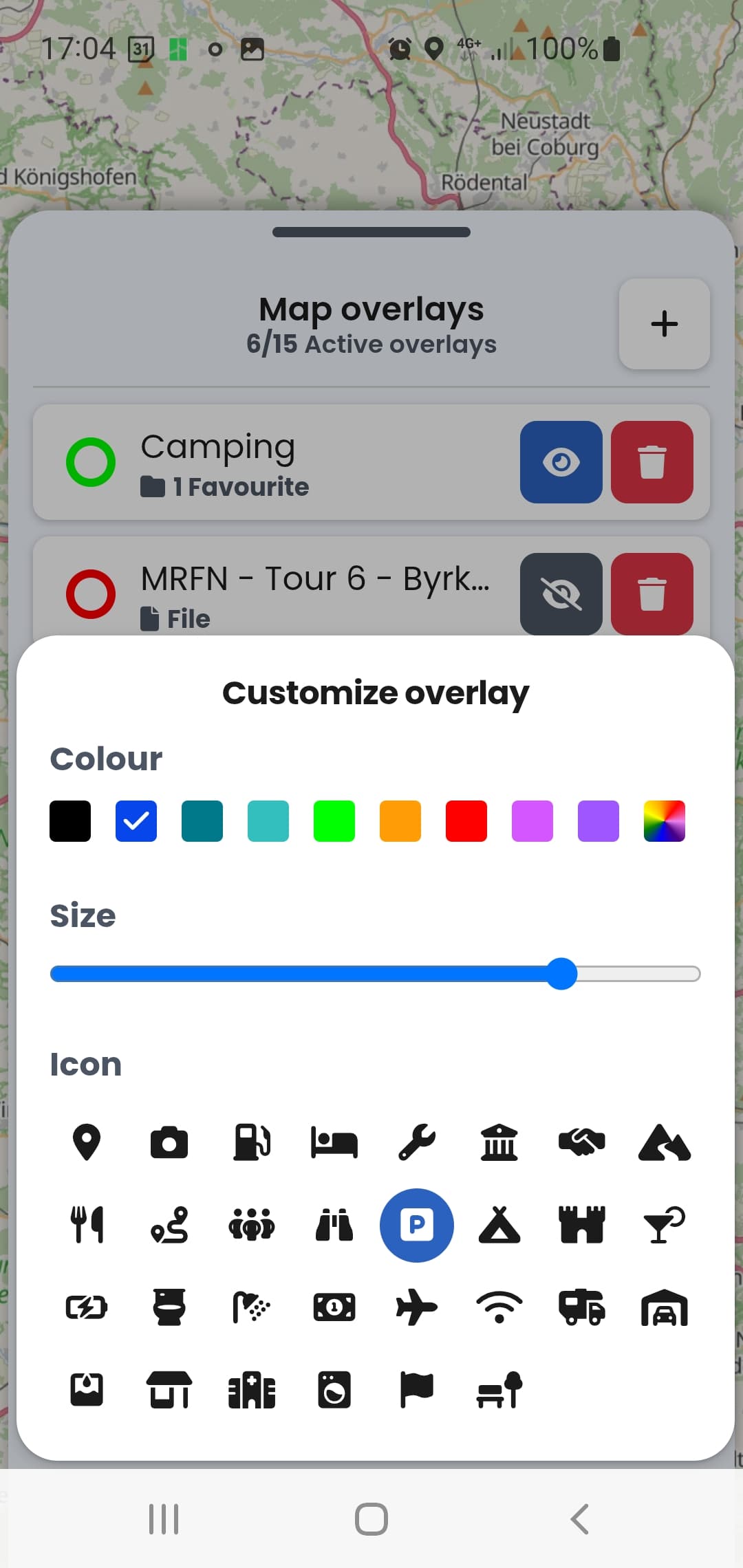
This is currently possible only if you Favorites are in a GPX file, which you can then also load as an overlay. You can also export your Favorites in a GPX file using Kurviger.
This is what it looks like then, you can change size, color and the icon itself (only one icon type per GPX file):
Many thanks for your feedback!!! I’ve exported my (11) favorites into a GPX, imported them and used them as an overlay but can’t manage getting the “customize overlay” options you show here above. What am I doing wrong?
Thanks beforehand for your lights.
Maybe one last question: by proceeding like that, I guess that all the Favorites in the overlay will bear the same same color and be of the same size? In other words each icon can’t be treated individually ? Or am I not correct ?
Again many thanks for your great and fast support


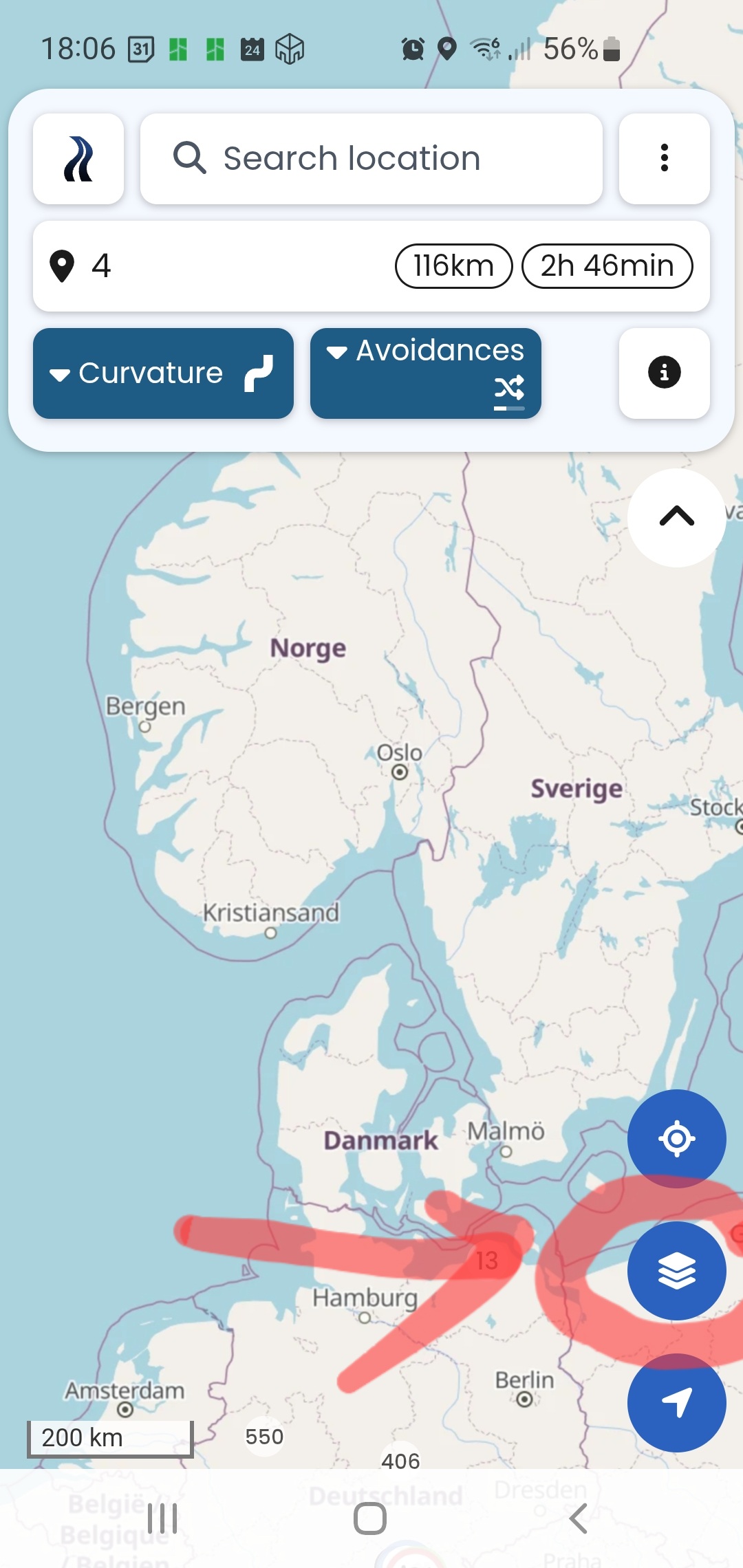
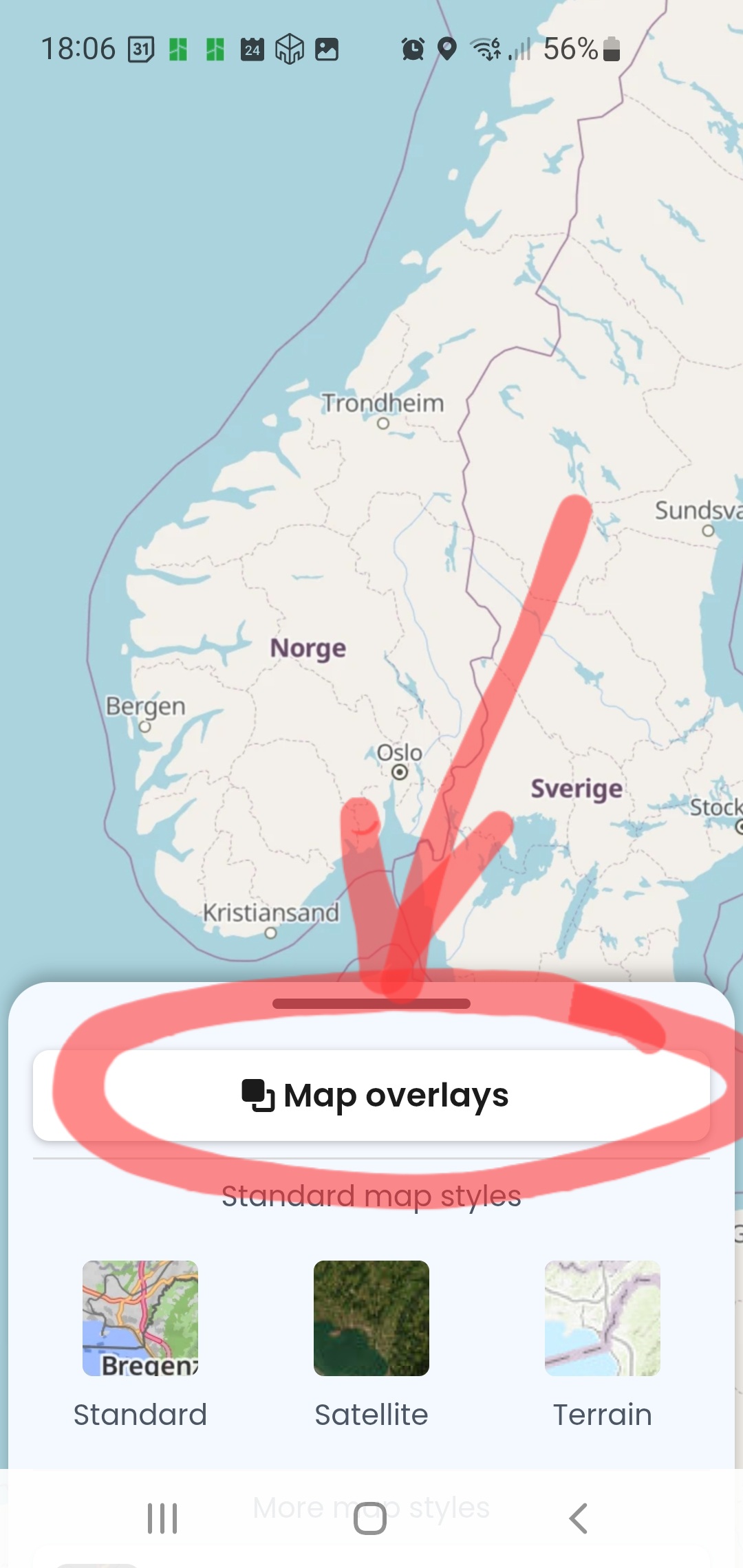


 ):
):