Hello,
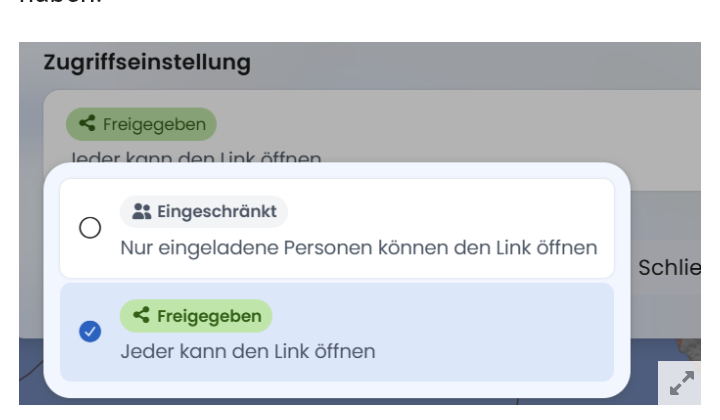
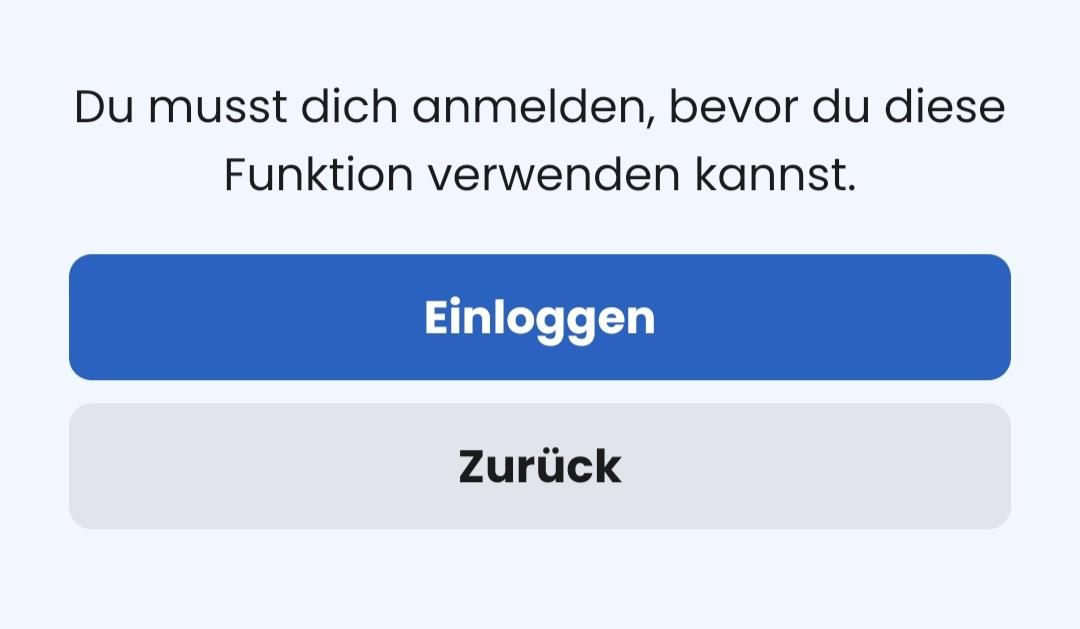
if I understand the sharing settings correctly, this option should mean that I can share the link with anyone who doesn’t have a Kurviger account.
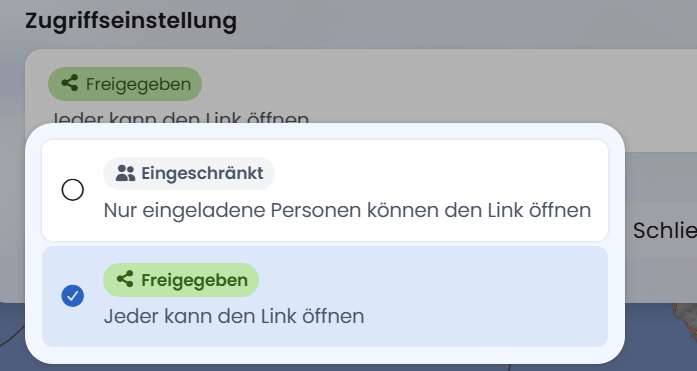
Everyone I asked told me that they can’t access the link.
Or am I missing something?
Thanks
Currently, only users with a Kurviger account can open this type of sharing.
There is a distinction to be made here: either all users who have an account, or you grant access to one (or several) specific users.
Sharing an individual route via a link still works for anyone.
hello,
Thanks for the reply.
What exactly is meant by “Sharing a single route via link still works with anyone.”?
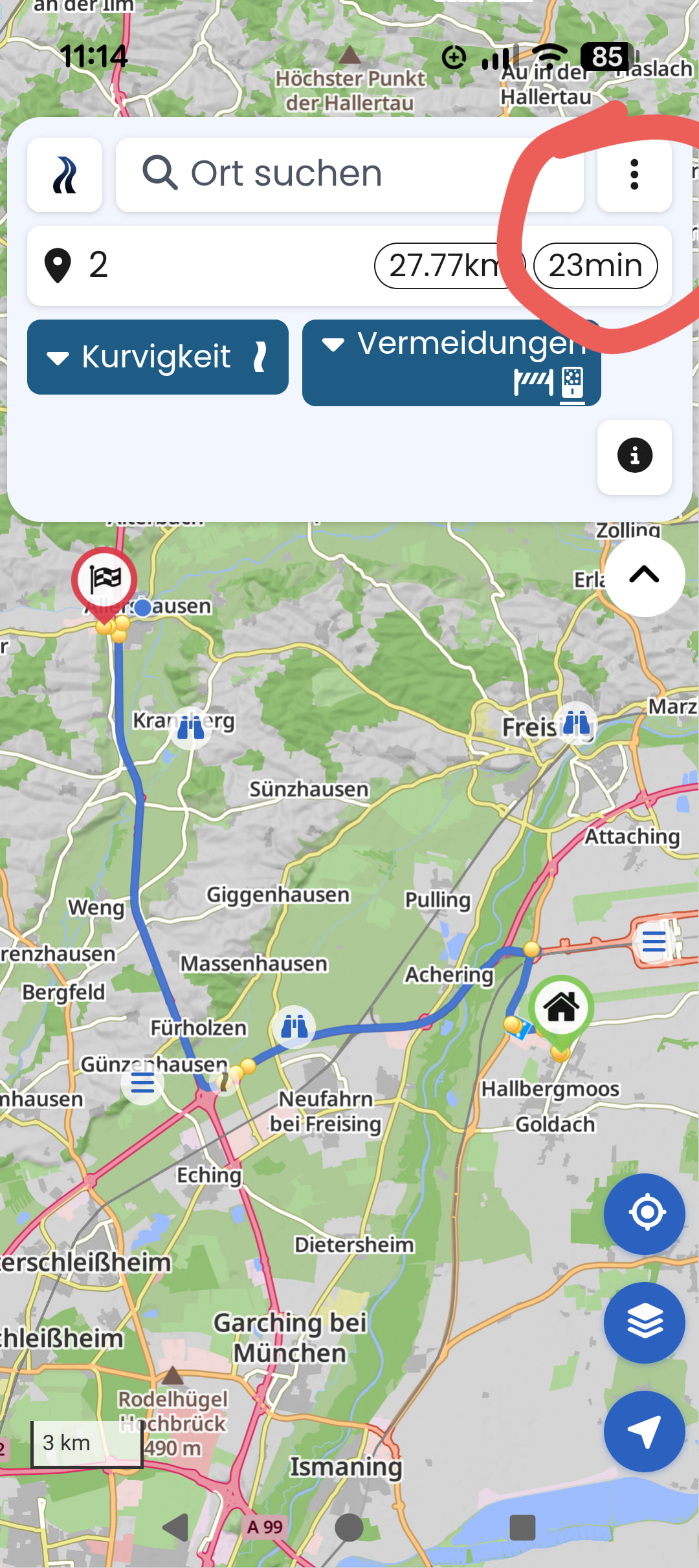
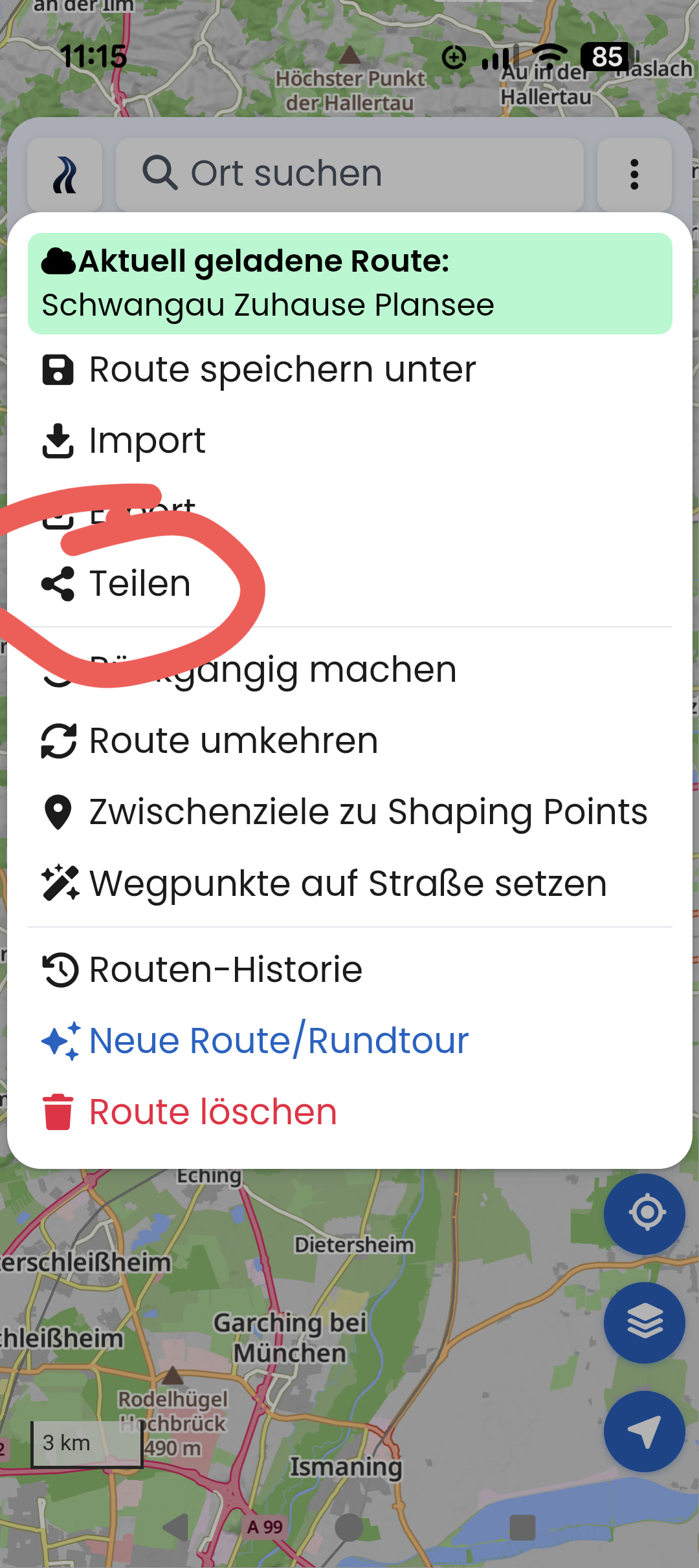
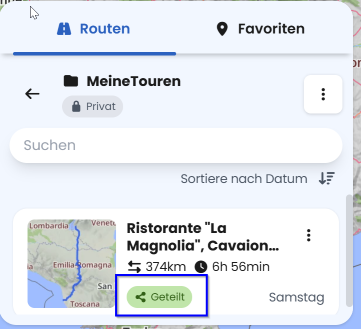
I click on my route
I am doing it right, aren’t I? Or am I misunderstanding something?
Thanks
It depends on what you want to achieve.
As Kurviger (Linux) writes, you are sharing the exact route shown, and the distributed link can be opened by anyone. However, if you modify the route again after sharing, you need to send a new link. The old link still points to the unchanged route as it was at the moment you shared it.
This type of sharing is only suitable for cases where route planning is practically finished.
In recent months, two other variants have been added: sharing routes and folders.
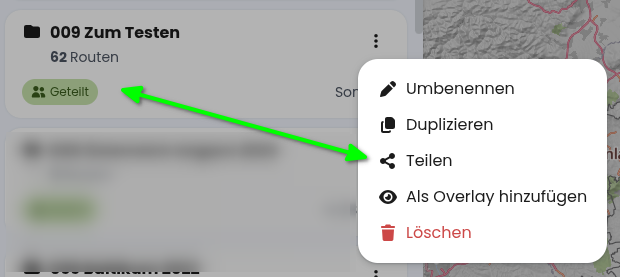
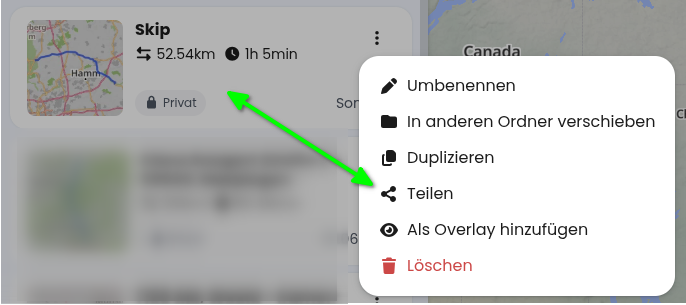
If you share using this method, the other person will always see your current planning status for a route, or always have insight into a shared folder. However, this type of sharing only works among Kurviger users, meaning you need a Kurviger account to access shared items. And access is currently read-only, meaning the other person cannot make changes. This has its pros and cons.
The terminology is a bit misleading; the new “sharing” could also be called “granting access” (Freigeben).
For folders (currently shared):
For routes (currently private, so not shared):
If I were to modify this route, the other person would see the latest planning status.
And “granting access” (Freigeben) recognizes two user groups:
Invite.
Yes, also very fitting.
Sharing 1:
Do as described by @linux-user.
- Load a route
- You are in the route planning mode
- 3-dot menu at the top right
- Share
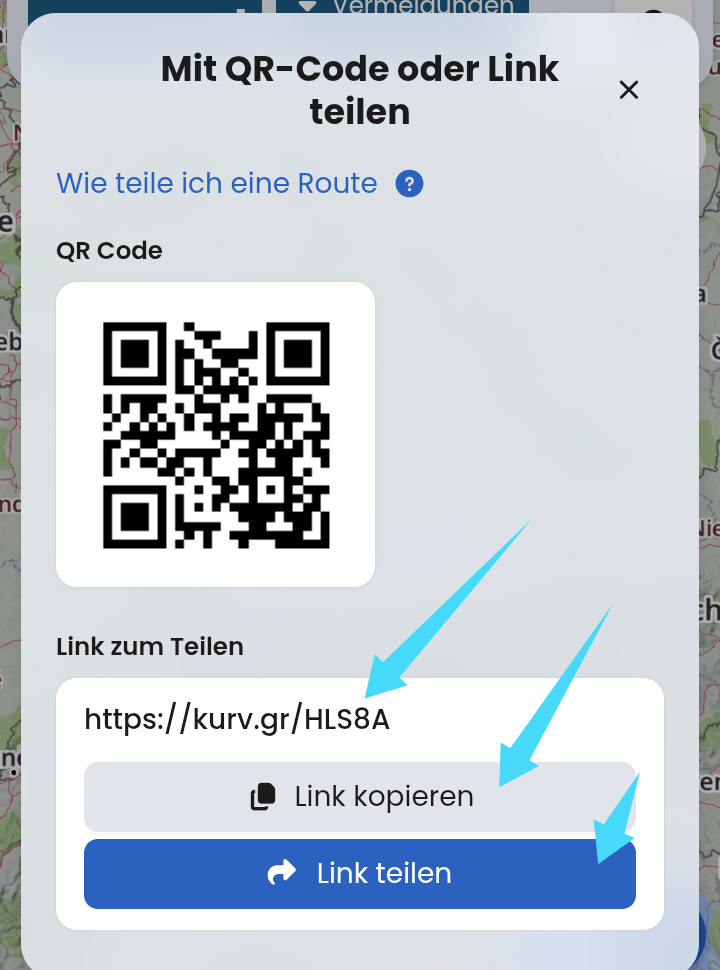
That is where the “kurv.gr” short link is. You copy it using the light-colored button. Then you share this link with your friends via email, WhatsApp, Threema, or whatever you prefer.
Alternatively, use the “Share link” button to open your preferred app directly.
Important: If your recipients do not have a Kurviger account and do not want to create one, this is the right and only way.
Sharing 2:
This other sharing is about sharing within a group of Kurviger users. You “share” your route or an entire folder. Everyone you have invited can basically look at the folder you’ve shared and view data/routes from your account. It’s like “inviting friends over to your house.” And if someone eats too much Haribo, you can uninvite them again.
In short: Option 2 is not for you. Or rather, Option 2 is only for you once you’ve figured out Option 1.
Oh boy, nothing else comes after “In short”, I’m totally riled up 
Unfortunately, both functions are called “Sharing”, but they work in a completely different context, do something entirely different, and serve a different use case. When sharing, you have to be able to evaluate the context in order to choose the right sharing option. Start with the first option.
I already put a lot of effort into another thread to point out this dilemma. I really hope that this is clarified at least linguistically (sharing versus invitation) so that nobody has to explain things via Sharing 1 and Sharing 2.
No, you cannot share the route with people who don’t have a Kurviger account from the cloud menu. @Thoka, @linux-user and @Toffel described it in quite a bit of detail above — there are two types of „sharing“, here are the links to the documentation:
This does NOT work without an account: Routenübertragung innerhalb von Kurviger [Kurviger Knowledgebase]
„Sharing“ from the three-dot menu also works without an account, but the shared routes are not updated automatically: Routenübertragung innerhalb von Kurviger [Kurviger Knowledgebase]
Hello,
I’m actually doing it just like described under “Part 1”.
Best regards
No, you don’t.
Your screenshots above show “Share 2”, and that only works if your buddies also have a Kurviger account.
Therefore, I suggest you simply try out “Share 1”, step by step exactly as described. ;-)_
Take a look at the video and try it out. For Sharing “1”, you have to go into the planning. So either you create a new plan, or you load a planned / ridden route from a folder.
The result is then the “kurv.gr” link that you can share. If you change the route, you have to repeat the process to generate a new link.
Share 2 is sharing (inviting) within a group.
Another idea: Your friends could create a free Kurviger account (i.e. without a subscription, download the Kurviger app and log in). It doesn’t hurt. The free version has a few limitations regarding planning features. You just say it’s a nice forum, it’s worth it, and stuff like that. Then you can both try out both versions of sharing. Good practice for context, on when which sharing method is appropriate and how the other sharing method looks to your practice partner.

Hello,
now the penny has dropped.
Thanks