Hi everyone,
I’m trying to plan my routes manually by clicking directly on the map, but I’m getting really frustrated with the app constantly “thinking for itself” and altering my choices.
Two main issues keep happening:
1. Automatic detours and re-ordering: When I set two points (for example, point 3 and 4), the app completely switches the direction or creates massive, illogical detours into the woods. I just want the route to follow the roads I actually clicked on, but it keeps finding its own ways. Even when trying to use major coastal roads, it forcefully avoids them and ruins the flow.
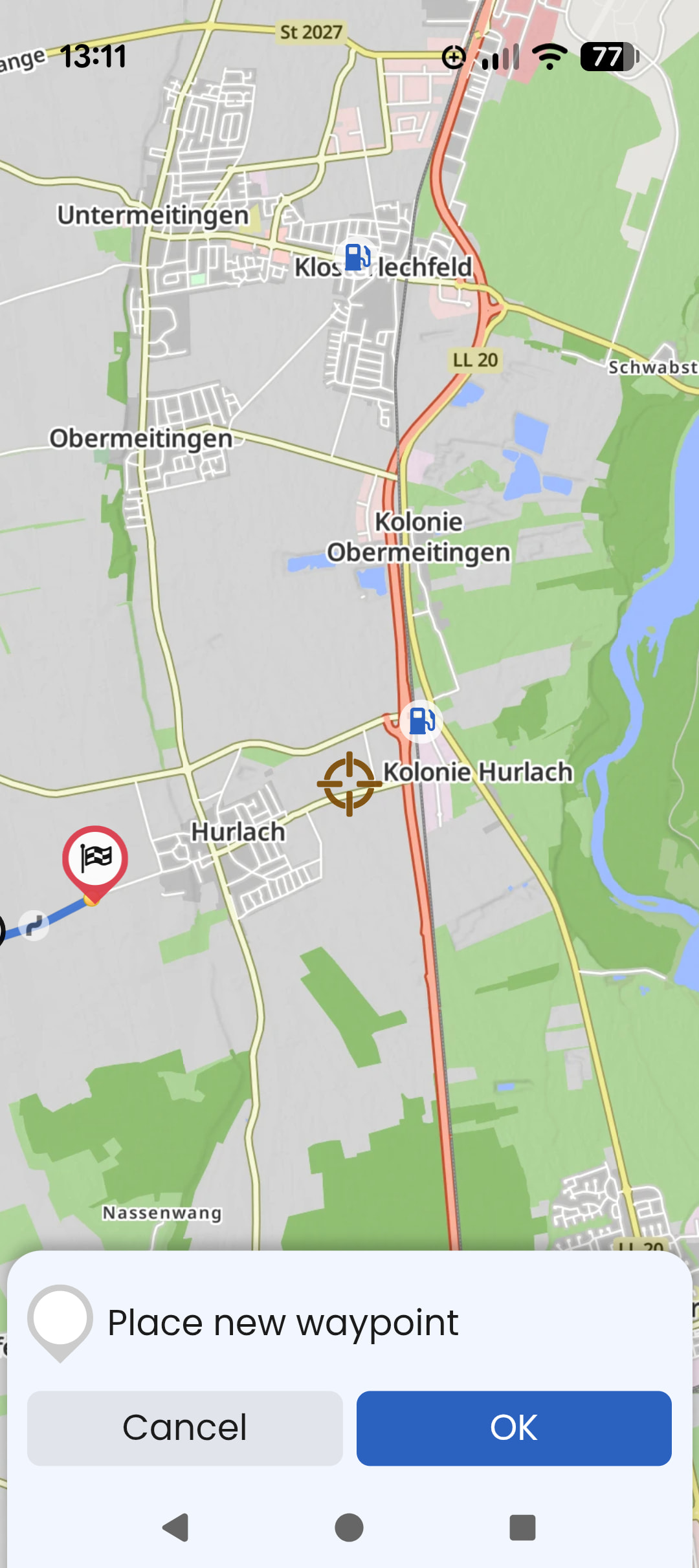
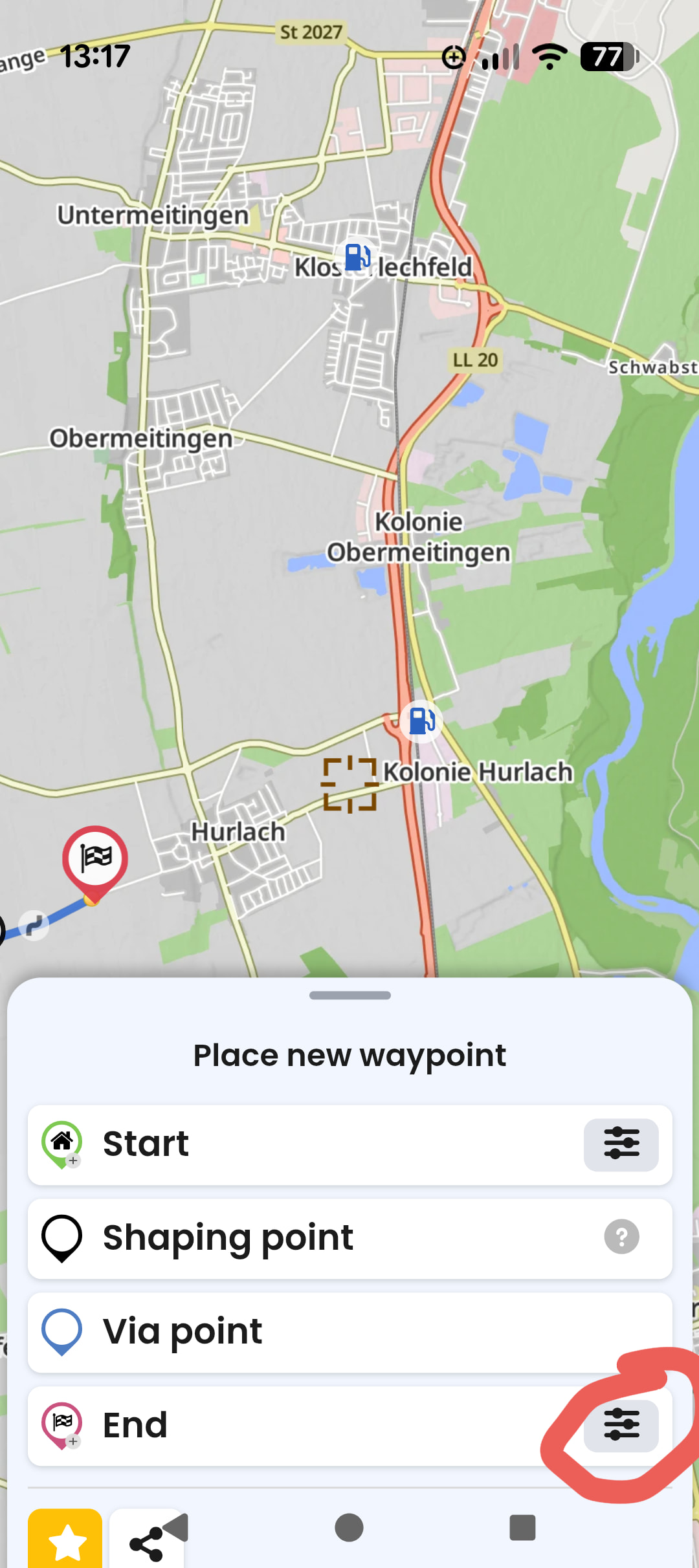
2. “Smart Insertion” driving me crazy: I just spent time building a sequential route, and when I added my last point, the app automatically inserted it as “Point 2” instead of putting it at the very end. This completely tangled up my map into a zig-zag mess forcing me to manually drag the waypoint down the list.
Is there a way to make Kurviger strictly follow my clicks in the exact chronological order I press them, without it trying to be “smart” or over-optimizing for curves? I want to be the planner, not the algorithm.
Thanks for any tips or settings adjustments to fix this!