Auf den Auswahlpunkt darauftippen und halten, dann kommen die Koordinaten im unteren Teil und können kopiert werden.
Das wäre schön, klappt aber nicht. Pluscodes ja, aber keine Koordinaten wie beim Rechtsklick im Browser
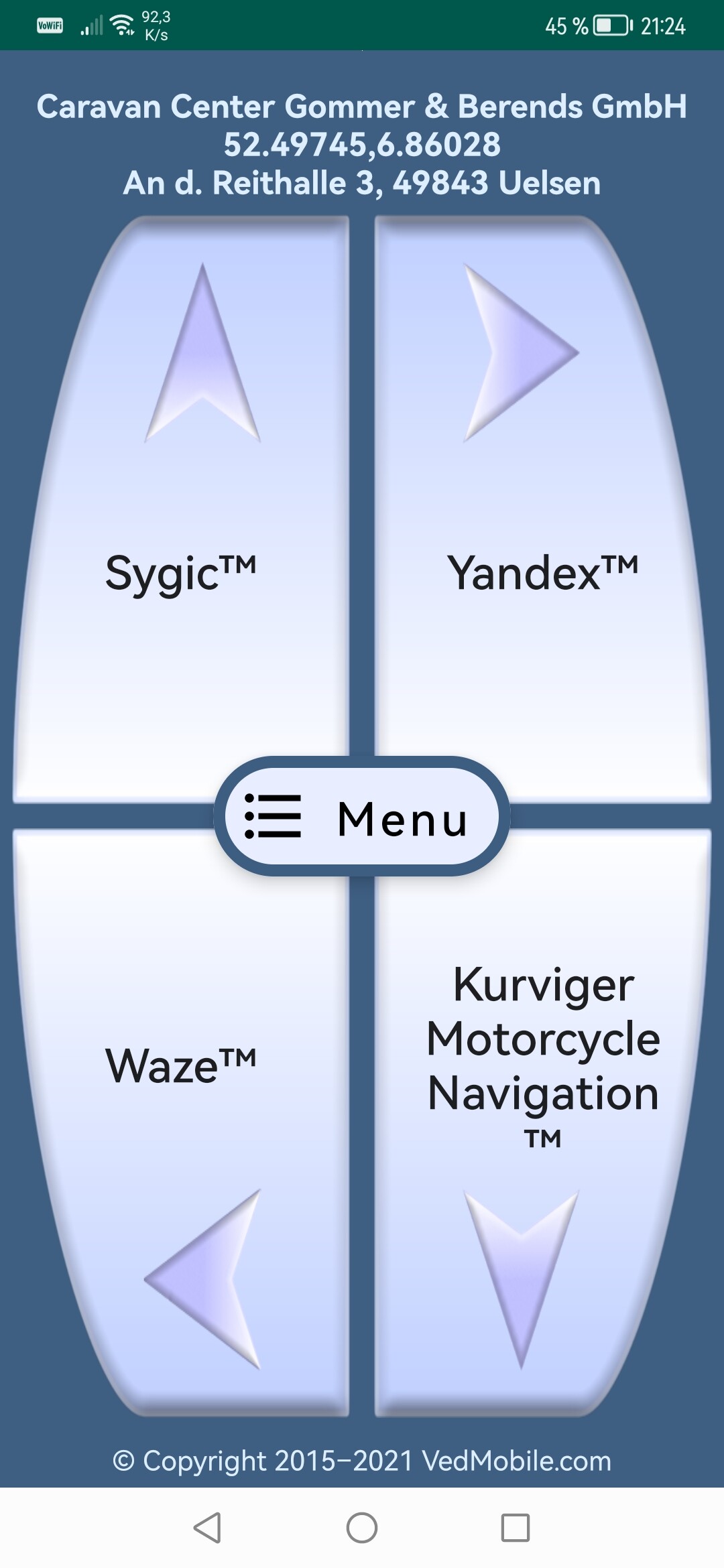
Du brauchst nur auf “Teilen” zu drücken und dann die App “Send No Navigation” auszuwählen.

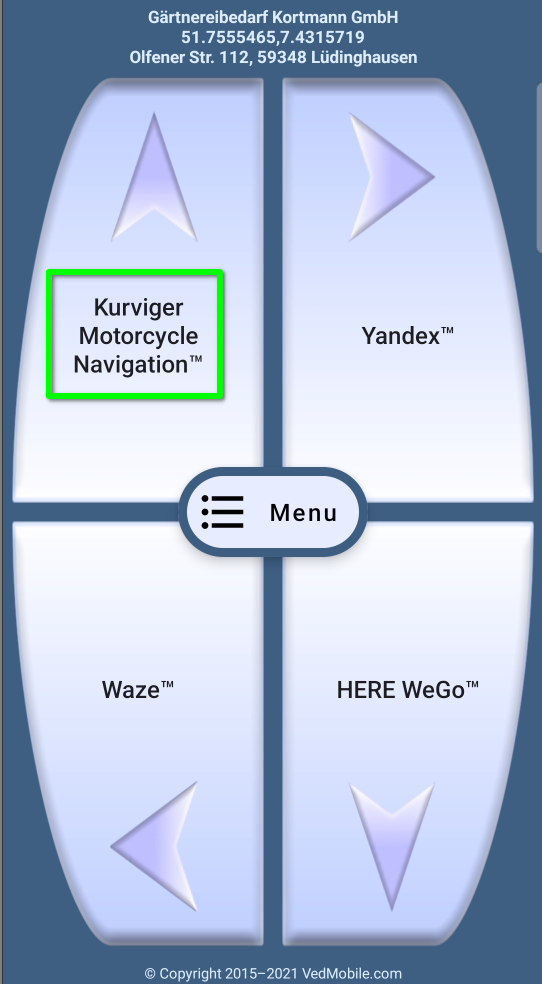
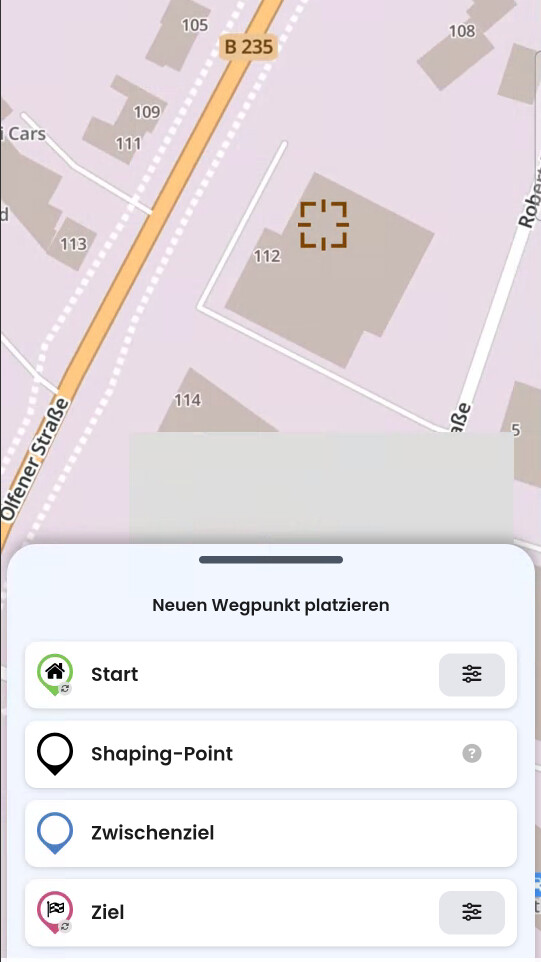
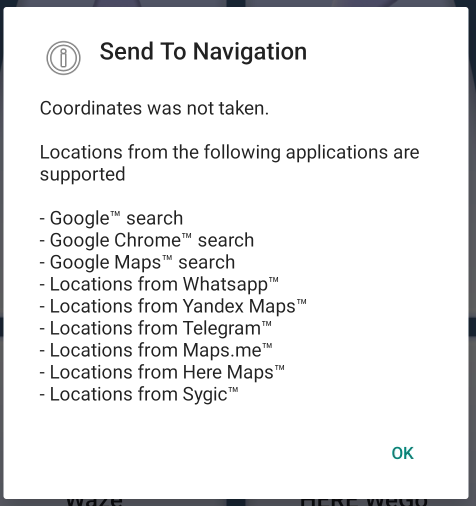

On Android I’m using app called Geo Share to send links directly from Google Maps to Kurviger (or any other map app). It must be sideloaded and can be found here: GitHub - jakubvalenta/geoshare: An Android app to open map links in other map apps and copy coordinates
You just select the point or POI you want to send to Kurviger and click Share. Select Geo Share and popup with all mapping apps shows up. Select Kurviger and then it will transfer the location there. I also use it in the car to send locations from GMaps to Waze.
Just installed it from F-Droid, no need to sideload. First test was nice. 
Edit: Second test - big smile ony face.
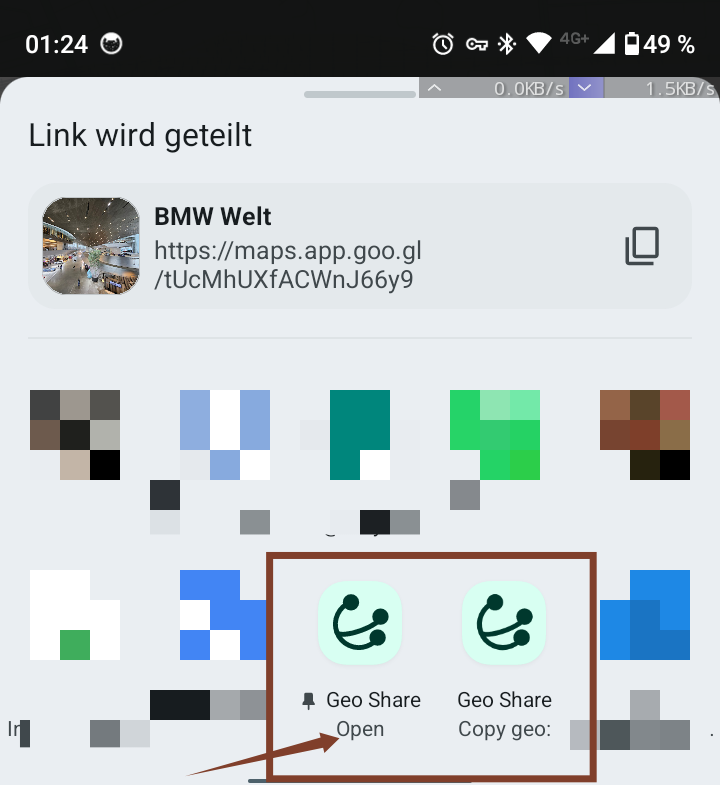
Just as as a note, for those who try. When I share on my phone the converted link I have two options, the one named “open” offers Kurviger to open the geo:coordinate.
Just installed F-Droid after mobile change - schönes Tool 
Braucht aber auch immer dieses Quäntchen IT - Affinität, schöner wär’s natürlich direkt.
Genau! Ich nutze überwiegend die App unter Android.