Hello everyone.
Question: how do I add a “home address” or “work address” to my favourites? Something like one-click navigation.
Thank you!
Hello everyone.
Question: how do I add a “home address” or “work address” to my favourites? Something like one-click navigation.
Thank you!
Do you mean in the app or on the website?
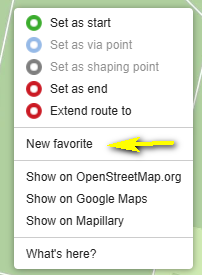
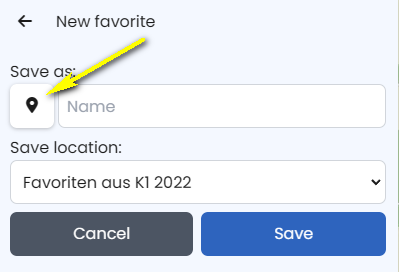
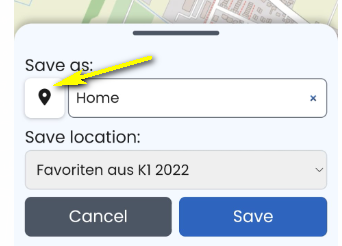
Website: Right-click on the desired location, then click on “New favourite”, type in a name, e.g. “Home”, select a favourites folder
You can select the type of POI by clicking on the “drop”.
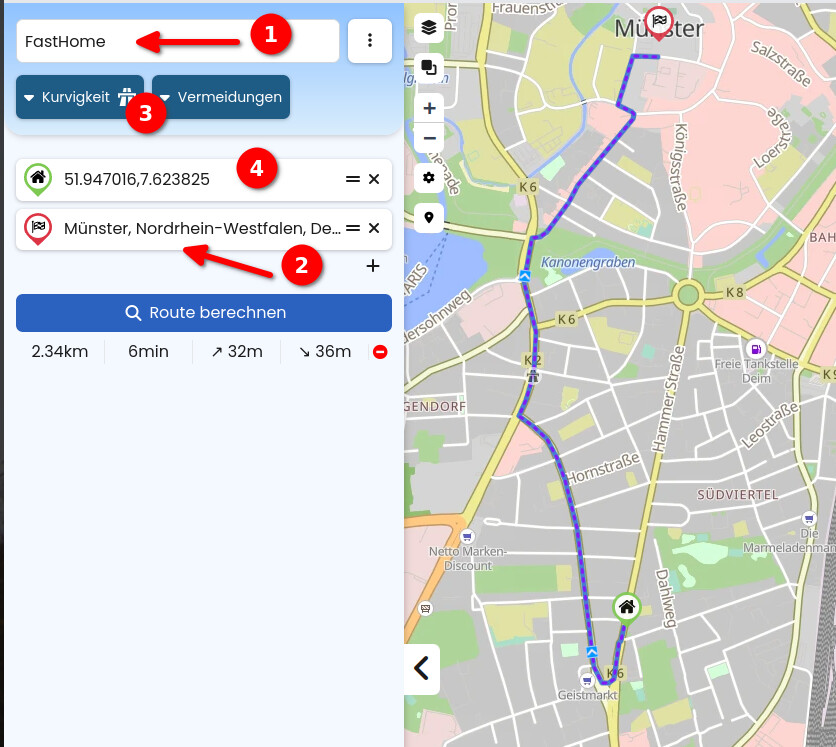
To select the favourite, click on “Search” and type in the name, e.g. Home. Then select the relevant entry from the list that appears. Click on “Add to route” to add the POI to the route. That’s it.
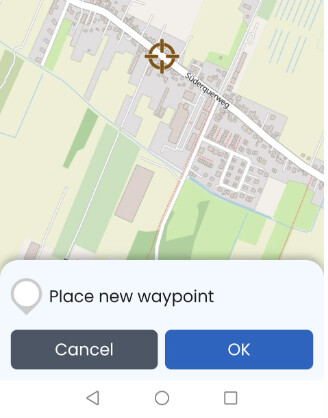
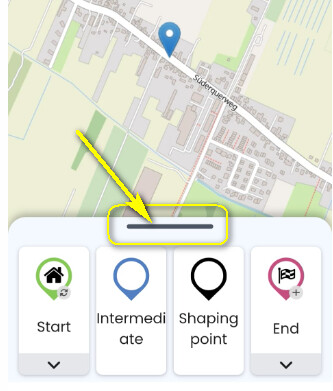
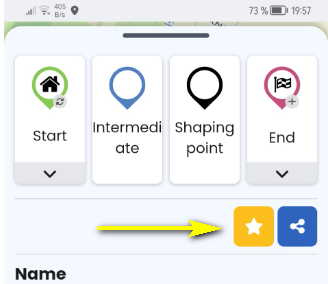
App: Tap the location you want to make a favorite and hold until the new waypoint window appears:
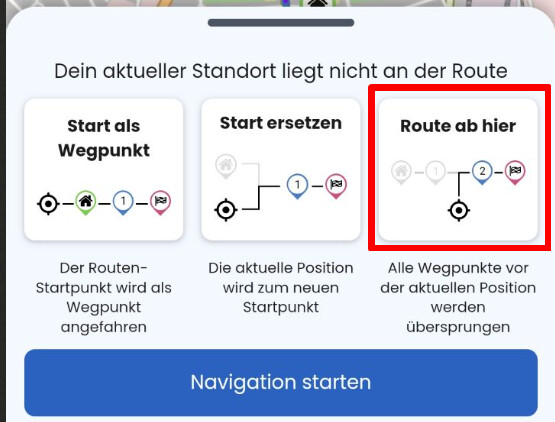
To select the favorite, type the name, e.g. “Home”, into the search field and add it to the route by tapping “Add to route”. That’s it.
Ich hoffe, ich habe nichts falsch gemacht. Jetzt stelle ich erstmal wieder alles auf Deutsch um 
You can display a favourites folder as an overlay. e.g. Home and Work are then permanently displayed. You can then organise your route accordingly.
What is not yet possible, however, is to press a button with Take me home quickly now