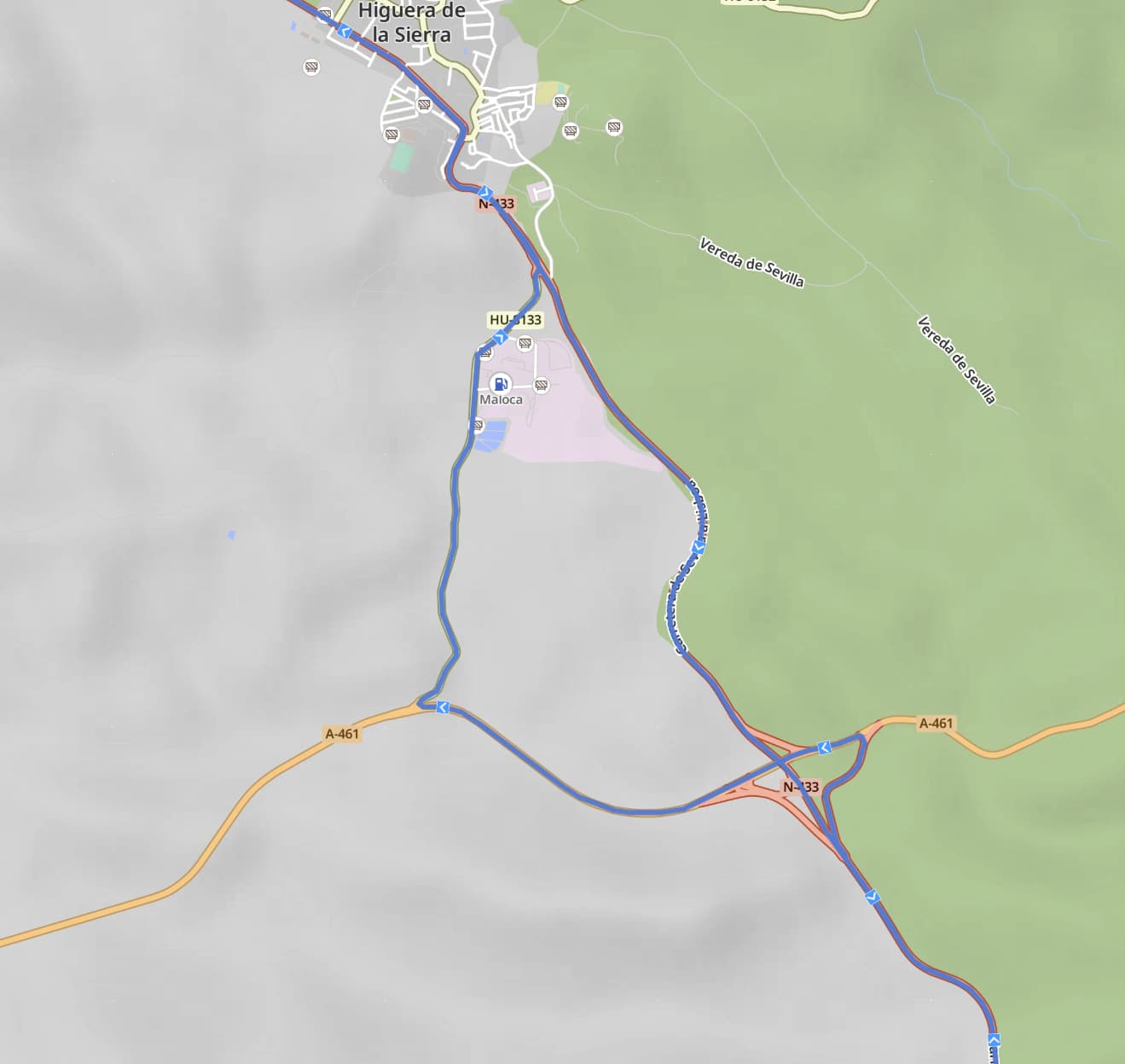
Why does kurviger doesn’t use the same way back home and make every little detour possible?
Despite indicating that I want the fastest way, it makes every detour as soon as it finds one…
I planned a +700km route with a start and a via point to my destination. Then I’ve set a single shaping point to change the initial calculated route. When planning the return, it doesn’t follow the same route and I have to add a LOT of shaping points to force it to the same road. Is there a setting that I’m fighting? What am I doing wrong? I use to plan my routes with via points instead of shaping points and this didn’t happen. Could this be the reason?
Any ideas are welcome. Thanks in advance
Share the short-link to the route, so we can have a look.
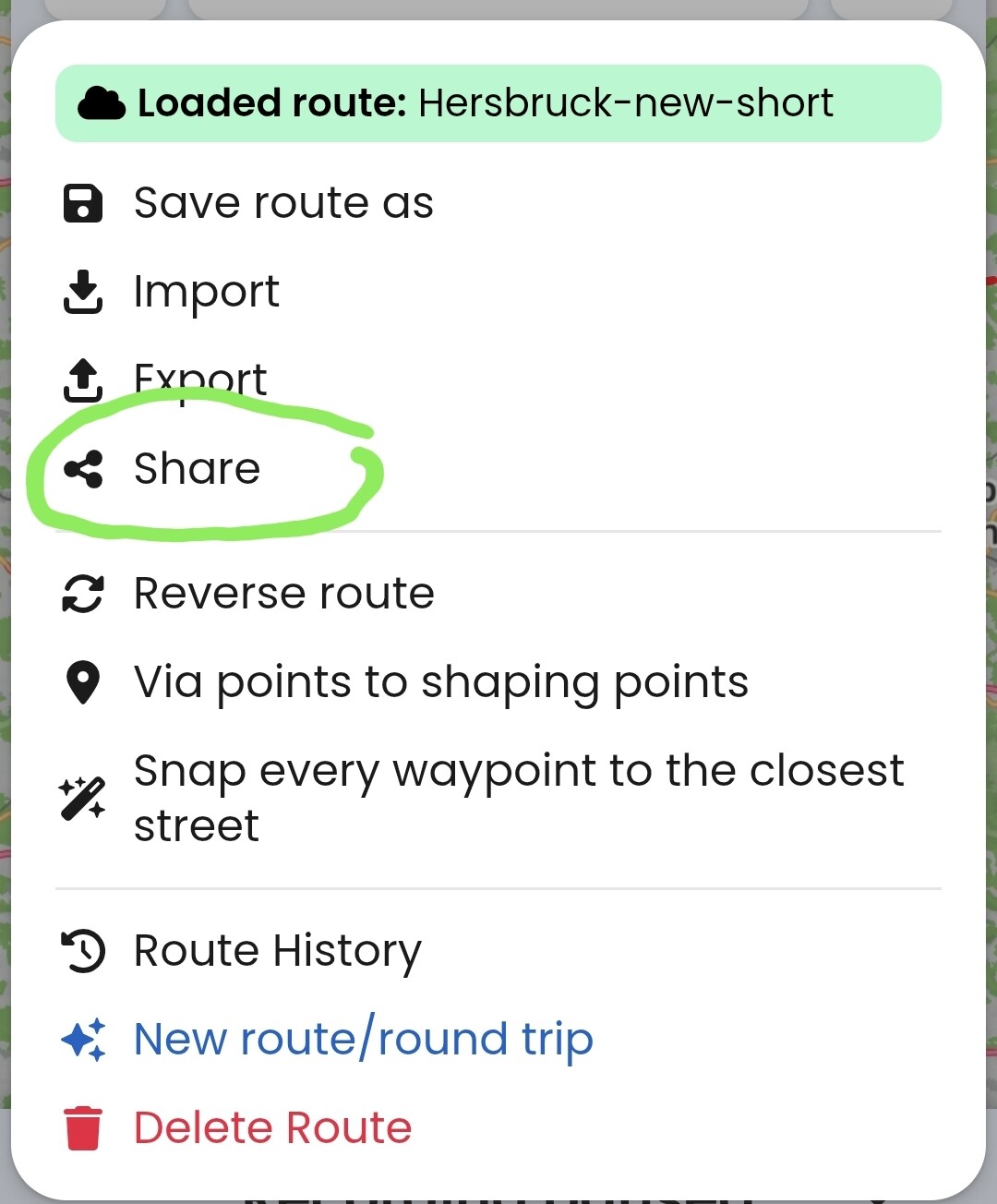
Spontaneous ideas:
-
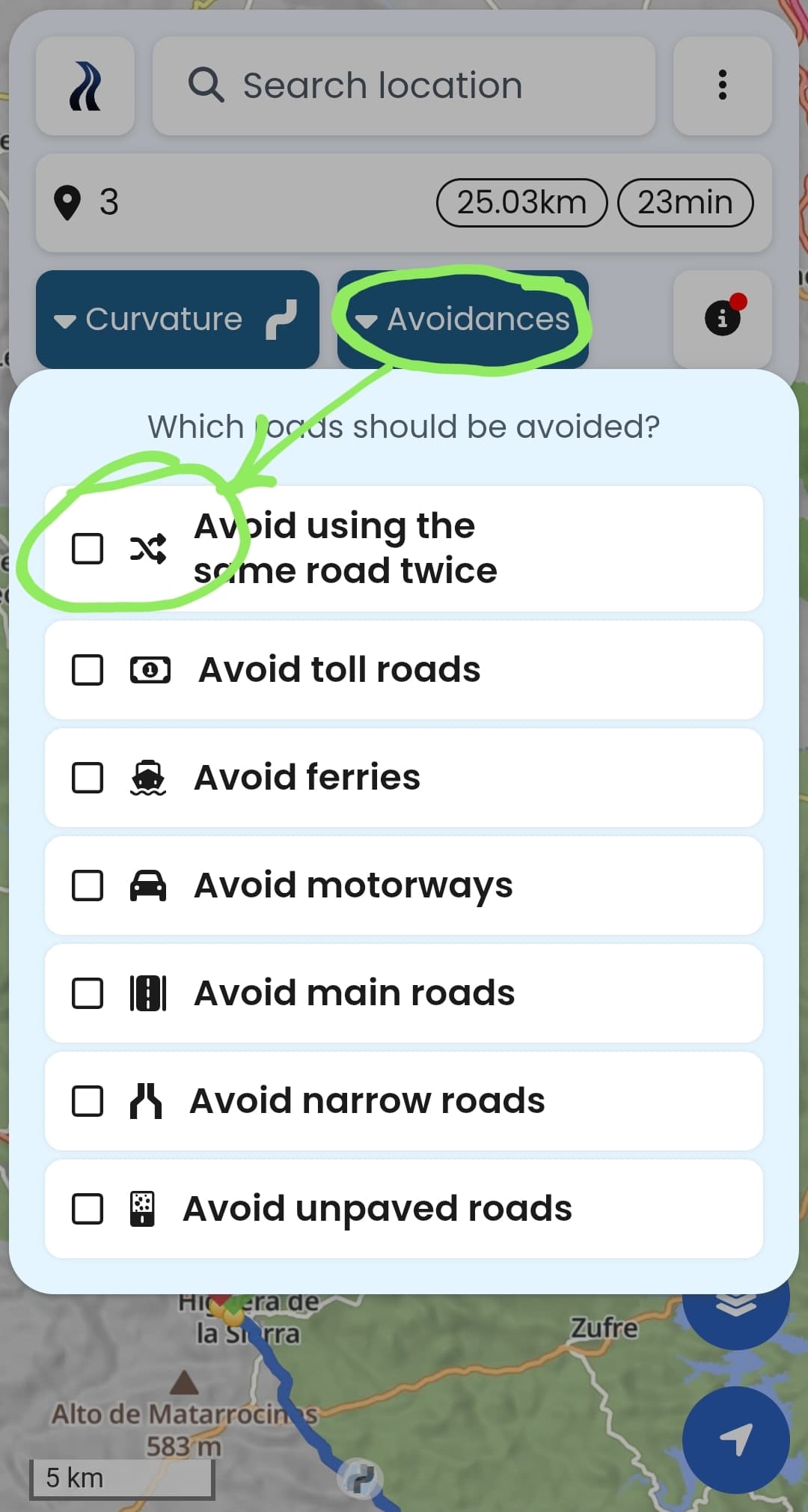
“avoid using the same road twice” is maybe switched on
https://kurv.gr/2MFdq -
placing shaping points on highways must be done carefully - if you place it on the wrong side of the road, you may get some loops like in you screenshot
2 Likes
That was it. I was pretty sure that I’ve seen that “avoid the same road twice” setting before, but I couldn’t find it and because that was exactly what the app was doing. Poor thing, stupid human. You saved the day, again. Thanks
1 Like
Also, check out Kurviger YouTube channel:
https://youtube.com/@kurviger?feature=shared
It is a quick way to get you started with a couple of basics.
2 Likes