Hi everyone,
How can I increase the speech volume in the Kurviger app? I’ve tried increasing the text-to-speech volume but that did nothing. I’ve seen mention on here of a volume button in Kurviger but I can’t find it.
Thanks
Hi everyone,
How can I increase the speech volume in the Kurviger app? I’ve tried increasing the text-to-speech volume but that did nothing. I’ve seen mention on here of a volume button in Kurviger but I can’t find it.
Thanks
Hi Knobby,
please have a look here, this should help: Lautstärke der Navigationsansagen / IOS - #8 by Toffel
Thanks for your reply, but I don’t see that this helps me. Maybe I should’ve added more information:
I have an Android phone and have it linked to a “Moman” headset. This headset works well and I play music at a reasonable volume, but whenever Kurviger gives an instruction it is very quiet. I can’t just increase the volume on the phone or the headset as then the music will be deafening! I need to be able to increase the volume of the Kurviger voice.
Unfortunately, this has been a very annoying issue for years, and it doesn’t necessarily have anything to do with Kurviger, since Kurviger simply uses the Android functions and passes the audio along.
I would also really like it if there were a way to turn up the volume in Kurviger.
Perhaps the issue isn’t as noticeable in Kurviger if the developers themselves don’t use audio output.
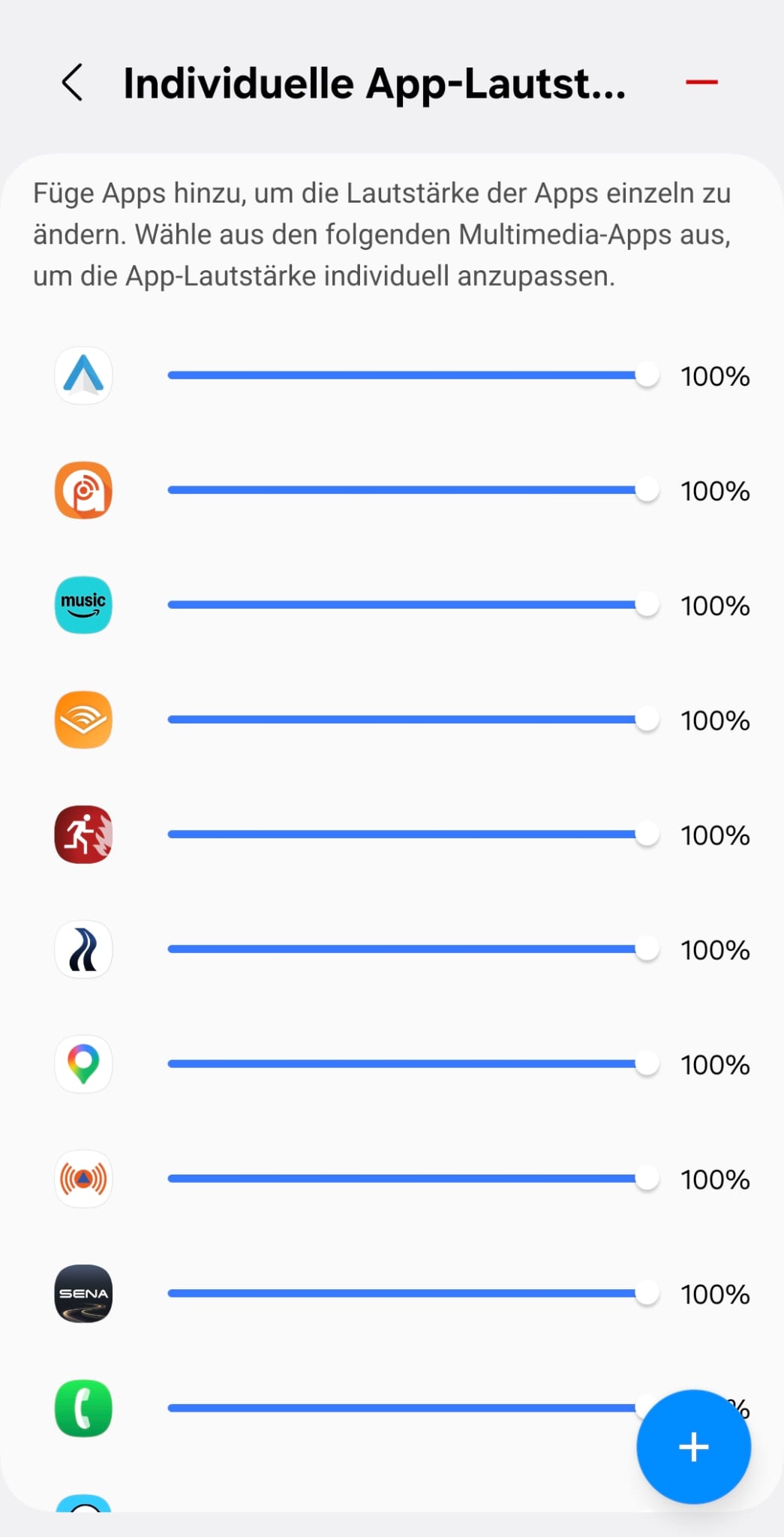
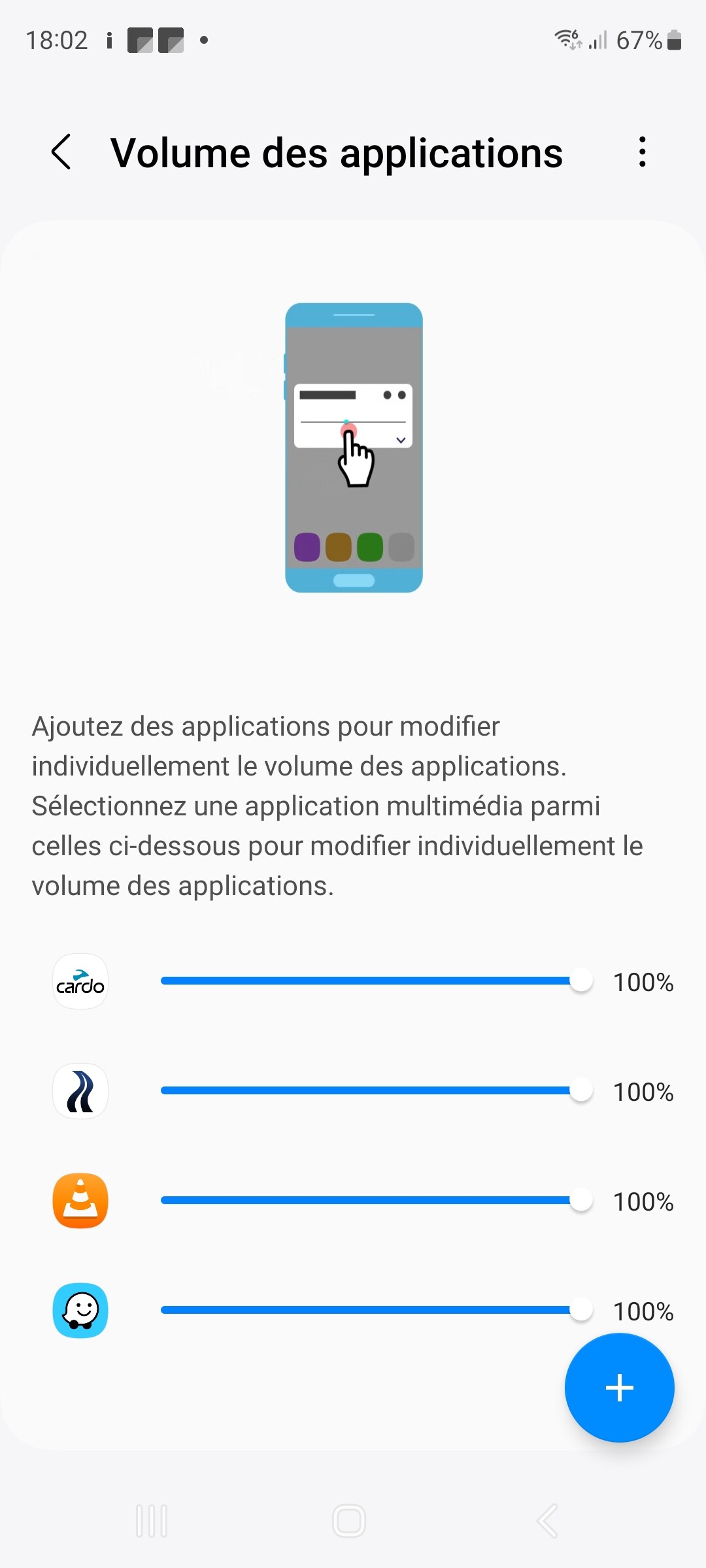
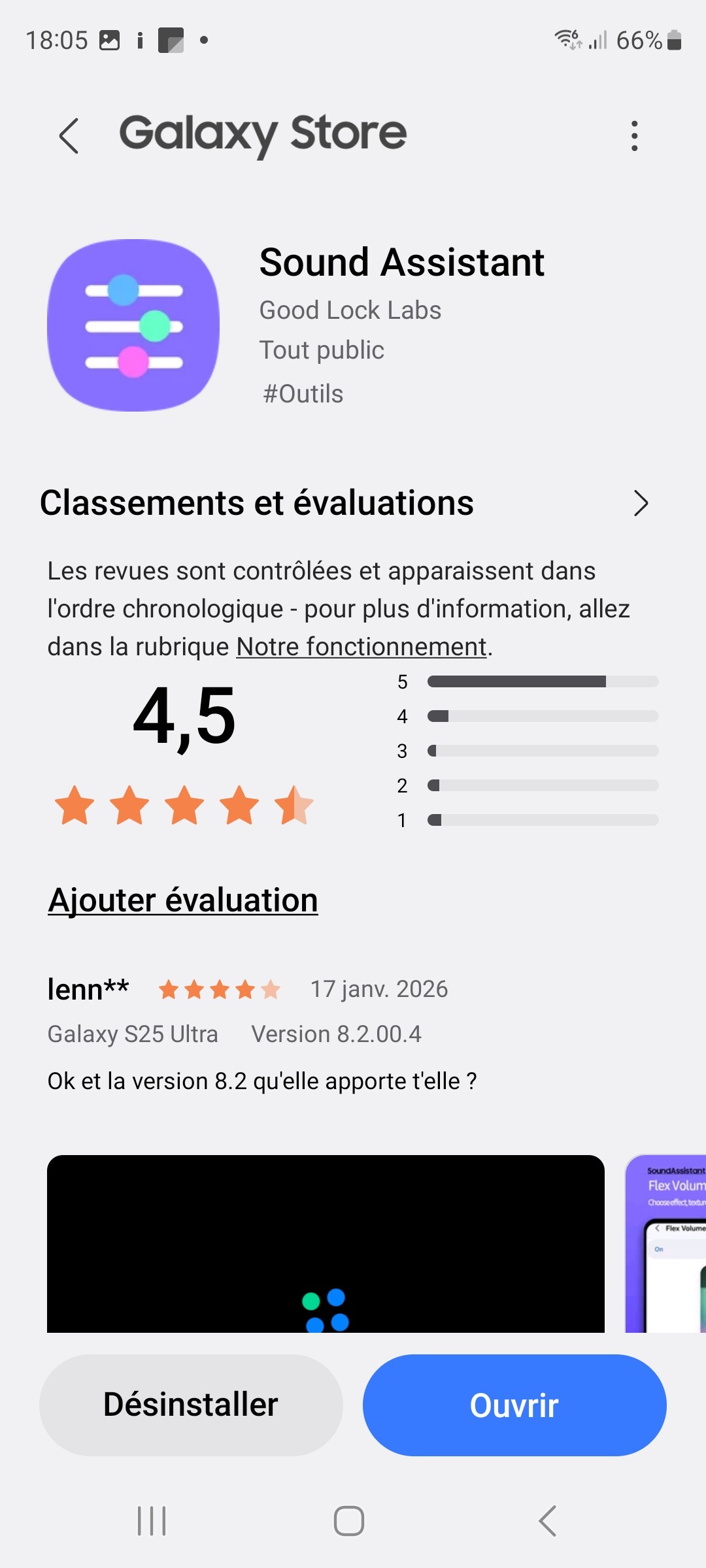
Samsung got an app ( not on the Phones ) Sound Asisstent there are y able to control Appsound
It doesn’t work, and I’m using it.
I guess you should have look at the text-to-speech settings in Android.
Search for “Text-To-Speech”, check for preferred module from Google. Use the gear to see details. Choose option to install language files for your langague. First use the basket to delete. Then re-install. After fresh installation there is an option to test the speech.
Then couple any bluetooth loudspeaker, not yet your headset. Start a navigation in Kurviger in simulation mode and audio output active (on start navigation pull the drawer at bottom up).
Does it work?
You can also play / try in Kurviger - Settings - Navigation - channel for output. I use Music/Media. Retest in Simulation.
If fine, test with your headset.
The link from @Guenther helps a lot and you should defintely give it a try. Many headsets accept change of volume only if there is an output. The linked trick helps to create a long speech output, so you have enough time to handle your headset.
Also: please copy / paste your debug-info / device information.
Kurviger - Settings - scroll to bottom, then tap to copy. Paste it here.