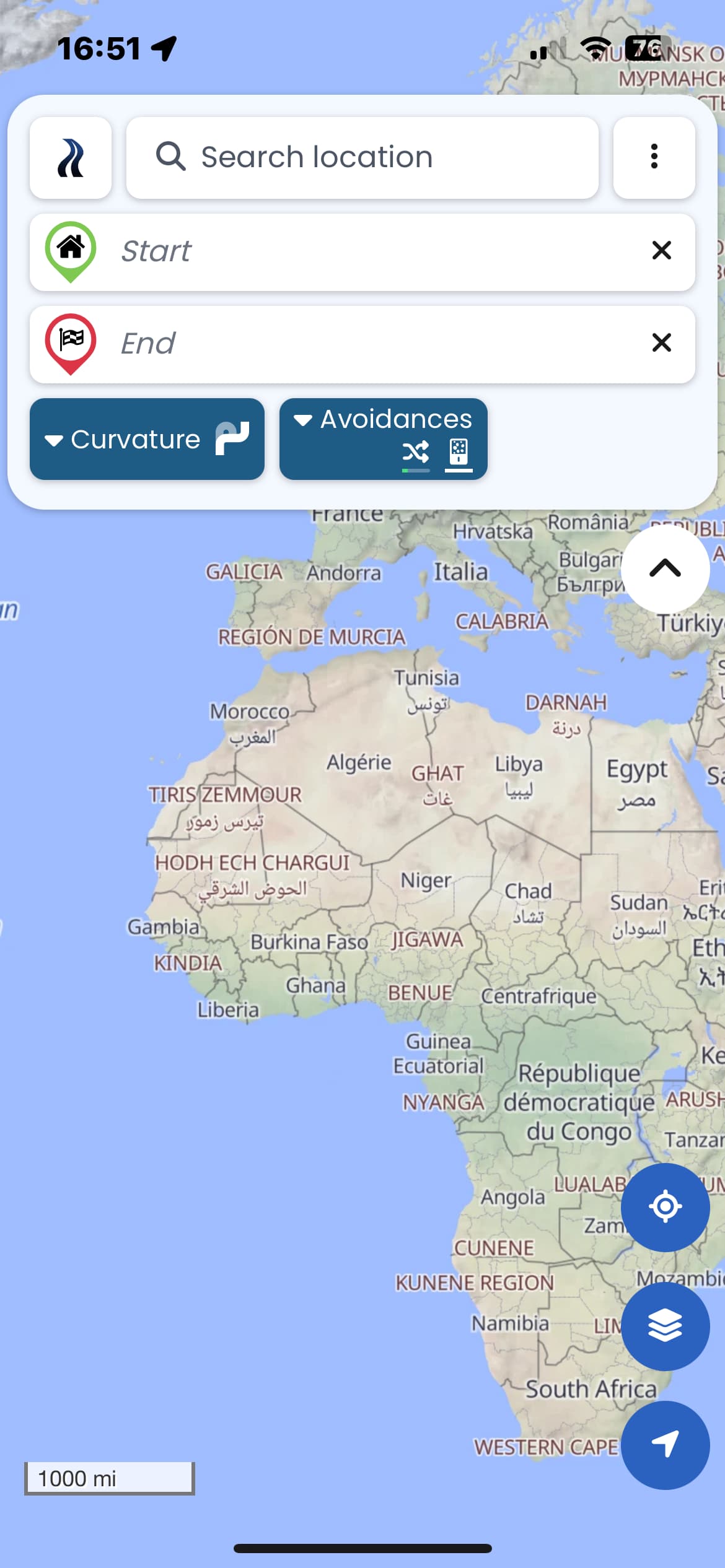
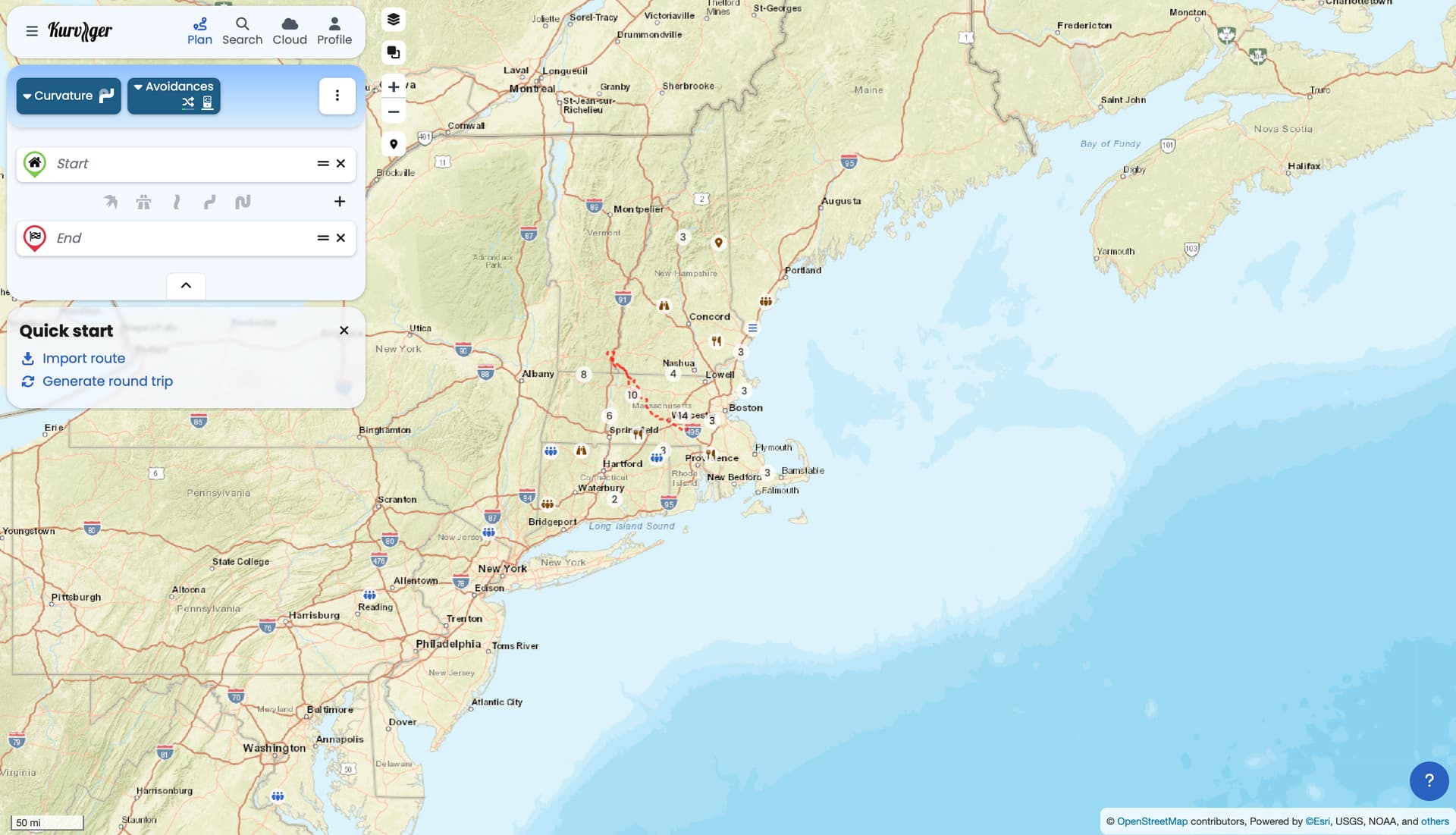
When I start the Kurviger app, it displays the map of Africa. It does not do me any good when I am in North America. Could you display a 200-mile radius around my last known location? It would make more sense.
I see the same behaviour on the Android and IOS app.
OSM date stamp: 1/10/2025
Version: 3.5.3
Device: Apple - iPhone14,7 - iOS: 18.2.1 - WebView: 18.2.1
App-Version: 3.5.3 - 4838
Screen: 390 x 844 px - 3dppx
That worked, but I would suggest to display the area around my current location. It just one click less and you dont have to answer questions like mine.
… Hello Tohau,
I have another point, as long I plan route’s far away I prefer the area I did my last routing planing. This works well today.
I think the solution in the moment works quite well.
I am just saying that displaying the map of Africa on the IOS/Android app is pretty useless. Pressing the location button works for me as a workaround, but the location change (fly over) took between 5 and 6 seconds to change from the generic start map (displaying Europe and Africa) to my the current location. I assume this simulation is even worse the further you are way from Europe.
It is not a dealbreaker, but I am just pointing it out if you want to improve the mobile app efficiency.
Both the website and app work the same here. On your first start, we don’t know your location, so we can’t zoom to the location (we first need the users permission).
Once you moved the map somewhere, the app will start with that map area.