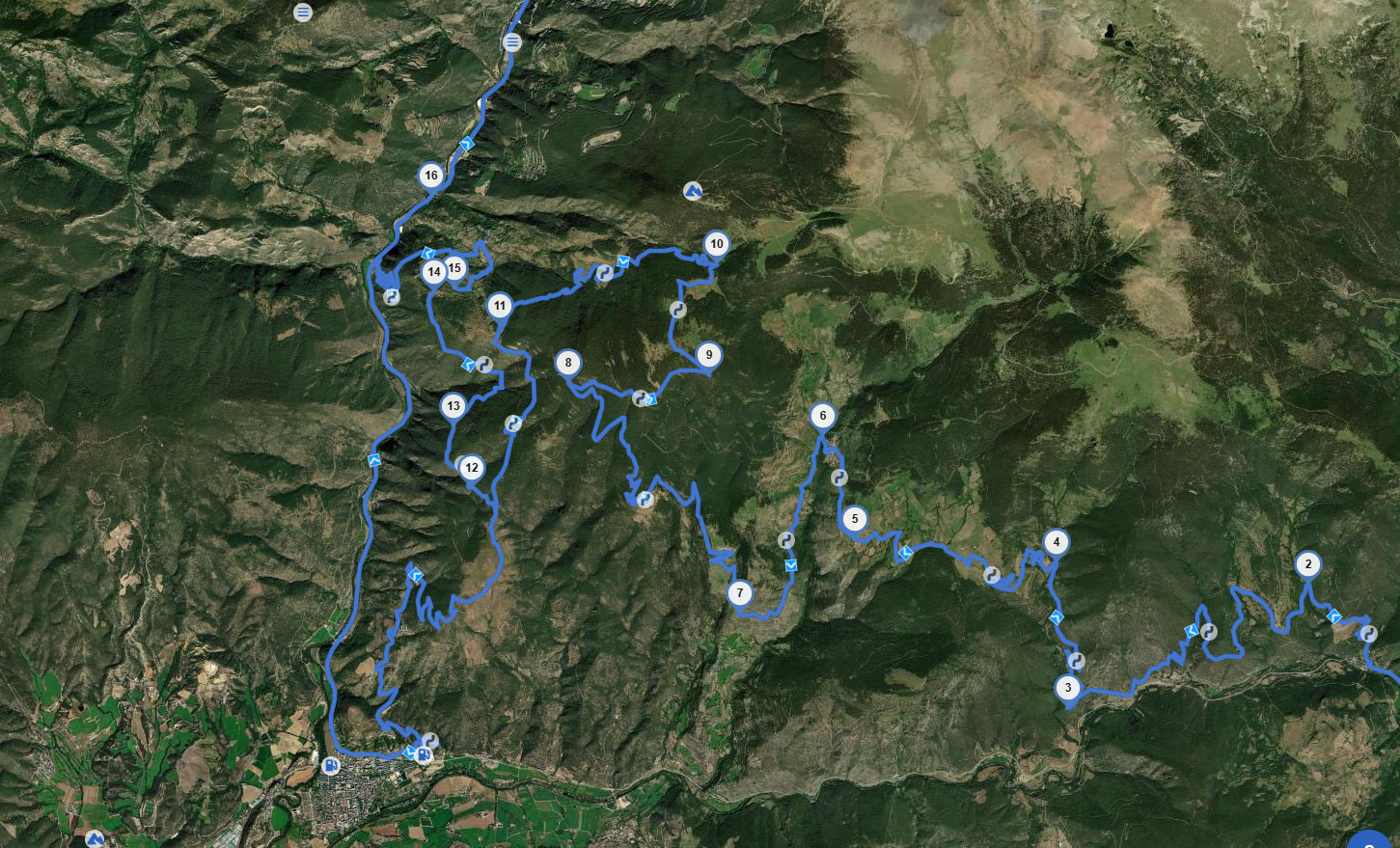
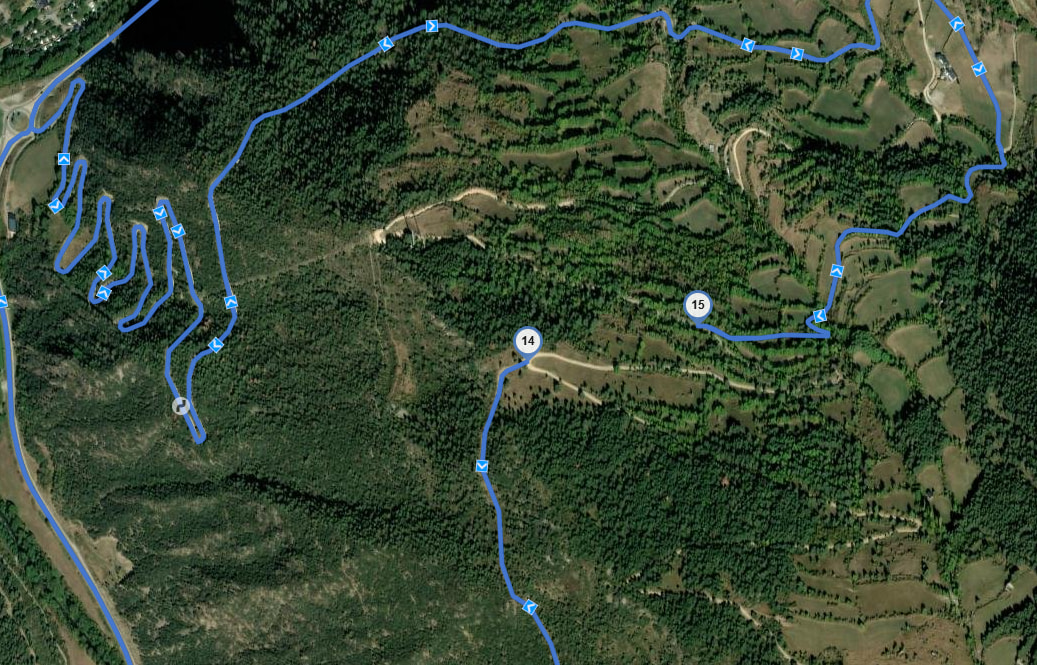
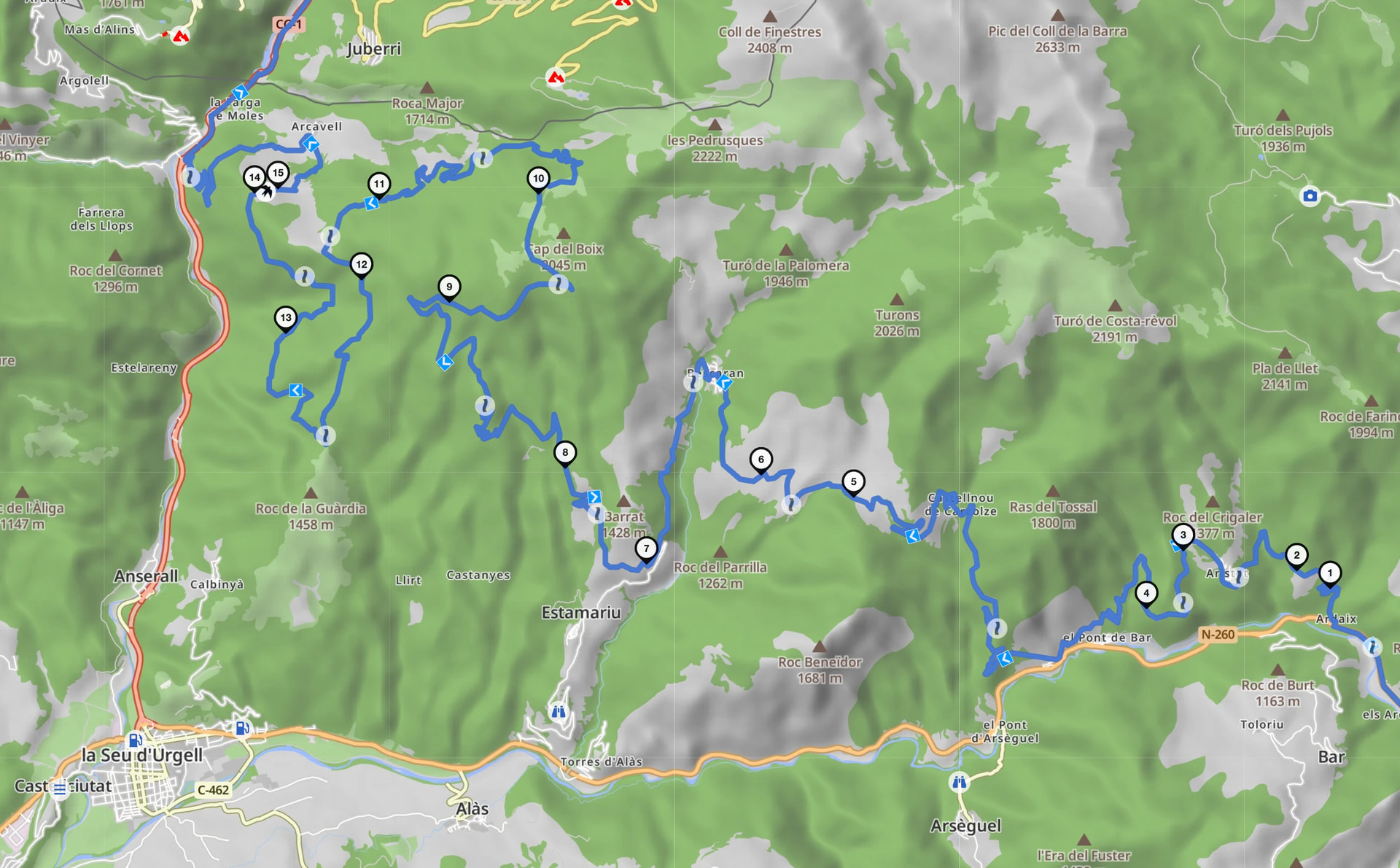
I am trying to create an offroad motorcycle route in Kurviger. At one point in the route there is a short road segment that the planner refuses to use. Because of this, Kurviger creates a very large detour instead of routing over that small section.
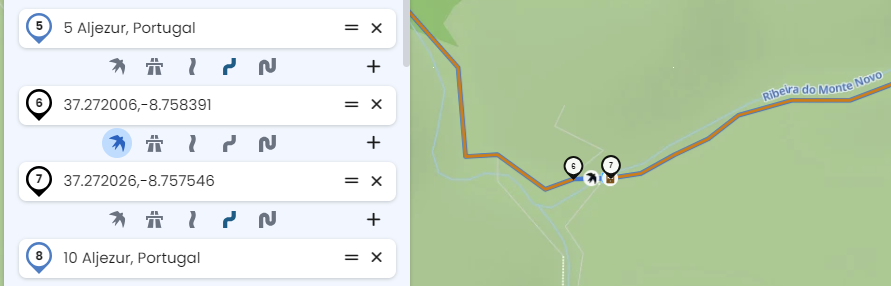
The road itself is accessible and rideable for motorcycles. I have already tried adding multiple shaping points before and after the segment, but Kurviger still avoids it and keeps generating the same detour.
Because of this the route becomes unrealistic and much longer than necessary.
My questions are:
Is there a way to force Kurviger to use a specific road segment that it currently refuses to route over?
Or is there another workaround to prevent these large detours when creating offroad routes?
If relevant: I am planning gravel and offroad routes, so avoiding small unpaved roads is not the desired behavior.