I can also confirm following:
 Deleting all WPs one-by-one
- load any route
- delete all waypoints one by one, effectively deleting the route
- start and end follow mode
 last Start- and End-Point (before deleting them) reappear
 no error message is displayed im my case.
 Leaving only Start-Point undeleted
- load any route
- delete all waypoints one by one, except the Start-Point
- start and end follow mode
- End-Point and the route will reapear
- no error message is displayed im my case.
 Delete route, then add Start-Point
- load any route
- delete the route using the dedicated menu option
- place only the Start-Point on the map
- start and end follow mode
- Start-Point will disappear
- no error message is displayed im my case.
@boldtrn I still need to test how it behaves with the AA, but if route keeps reappearing when the follow mode is stopped on AA display - it would be undesirable (prompting the user to take action on the phone to remove it again).
I see reappearing deleted End-Point ( and ), but also dissapearing Start-Point () as (minor) bugs  that should be fixed.
Are you still in the free trial period? Then maybe the developers would need to have a closer look if this is causing the error message to appear.
 Buttons on the AA display behave differently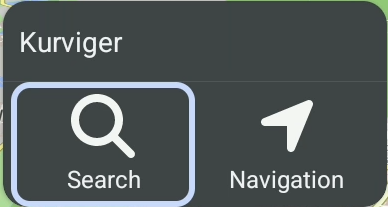
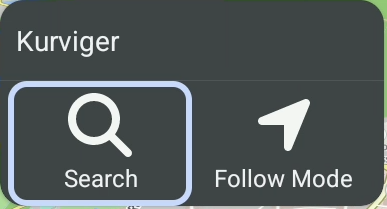
 AA recovers the route before starting the navigation
 (After all, that’s what got us here.)