Hi,
I’m using the navigation app on a Android device. When There’s a waypoint in my route, there are two information bars in my screen, showing remaining distance etc. one for the finish and one for the waypoint.
Problem is that the bar for the waypoint covers the arrow that shows were I am. So in complex situations it is difficult to see the correct way.
How can I hide the second bar?
Grtz,
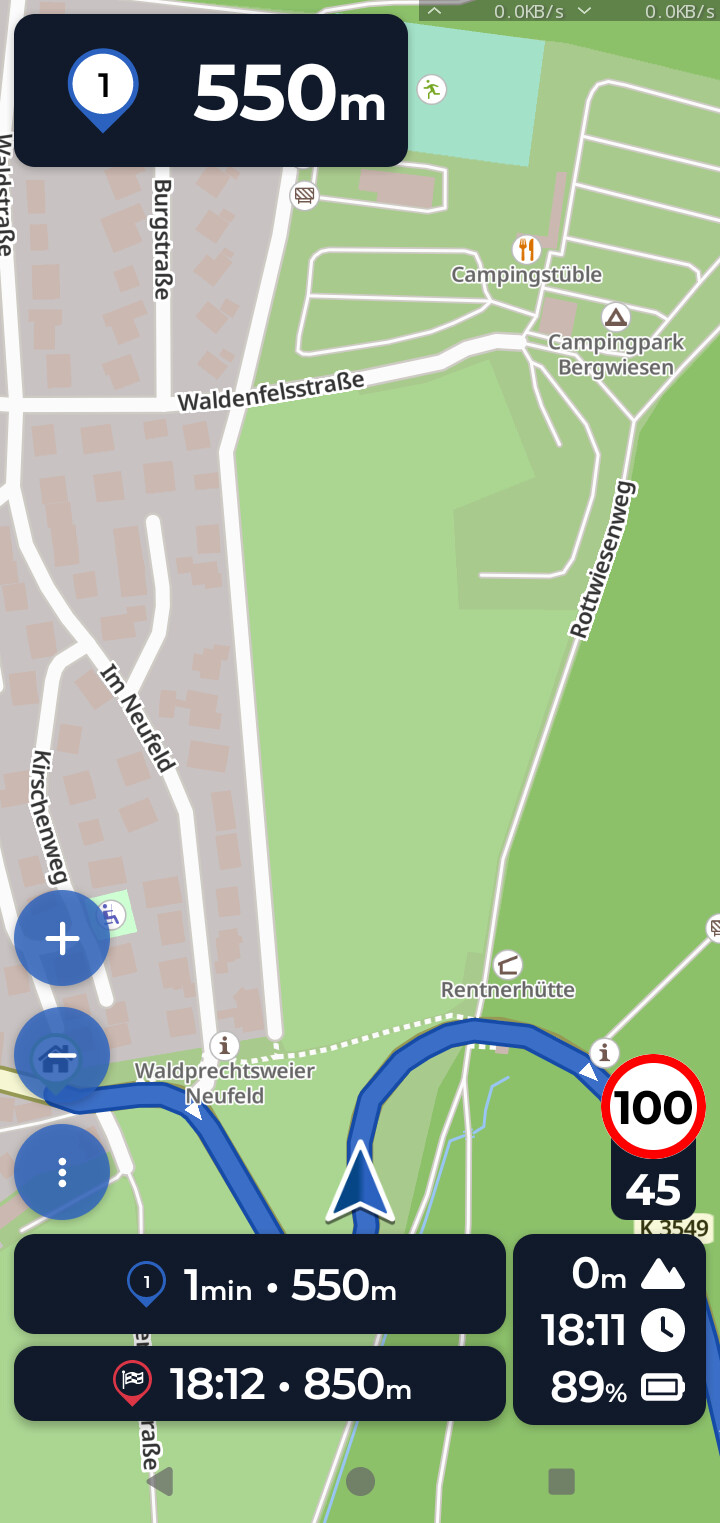
Hi @Gil1,
It is supposed to look like this, so with the location arrow above the ETA-boxes. Is it possible that you’ve set a zoom or something similar on your smartphone?
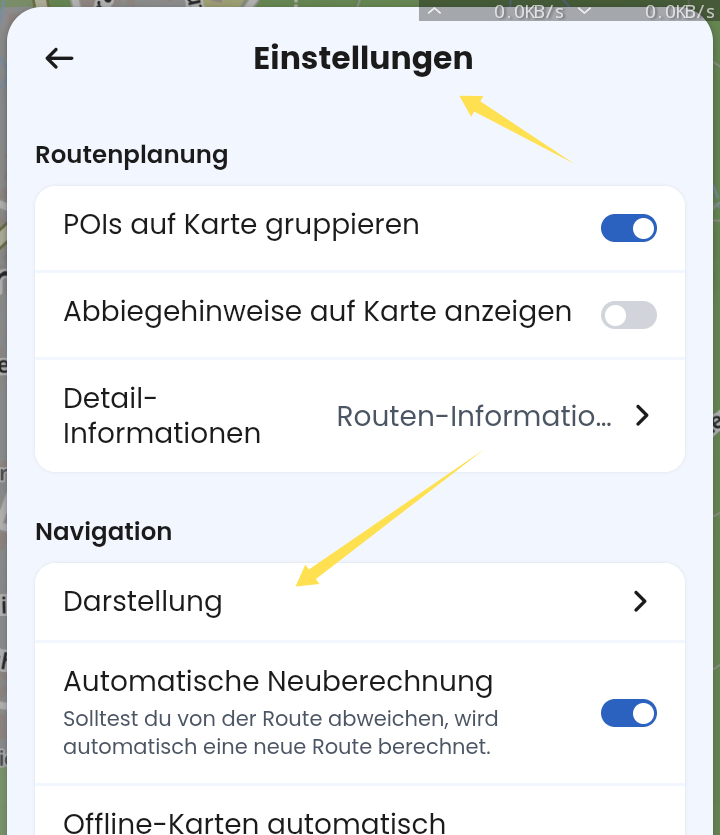
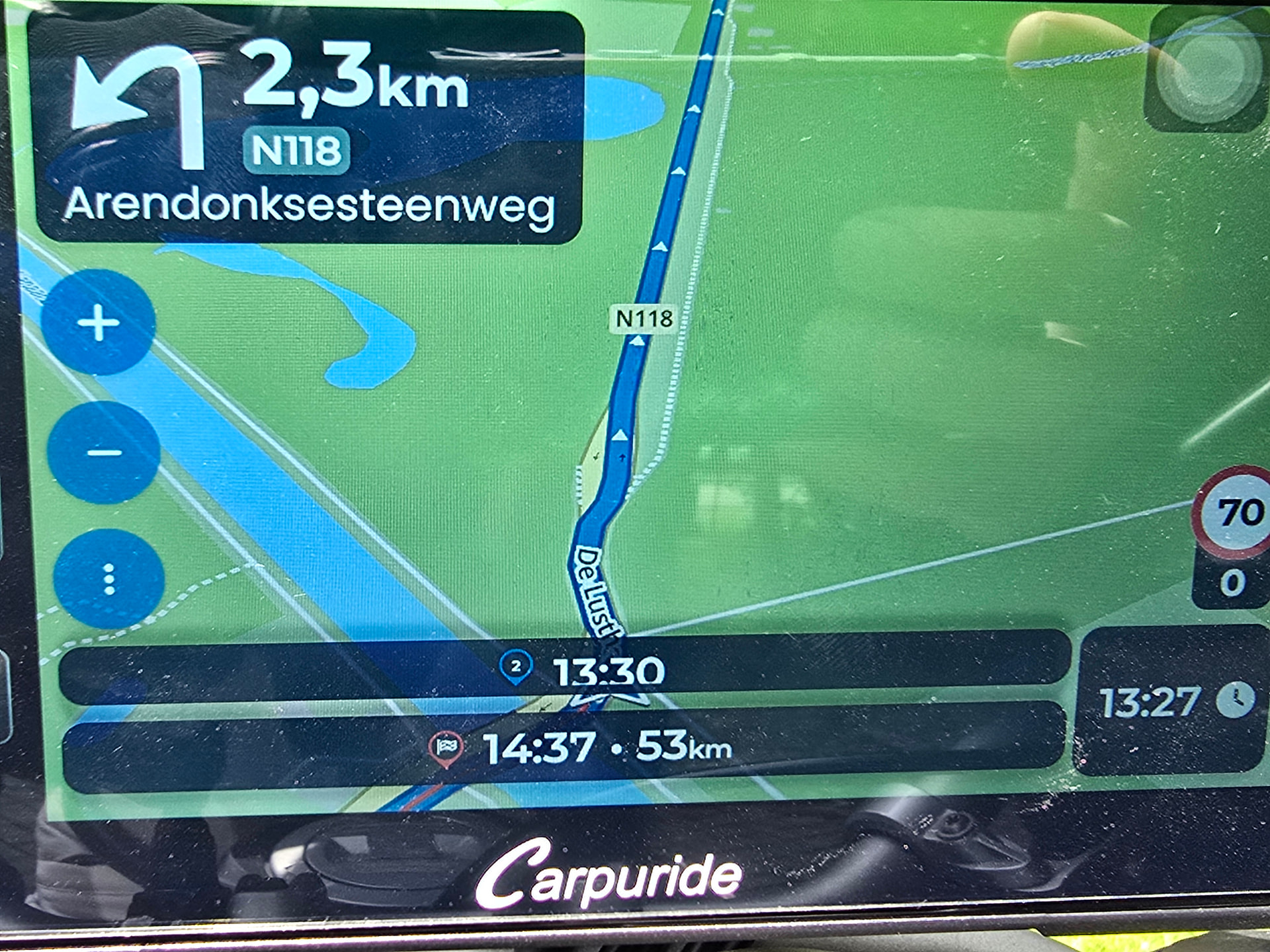
Ok, I understood Android phone, but it is Android Auto. No experience, sorry. Please send detailed information, which device it is. Looks awful, never seen this before, definitely not “normal”.
You could also connect your phone with the device. On the phone, goto settings, scroll to bottom and copy (just be tapping) the Debug Info. When connected, additional data is shown. Thanks!
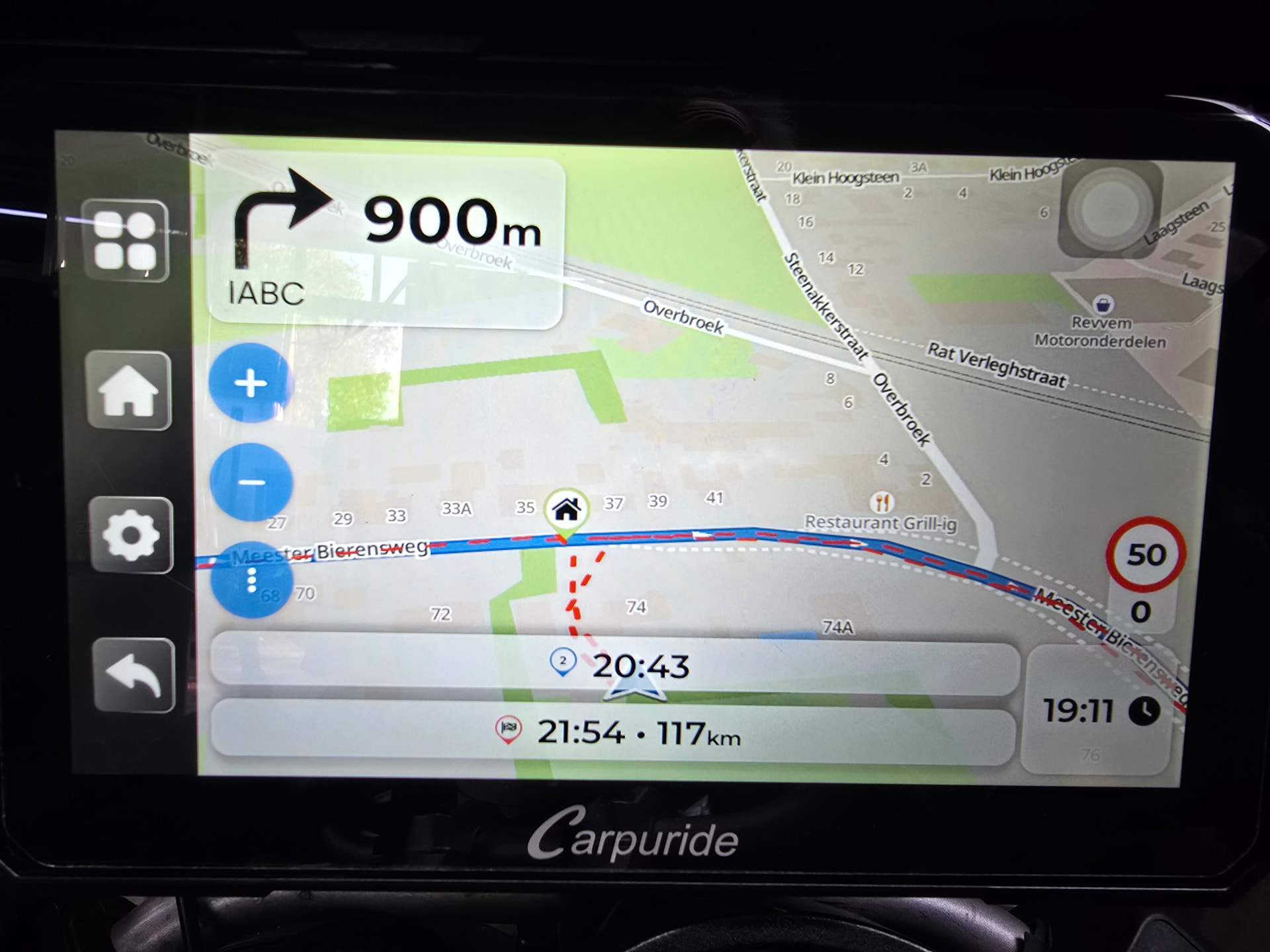
This is not Android Auto, this is Android device in landscape mode, but the app is in portrait layout.
@Gil1 can you please post the debug information found at the bottom the settings menu:
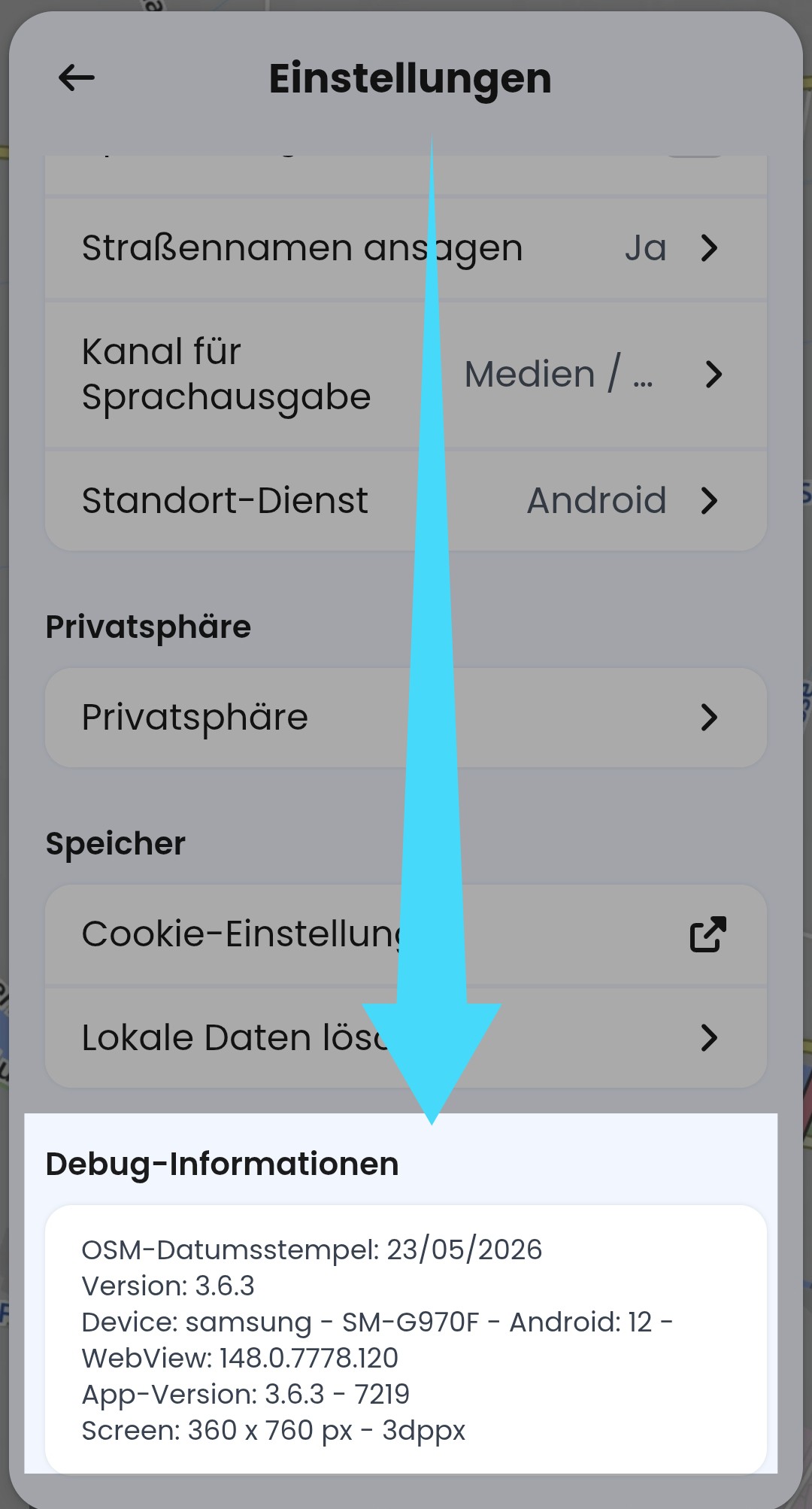
It would be helpful to describe your setup, as we can see Carpuride device used usually to display Android Auto and Carplay, but the screen is clearly not Android Auto.
The device is a Carpuride W702 PLUS. It is a Android device. Works great, except for this issue.
I will send the debug info later today.
Do you know if the device has an orientation sensor? Does it swith to portrait mode when you turn it 90° (I assume it can be detached from the bike easily).
Unrelated to your issue, just out of my curiosity:
- does the device allow bluetooth keyboard or mouse to be connected?
- Could you make a photo of the Kurviger app in the planning mode?
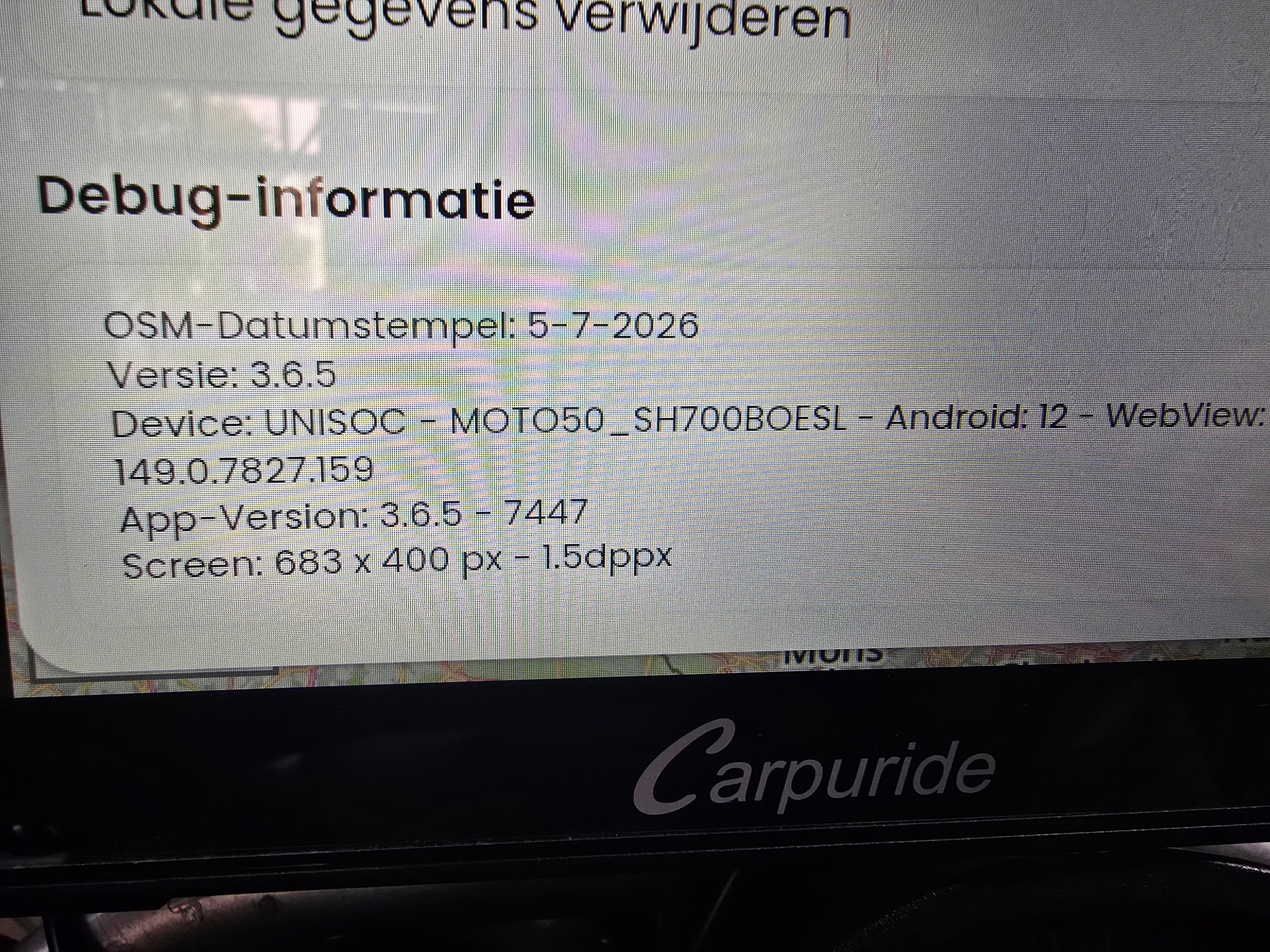
@ t00thl355
The device is fixed to the bike, not easy to dismount due to 2 cameras.
Never tried to put a keyboard and mouse on my bike  . It is regular Android.
Screen is perfect to navigate, but in my opinion not comfortable to plan, although it is possible.
I was asking for a phote to see if the planning view goes to “browser mode” or to “tablet mode”. My T-Box was going to “browser mode” which is definitly uncomfortable at low resolution. If this is a case with your Carpuride too, then an improvement may be possible.
If you are able do connect a BT-keyboard, you could also connect a remote controller that would allow a better control of the apps. I tried this on an Android device in a car, but connecting BT keyboard was disabled on it.
I understand that. Does it show the rotation button at any time in your current view?
As already said, what you see is the app view and definitely the wrong orientation (i.e. not the landscape orientation). We heard about that issue for few tablets before.
On a Carpuride you could also use Kurviger for Android Auto.
That would be a possible workaround, but IMHO not a solution.
If you pay for the Carpuride with native Android, you would also want to enjoy all the benefits from the App without Android Auto restrictions and not draining your phone battery.
Looking at the debug info from @Gil1, the App is obviously able to detect the correct resolution (683x400).
In my understanding, the correct display mode should be determined based on the aspect ratio, not on any orientation sensors:
IF X(683) > Y(400) THEN
landscape mode
ELSE
portrait mode
So, why would the app go to portrait mode despite knowing the correct aspect ratio?
I am curious, if this device defines portrait differently compared to smartphones.
I created a flow in the app Automate (like Tasker).
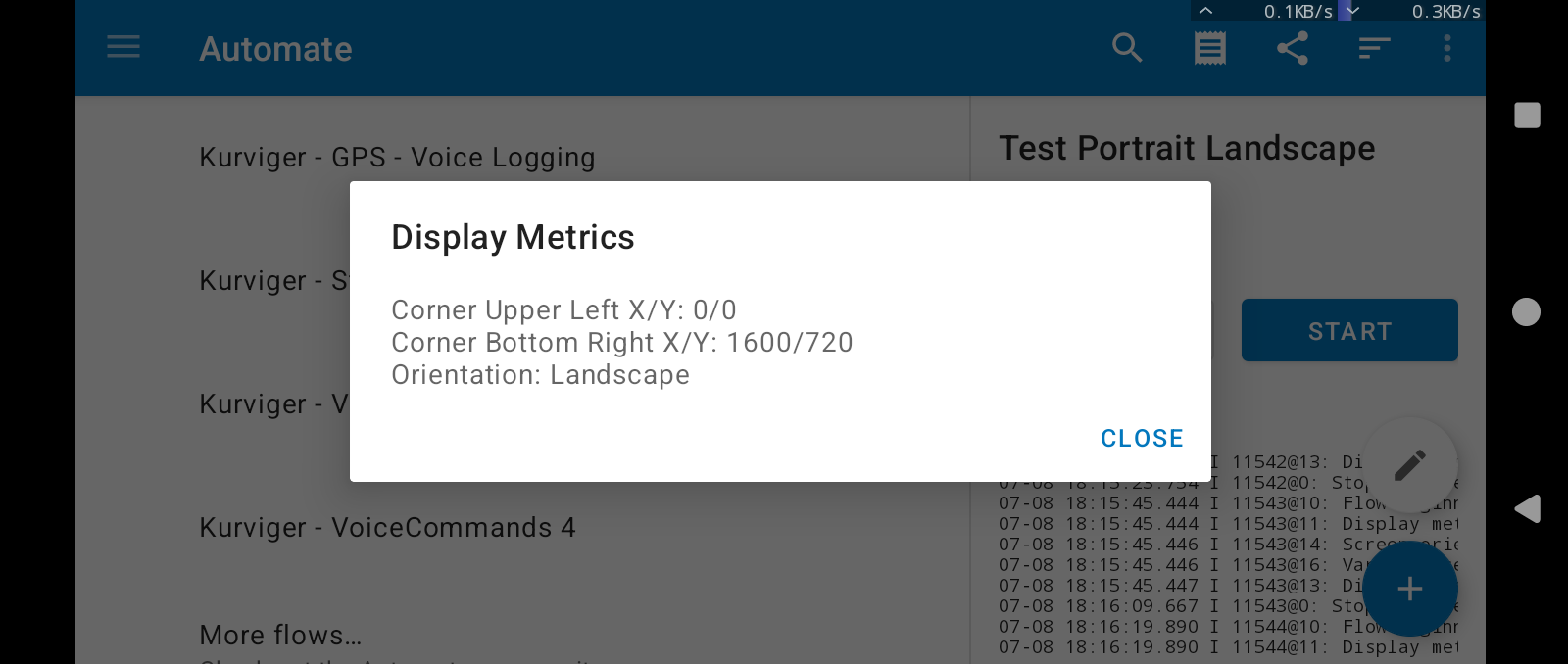
The output is the screen dimensions, when I switch my smartphone to landscape. The orientation is read from a function to get the current screen orientation (not calculated from aspect ratio).
This is the flow. As filetype “flo” cannot not be uploaded .. download the file and rename by removing “.zip”. Do not try to unzip.
Test Portrait Landscape.flo.zip (382 Bytes)
The app Automate must be installed first. Then click the file in the filemanager of the device and it should be imported. Search for the flow, click, start.
Sorry for late reply. Quit occupied due to upcoming Hollydays.
I’m about to start a 3wk trip by bike through UK and Ireland. No time for testing anymore now. I’ll have to deal with a portrait view, or switch to an other navigation app.
I’ll pick up this issue later.
Grtz,