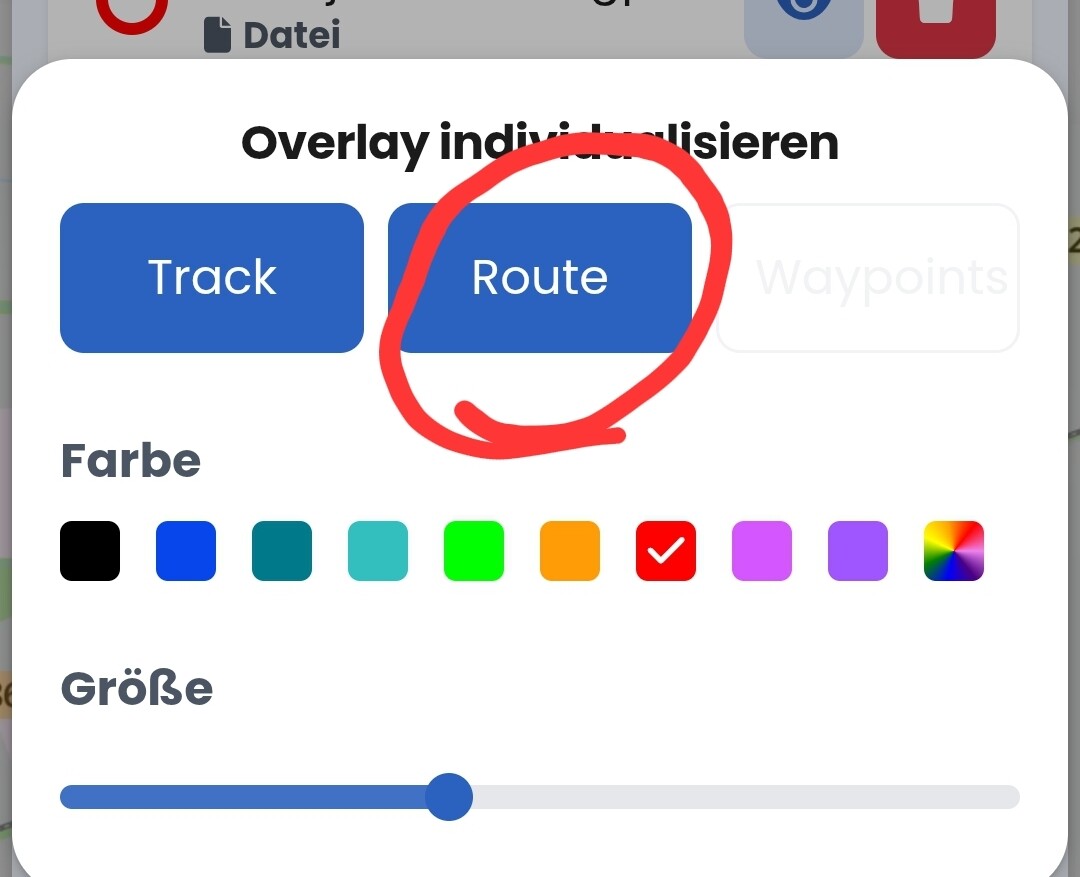
I’ve been riding with Kurviger for a while now and I really enjoy it. I often receive GPX routes, which I import along with the overlay. When I ride, I prefer to do so with the overlay enabled so I can see if there are any differences. Unfortunately, the Beeline is also projected in my case, which I’d rather not have.
Is it possible to remove the Beeline but keep the overlay? Hopefully, someone has an answer.
Thanks in advance.
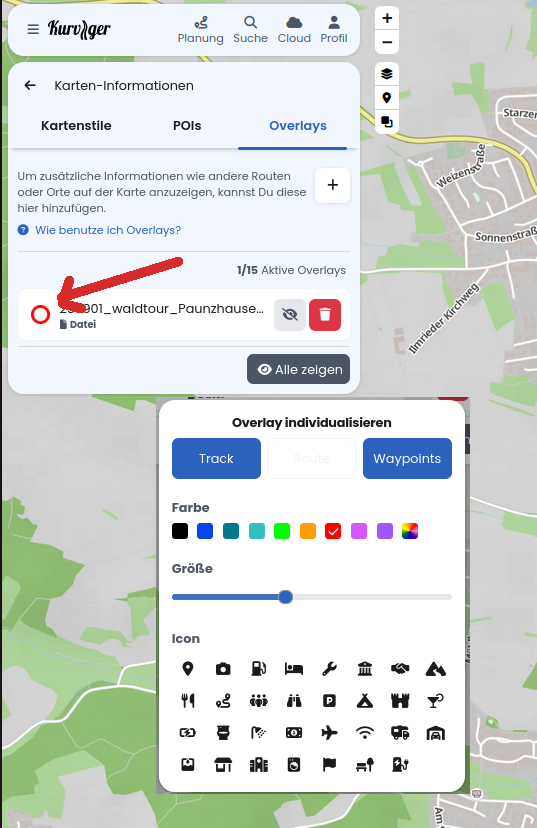
Deselect the “Route” from the menu shown by @linux-user in the post above