A friend of mine had an issue the other day, using kurviger with a tablet mounted on his motorcycle.
The tablet is mounted in landscape orientation, and when he started navigation kurviger switches to portrait mode.
He could not find a way to change this.
Using my phone I found that an icon pops up when rotating my phone, so I could switch mode.
He of course could not do that without unmounting his tablet (cumbersome with the mount used) , or rotating his packed motorcycle, which would be rather inconvinient
Suggestion:
The option (icon) for switching mode should be available without having to rotate the phone, tablet or motorcycle.
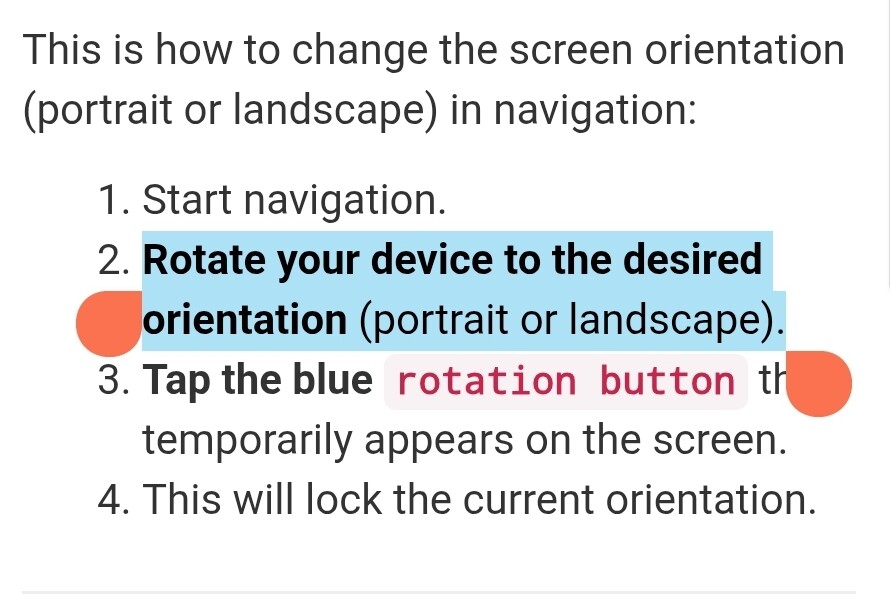
Kurviger only shows the rotation button, when screen orientation and device orientation (G-Sensor) don’t match, so you can align it with this button. We could change screen orientation without a confirmation button, but it is built this way to prevent the navigation screen from changing orientation by accident.
If the navigation device is mounted horizontally on the motorcycle, as it is on your friend’s one, and the navigation is in portrait mode, the rotation button appears so you can confirm that you want to switch to landscape mode. If that did not happen, it might be due to his device not detecting that it is tilted horizontally.
Ok. And now - how can the user solve the problem if the button does not appear?
Surely there must be a way to force Kurviger to landscape mode navigation somehow, even if the button does not appear, right?
@Jan_Lorenzen did I understand correctly - the planing mode on the tablet is in landscape mode, but the navigation starts in portrait mode?
Or are both planning and navigation in portrait mode, but the operating system is in landscape?
If your friend could send the debug data from the bottom of the settings menu, it might be possible to better understand the problem and the used device.
One solution could be your friend takes the screwdriver and changes the orientation once.
Second ..I just tried the app Rotation Control Pro from Playstore. You can setup per app (I added Kurviger) to always display in the preferred orientation. To avoid the annoying “biiing” in settings of the app set Notification to “not display all”.
Though “pro”, no license, no costs. Perhaps later?
May be the easiest solution.
Generally the current behaviour to change the orientation on the fly is - for me - just perfect, no additional switch. Your case seems to me very special.
I wait until 3.5.9 is offically launched in the app store. So far I can see 3.5.8 in the app store and no signal to update yet.
After installing it I will give feedback if the flipping rotate button is solved. As said earlier it’s not the rotation that is the issue. It’s the manic flipping of the button.
But for the moment I can live with it pretty well.
Ich habe das Elebest Tablet mit Android 12 fest am Motorrad verbaut und damit Navigiere ich mit Kurviger im Querformat.
Wenn das Tablet, so wie bei mir, Quer verbaut ist bekommt man dauernd eine Schaltfläche angezeigt mit der man das Format von Quer auf Hochkant ändern kann. Die Schaltfläche springt je nach Vibration und Lage immer wieder ins Bild. Sollte man nun Ausversehen darauf tippen, was mir schon ab und an passiert, besonders wenn man mit Handschuhen was eintippen möchte, ist es mit dem Zurückstellen auf Querformat nicht so ganz einfach.
Also entweder schmeißt man dann sein Motorrad auf die Seite bis das die Schaltfläche im dann Hochkant stehendem Bildschirm erscheint und man wider auf Querformat umschalten kann oder man muss das ganze Gerät demontieren und Hochkant halten um es umzuschalten.
Warum man überhaupt im Querformat eine Schaltfläche bekommt um auf Hochkant umzuschalten ist mir ein Rätzel. Völliger Blödsinn. Die Schaltfläche für den Hochkant Modus sollte, wenn überhaut, nur dann kommen wenn man das Gerät Hochkant hält und andersrum.
Ansonsten ist die App top, Aber diese Problem nervt schon ordentlich.
Es ist kein Schalter zum umstellen, sondern zum fixieren der Ausrichtung. Zum Beispiel ist mein Smartphone in eimem recht flachen Winkel befestigt; da weiß das Gerät nicht ob nun hochkant oder quer und es reicht eine geringe Neigung (Motorrad abstellen) schon aus, um Anzeige zu kippen.
Wie @Toffel schon richtig erklärt hat, passiert es beim Fahren leicht mal, dass der Sensor des Geräts eine Rotation erkennt wo keine gemeint war. Für Tablets ab Android 16 können wir das ohnehin nicht mehr so machen (technische Gründe). Wir sind an dem Thema also ohnehin nochmal dran. Evtl. wird es dann eine feste Bildschirmausrichtungs-Einstellung o.ä. geben. Wir müssen schauen, was möglich ist. Ganz ohne diese Funktion würde beim Fahren ständig dein Screen drehen, statt dass nur der kleine Rotations-Button erscheint.


 And now - how can the user solve the problem if the button does not appear?