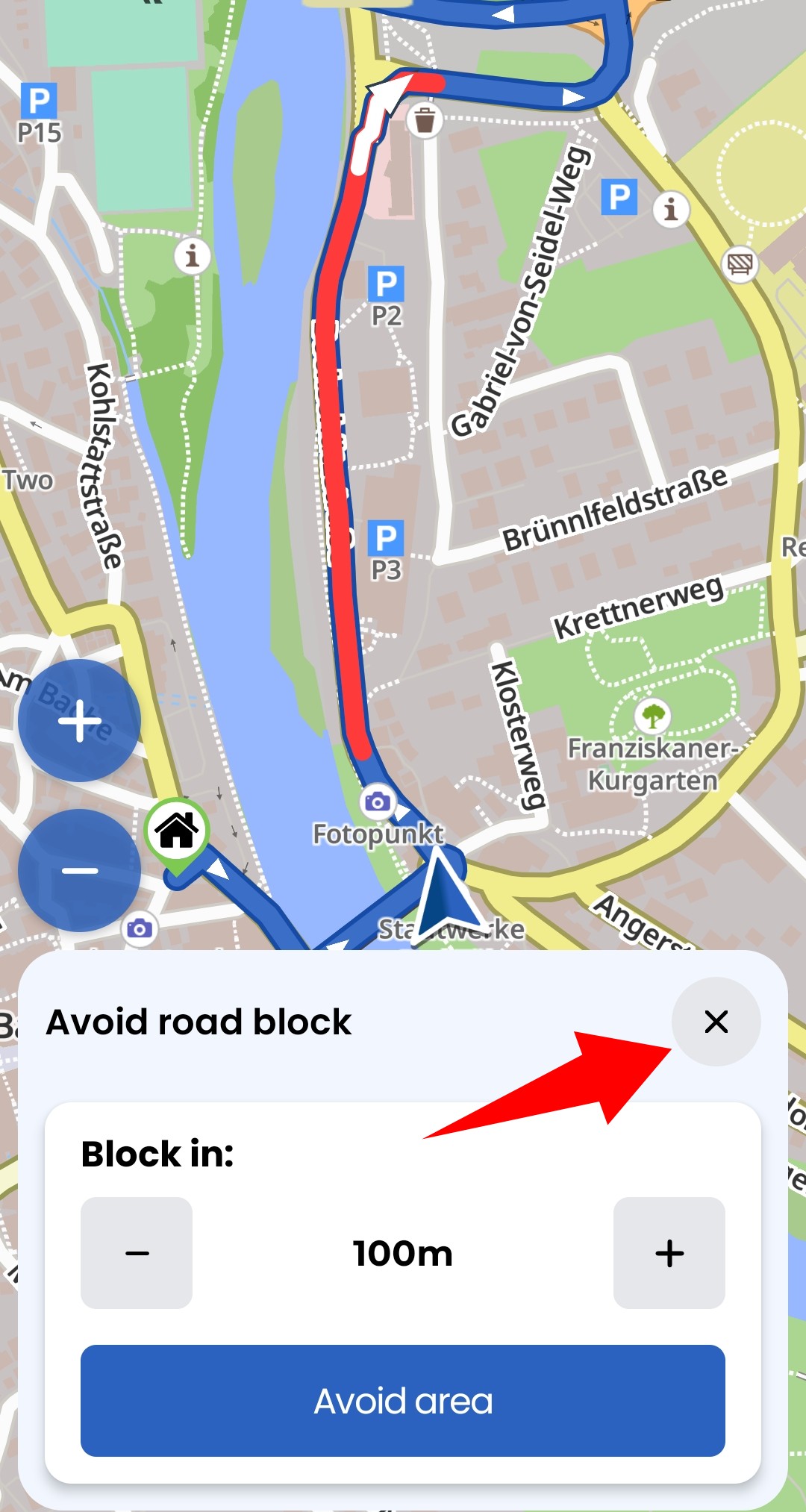
Hallo zusammen, ich habe eine Frage zum Thema „Straßensperrung“:
Wenn ich während der Navigation auf eine gesperrte Straße stoße, kann ich dies über die Option „Straße sperren“ in die App eingeben und Kurviger berechnet automatisch eine Umleitung um die Stelle herum.
Ich kann die Entfernung der Sperrung als Parameter angeben. Eine zusätzliche Option für die Länge des gesperrten Abschnitts wäre hier hilfreich.
Die eigentliche Frage lautet jedoch:
Ich habe eine Sperrung eingegeben und dabei einen Fehler gemacht (z. B. die falsche Länge eingegeben).
Wie kann ich das rückgängig machen? Ich sollte die Sperre irgendwie aufheben können. Oder gibt es eine Möglichkeit, dies zu tun, und ich habe sie nur noch nicht gefunden?
Vielen Dank im Voraus
Trosi
Hello everyone, I have a question about road closures: If I encounter a closed road while navigating, I can enter this into the app using the “Close road” option, and Kurviger automatically calculates a detour around the location. I can specify the distance of the closure as a parameter. An additional option for the length of the closed section would be helpful here.
However, the actual question is: I entered a closure and made a mistake (e.g., entered the wrong length).
How can I undo this? I should be able to remove the closure somehow. Or is there a way to do this and I just haven’t found it yet?
Thank you in advance.
Trosi
 ), use the “x” button to cancel.