I very much agree with this. I struggle with the “Delete Route” wording in the planning phase. There needs to be a clearer distincion between reseting the route in the planning phase and actually deleting a route from the cloud.
I would propose a wording like “Reset route” in the Planning phase. Ideally you should only get a warning if there are unsaved changes for that plan. If I get a warning every time I tend to ignore the warning and miss it when it really counts.
In the Cloud, deleting a route is only called “Delete”. I think here the wording should be “Delete Route” and the following warning should stay and always show!
This should make it more obvious if you just reset an already saved route in the planning tool or if you are actually deleting a route from the Cloud. It’s an important distinction.
Would this post need to be tagged a feature request so that it can receive votes and it is considered?
BTW, “Clear route” as proposed before would also be a good option for the planning section.
My preferred solution would be to remove the option “Delete Route” completely as “New route/round” trip does the job as well. The little word “New” explains everything.
In case there are unsaved changes, ask first to save, as currently in this case user is not asked to save. Feels inconsistent.
Fully agree.
Another idea: Perhaps we we need two cases here. First, I made changes. Second, the route was changed by navigation / re-calculation = route was shortened.
In second case, there could be an additional hint like “Route was changed by navigation. Use Undo-option.” so I am warned, before I overwrite the planned route. Or even to have the options “Automatic undo” and “Overwrite with changed route” (instead of “Overwrite with planned route”).
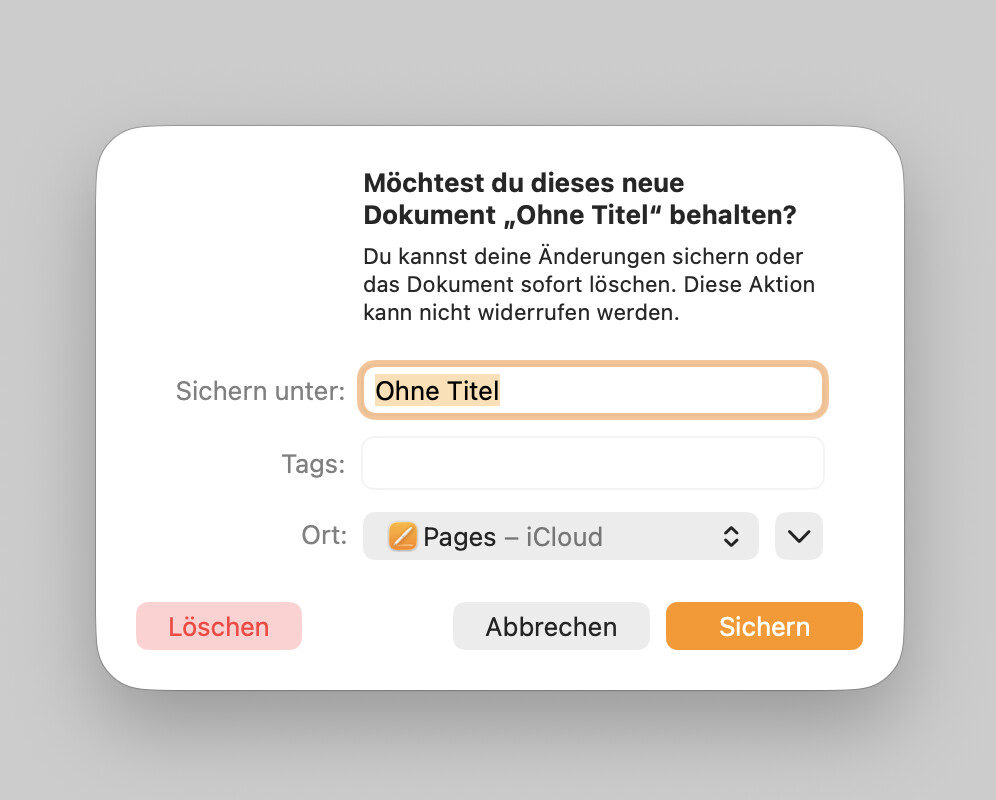
From my POV, the most common term here is “close route”. If there are changes, you will receive a notification like: “Your current route has unsaved changes. What would you like to do?” with the options “abort”, “discard” and “save”.
Same if you create a new route.
Ok, you need to know that the last used route will take place on the history list, so you don’t loose anything. For me the better way instead of question-popups.
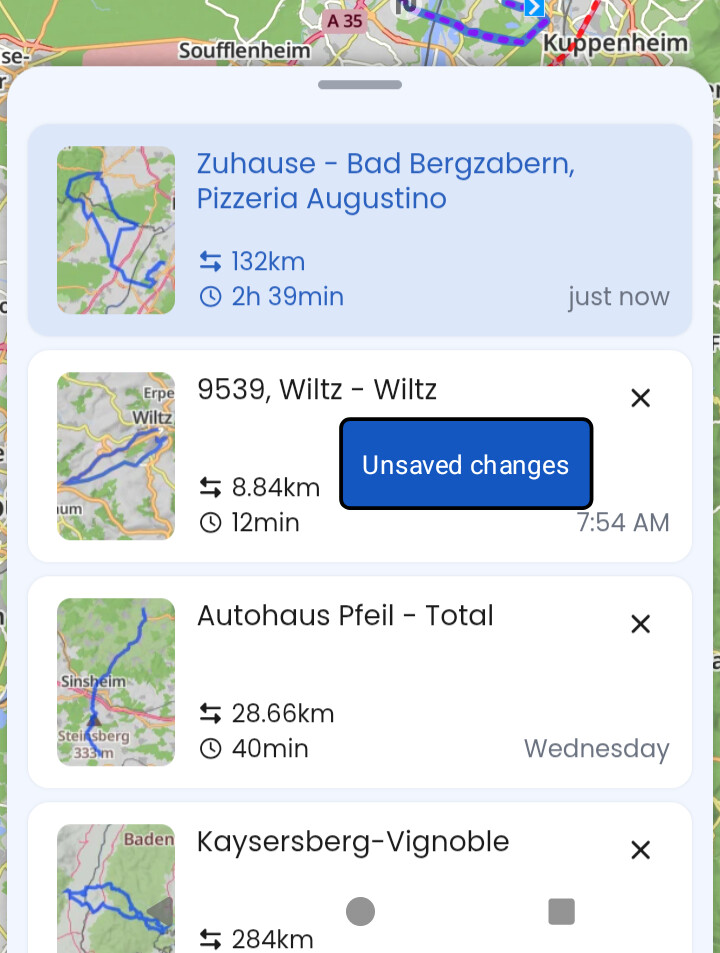
Idea: in case we only get the popup to save if something was changed (or not ever saved, new route), then it would be also helpful to see in the Route History, if it has unsaved changes (or changes by navigation).
Then, for those using automatic recalculation, almost the whole history would be “unsaved”… and every recalculation shortens the route so saving those kind of changes (shortened route) might not be benefitiary in general…
I know. But it’s not about you, me or any of the other experienced users here. We can deal with it regardless of how it’s called.
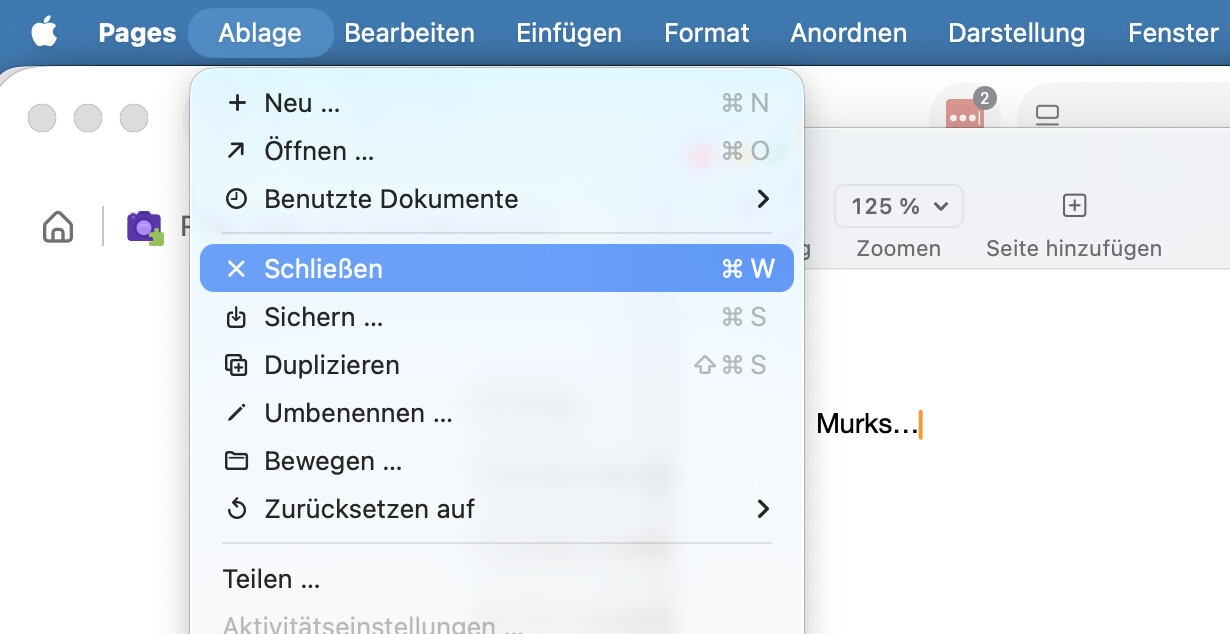
We’re talking about a “new to Kurviger” user who likely doesn’t know but is familiar with this behaviour and the terms because all his daily apps, like Word & Excel (or Pages & Numbers, if you prefer), work this way. That’s what I meant by “most common”.
Just to avoid misunderstandings: I’m not talking about replacing “new” with anything.
It’s about what to do if you want to finish your current work, either explicitly with “close” or implicitly by creating or opening a new one (when the app can’t handle multiple open routes at the same time) AND your current work has unsaved changes.
It’s probably called “delete route” right now for the same reason, because if it were simply “delete”, users would wonder if they delete the Kurviger app
But seriously, if you hit “delete route”, you always have to confirm with a second step even if there are no unsaved changes. On the other hand, if you create a new route or open a route from the cloud, you’re not prompted even if your current route has unsaved changes - that’s really confusing.


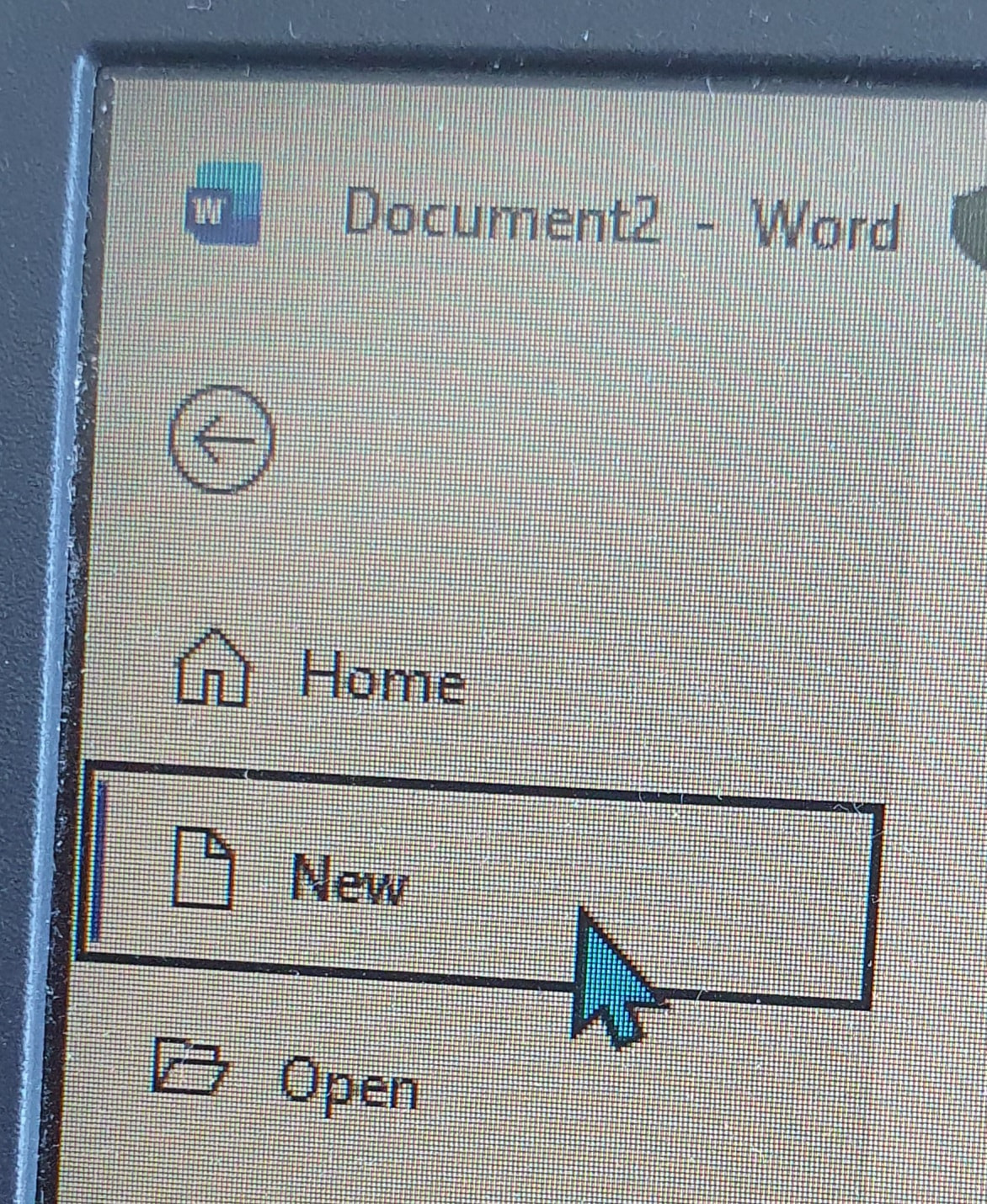
 It would really feel weird if you would see “Delete” instead of “New” in this place…