Yesterday when starting route navigation on my horizontally (landscape orientation) mounted navigation tablet (T865X), the Kurviger navigation switched the screen orientation from horizontal to vertical by itself, instead of staying in horizontal mode. When stopping navigation, the screen would rotate back to landscape mode again by itself. This kept happening even after restarting the tablet, and closing and reopening Kurviger.
To be clear: the bike was upright and the tablet was horizontally mounted. When closing Kurviger, all the other apps and the homescreen was still in horizontal mode; it was only Kurviger that was rotating.
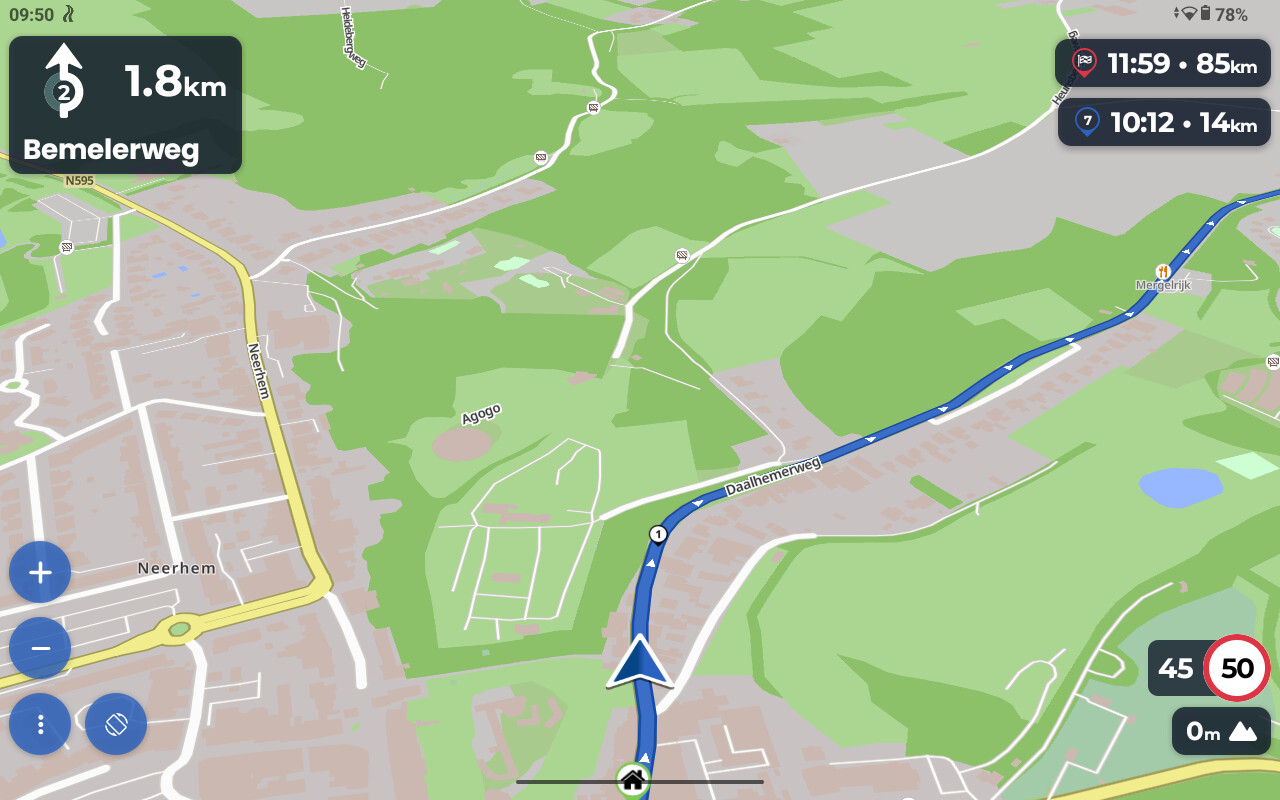
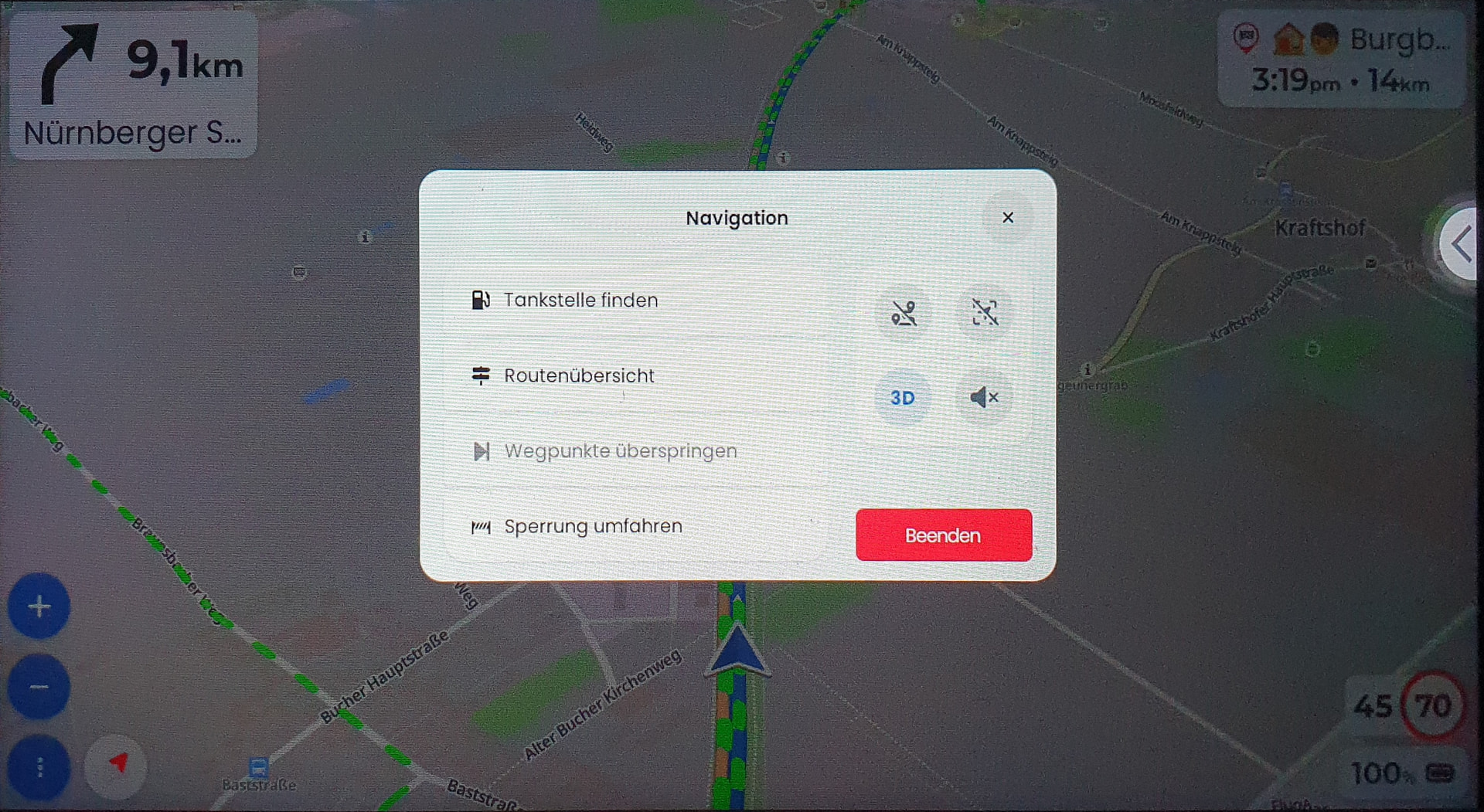
When attempting to repeat this back at home off the bike, it no longer does this automatically. I did notice that when I mount the tablet (horizontally), the icon to rotate the screen appears in the lower left corner: see picture below. When rotating the tablet to the vertical position, the icon goes away.
In my opinion, this suggests that Kurviger thinks that the navigation on the tablet when it is in horizontal orientation, should be displayed vertically and vise versa. In other words: it suggests the exact opposite of what screen orientation it should be in.
Auto-rotate on the tablet was turned on. Turning this off didn’t affect the problem described above.
When mounting the tablet to the bike again, the auto rotation problem didn’t occur, but it still displayed the icon in the lower left corner.
I instantly recognize this device again. We had reports about a wrong orientation reading of this device before. It is interesting to see that this still exists.
Thanks for reporting that this issue still exists, we will have another look.
Unfortunately, we don’t have a T865 to test and improve this. This makes fixing this issue pretty tough for us. We are looking at possible options to work around this issue, but don’t have solution just yet, sorry.
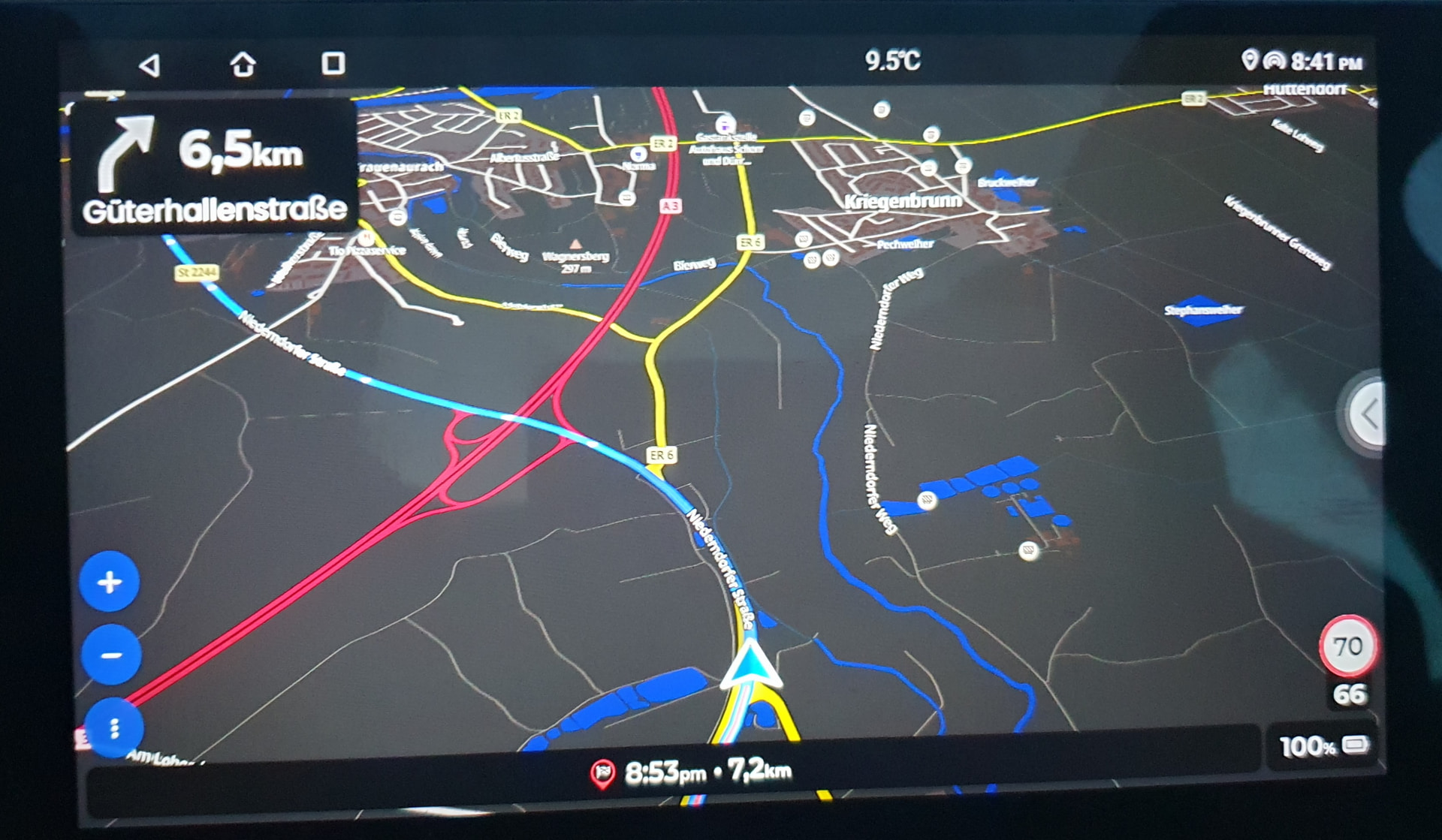
@boldtrn Installed Kurviger today on my auto-radio, it too does not recognize the landscape mode correctly (it cannot be physically rotated, so I guess there is no sensor):
This one has been resolved on my device with 3.6.6
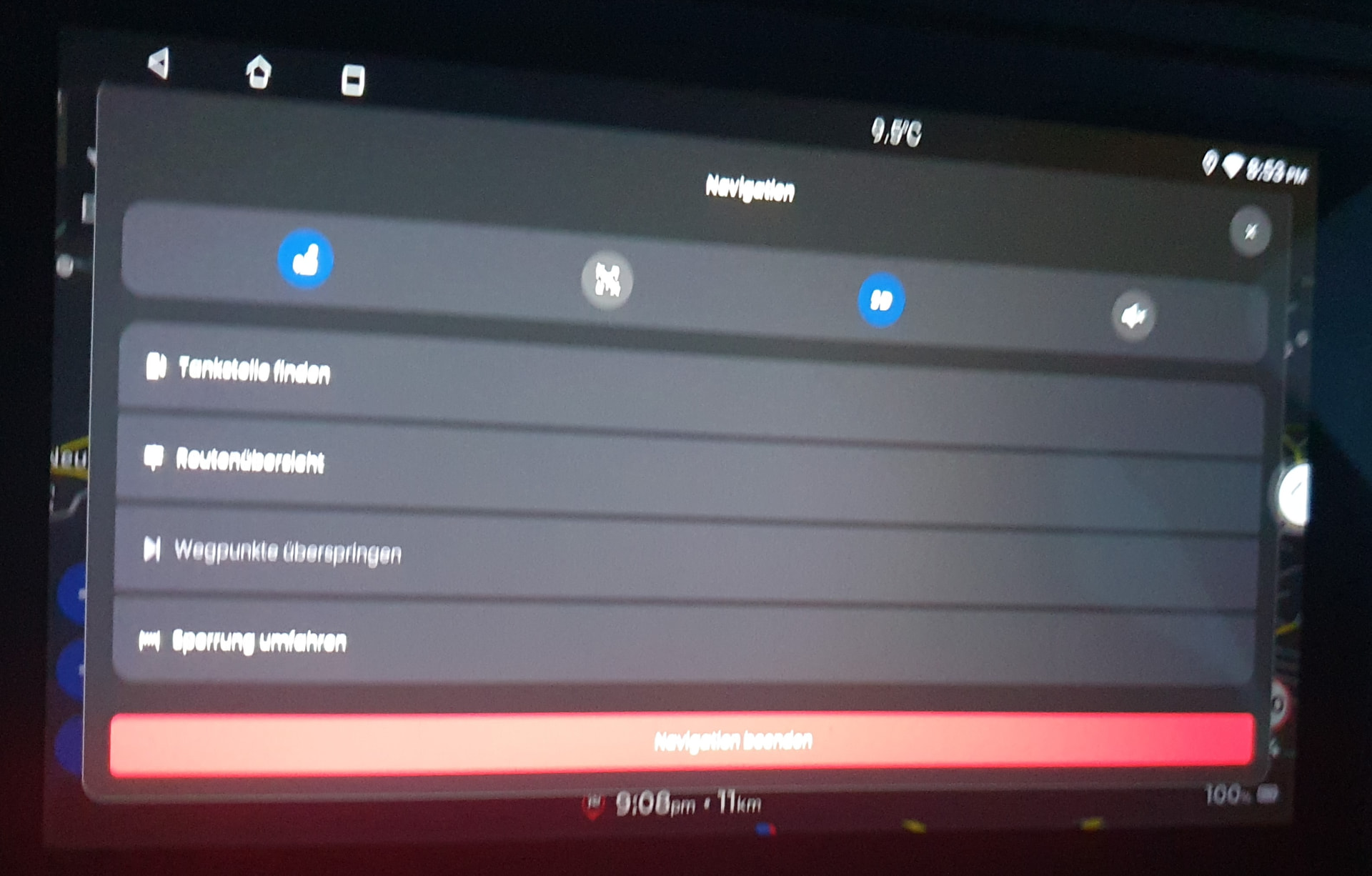
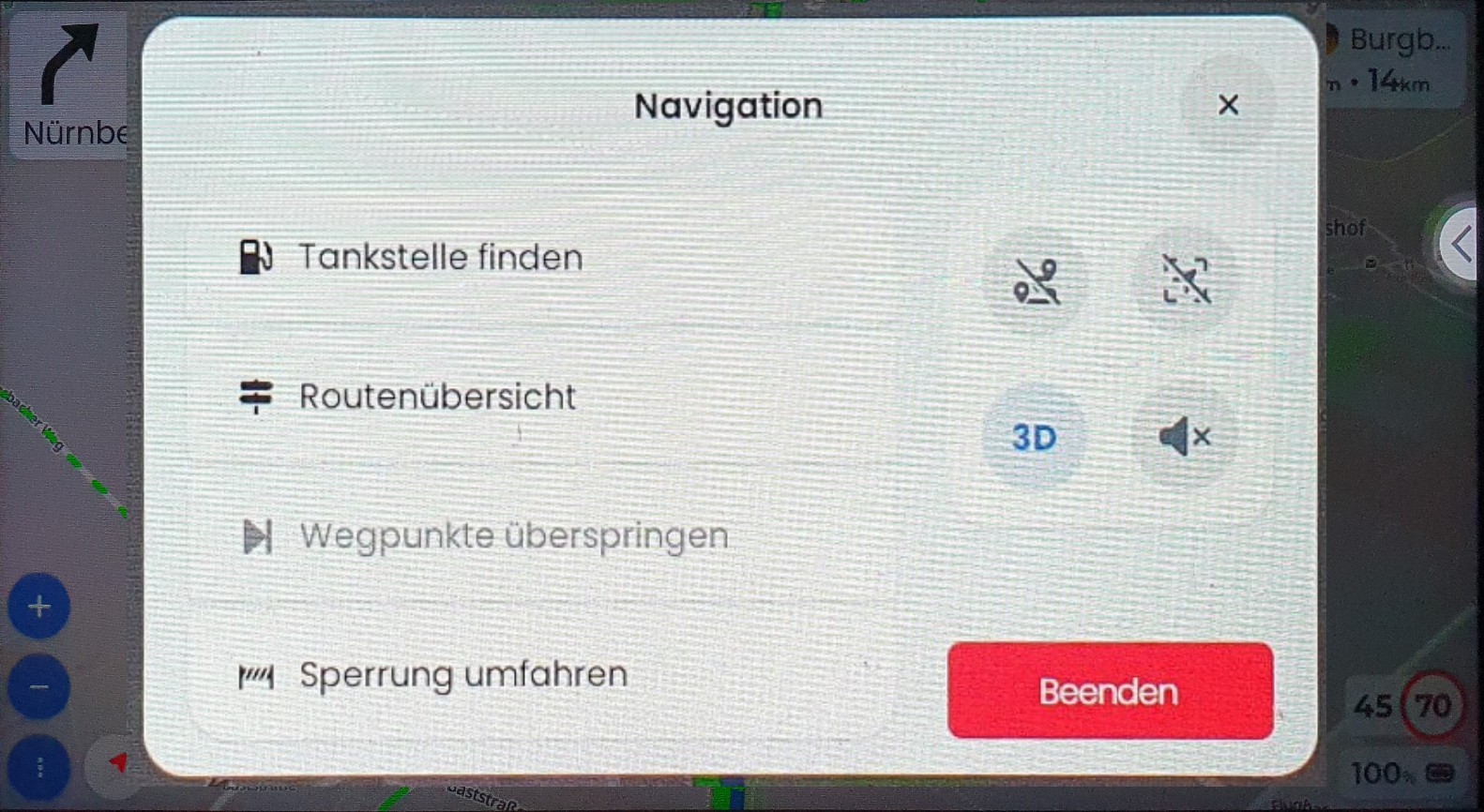
This on is also different and esthetically more appealing. However, the usability has not really improved - the text and buttons are still tiny. I wish you could just scale everything up (larger text and larger buttons), so that the whole usable screen area is covered, the text easier to read, icons easier to recognize and buttons easier to target. I do not have a photo at the moment, but the menu currently covers roughly only 20% of the screen.
Unfortunately, version 3.6.6 has neither fixed nor improved the rotation behavior on my T865X. Let me know if there’s anything I can test for you. I’m not a software engineer of any kind, but I can follow instructions if you dumb it down for me
Are the newer versions of the DMD navigation tablets like the NOR7E also affected by this rotation issue? Any reports on this?
icons and text on buttons are very small requiring more time to recognize them (in the car, the display is in the middle, not in front of the driver and requires more eye movementto get in focus)
round buttons are very small and are causing more distraction to press accurately
the simpleat solution would be just to scale up everyrhing to the available screen size - this would improve the recognition of the symbols and text and also simplify pressing the larger buttons on the screen. Something like this:
When I look at my first photo at the post above, maybe this was the initial intention, but the menu did not display correctly due to incorrect orientation detection (portrait instead of landscape).
Yes I think scaling up would make sense here, I don’t have a better idea from the top of my head as well. Not sure about full screen, but maybe we can make it a bit more fluid.