Hi JoMe, bitte immer nur ein Thema pro Thread, damit die Infos nachher besser zu finden sind 
Hello!
I have a BMW Cradle and a Samsung Galaxy S23. For navigation I need landscape mode, but rotated to 180° so that the buttons of the phone are at the bottom right. If the Buttons are on the top left (defalut landscape mode), i can not use my phone with Kurviger app in the BMW Cradle.
Regards
Once in landscape mode you may turn your S23 by 180° - works at least in follow mode (I don’t have a Tourer+ subscription …  )
)
Hello!
I tried again and i found out the problem.
If my S23 has not turned automatic landscape mode on in android, then the landcape mode still works but it does not rotate to 180°. It stays in one position.
This could be confusing.
Thanks!
I have a T865 which is landscape orientated and the turn button appears on the right down side when navigating. It’s a nervous button appearing and disappearing. It is also close to the three dot option button when you wear gloves. I pressed it once by accident and it did flip. However in the portrait mode the button was gone and I could not get it back to normal again. Only removing and re installing the app solved the issue. Quite frustrating.
Is this a known issue?
I would like the option not to display this button anyway as I will never use this option. Also the other buttons being sizeable would be nice!
This button is used to fixate your preferred orientation. Flip to your favorite orientation, the button appears, press it. Then each time you start navigation, the map will use this orientation. That´s the expected way as it it protects the view to flip in curves. From my point this is a very important and useful feature. When the button still appears your phone is too nervous wanting to switch from portrait to landscape. Check if you can improve the position of your phone.
Eh, no. I don’t use a phone. I use a tablet. The tablet is in a fixed position with the automatic turn function switched off. So the turning doesn’happen at all. It’s just the switch button from kurviger being annoyingly present on and off, acting like a bug. So, instead of being useful, it’s only disturbing me.
In Kurviger you can choose the orientation for navigation, this overrides the setting of your phone. Perhaps stupid question - when the button appears (you can do it once at home) - have you ever pressed it? Pressing is important. Normally the button should not appear until you turn your device to the other orientation, where you can fixate again.
How is it mounted? Perhaps very flat, what angle? It could be you have just chosen some kind of tipping point, where your device just does not know, what orientation you expect and executes the steps above.
Edit: or do you drive “off-road” with a lot of vibrations? The sensor might get confused.
it’s mounted almost vertical and the button appeared even in stand still with the engine switched off.
The pressing happened by accident during driving. Once flipped it didn’t appear again and I had to re install the app. Before it apeared on an off.
This sounds like a bug with your specific device, could you share your debug string (settings in the Kurviger app). Usually the button should only show up if the orientation of the device doesn’t match your current orientation. The question is just why this is the case for you. My idea would be that this could be because of the disabled rotation in the Android settings that this interferes somehow, but this is just a guess.
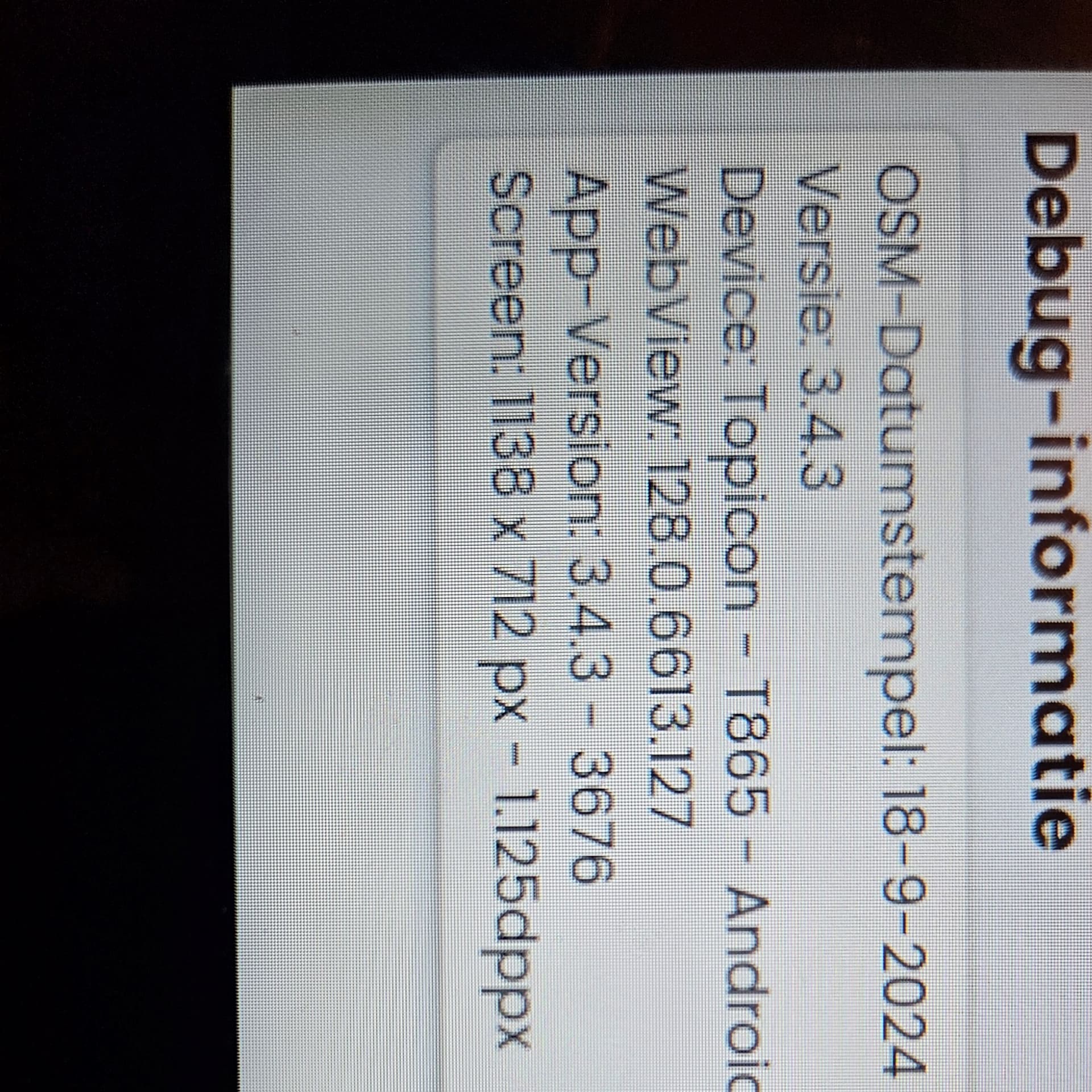
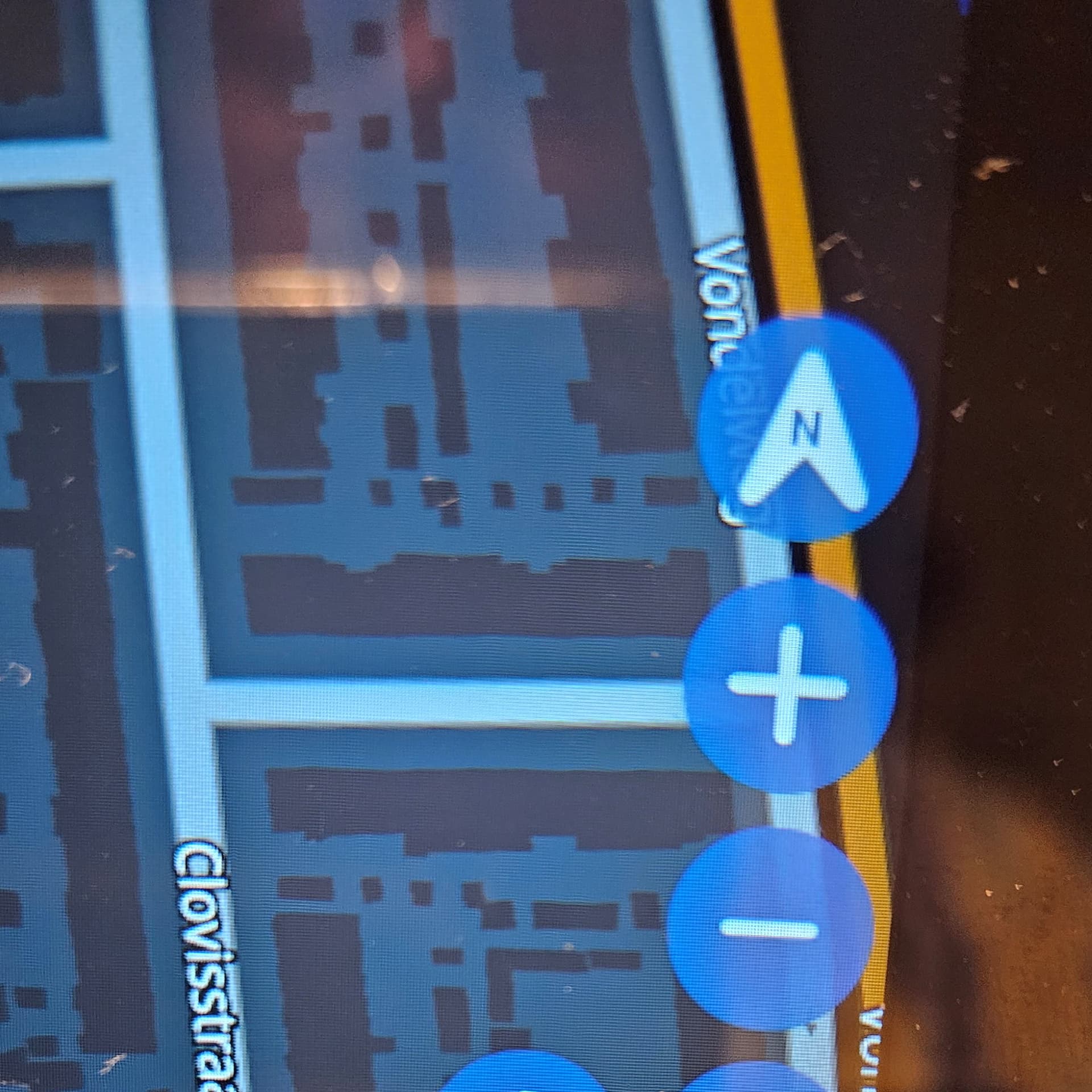
The turn button keeps appearing with or without auto turn enabled on the tablet.
I have it now from the bike and when you turn it, the button appears. If you don’t turn the button is gone.
Thanks, would be very interesting to find out if other devices have the same issue. We will add this to our todo list and see what we can do, it is hard to debug without having that particular device.
That said, please check if there are any firmware updates for your device available, as it is possible that this is a specific issue with this device and how the orientation sensors are implemented.
I will switch off the auto update of firmware for the time being.
Sorry, I think my previous comment was a bit unclear. Please apply any firmware or OS updates available for your device.
Habe Ich ein t865. Navigation erfolgt in Querformat. Wenn ich dann aus Versehen auf den rotationsbutton komme, geht die Navigation auf Hochformat. Muss dann das Navi aus der Halterung nehmen, drehen bis der Button wieder erscheint.
Sonst keine Chance. Beenden und Neustart hilft nicht.
Frank
I have a t865. Navigation is in landscape format. If I then accidentally press the rotation button, the navigation switches to portrait format. Then I have to take the navigation device out of the holder and turn it until the button appears again.
Otherwise no chance. Quitting and restarting does not help.
Frank
Übersetzt mit DeepL (https://dee.pl/apps)
Hello @frank_wunderlich
I do not know what exactly the issue is with T865, but it apparently does not report the Tablet orientation like all the other devices. Maybe some software alteration was done to “lock” the display in portrait mode which causes the incompatibility. Maybe you could also ask the DMD guys if there is some setting that you could use to improve the situation.
On Kurviger side, in future they could offer settings that actually lock the navigation either in landscape or portrait mode - there are not many of us that really need that rotation button - you either ride in one or the other mode.
Meanwhile, there are apos that allow you to enforce desired orientation, and appear to do the job. See here:
The icon for switching between horizontal and vertical switching is constantly flashing. If you have a DMD2 T 865X tablet and you accidentally touch this icon, the navigation will change to vertical, but the icon for switching back to horizontal will disappear and the arrow will be on the right side of the display. So you have to stop and unlock the display. You have to manually rotate the display so that the icon for switching between horizontal and vertical positions appears again. The icon is located next to the zoom icon, so this can happen quite often.
This appears to be a problem specific to DMD devices and has already been reported here, but apparently not on the DMD site (at least I could not find it).
There is a possible workaround with an additional app, which appear to be working for other DMD users - see here (and the linked post): Automatic rotation / landscape mode - #37 by t00thl355
Hallo und guten Morgen, ich spring mal in die Fragestellung rein. Ich kann die Map jeweils nur um 180 Grad drehen. um 90 Grad auf Landscape, geht einfach nicht. Weder ein Menupunkt unter der 3 Punkteschaltfläche noch ein magic-blue-Button, mit dem die Ausrichtung festgelegt werden kann. Ich nutze ein Samuns Active Tablet…Kurviger lag jetzt bei mir fast 6 Monate auf Eis. Hab ich was nicht mitbekommen?
Have you tried if an external app like
could help in your particular case?
As I wrote in another post - it might be better if Kurviger would drop the “rotary button” completely and make the orientation a user selectable setting independent of the device sensor which obviously causes compatibility issues on some devices.