This is the feedback thread for the Kurviger App update 3.6.5. We are looking forward to your feedback!
If you would like to request a feature or report an issue, I would kindly ask you to create a separate thread for this as it can get a bit hard to follow the discussion in one huge thread. This thread is about discussing the features that we have implemented with this update https://docs.kurviger.de/changelog
Dies ist der Feedback-Thread für das Kurviger App Update 3.6.5, wir freuen uns auf eure Rückmeldungen!
Wenn es um einen neuen Funktions-Wunsch oder einen allgemeinen Fehlerbericht geht würden wir euch bitten ein separates Thema im Forum zu öffnen, damit es in diesem Thema übersichtlich um die Änderungen dieser Version gehen kann, danke https://docs.kurviger.de/de/changelog
Die bessere Übertragung von google maps Punkten nach Kurviger funktioniert prima! Endlich brauche ich kein Zusatz-Tool wie Send to Navigation mehr.
Zu den verbesserten Suchergebnissen kann ich noch nichts sagen.
Kompassrose: Es wird ja nicht nur der Kompass angezeigt, sondern man kann auch ohne ins Menü zu gehen, von Nordausrichtung zu In Fahrtrichtung 2D/3D wechseln. Ebenfalls nützlich bei tricky Straßenverhältnissen in Städten z.B.
Tap the location you want on Google Maps, such as a café. Then tap the share icon and select Kurviger. Kurviger will then open, and you can add the location as a waypoint, for example.
I can share a Google Maps point with Kurviger, but Google Maps freezes and I have to close and reopen it for it to work. I don’t have this problem with my iPhone 13; I tried deleting and reinstalling the app without success.
Kurviger screen orientation on device.
Kurviger v3.6.5, June 22nd 2026. Device = DMD Nor7e.
The screen orientation button for the Kurviger app’s orientation on the device is too nervous. When the physical device is fitted horizontally on a motorbike and the Kurviger screen is horizontal, the orientation button is consistently present on-screen, moving. This is visual noise and unwanted when navigation is active. The orientation button claims focus when you look at the map screen, since the orientation button is moving and shaking. Either make the button present, all the time without shaking or do something else for this orientation button. When navigation is active it is not relevant to change the physical orientation of the device in the horizontal/ vertical aspect. When the device is stationary without active navigation, the orientation button can be active. The physical device has enough sensors (GPS, motion) to qualify if the device is moving at road speed or not.
Thanks for the Feedback @Bjorn!
This issue with the Nor7e has been brought up a few times already. Unfortunately we did not yet find out what the problem is with this device.
Ich nutze ein iPhone 14 (iOS 26.5) und fahre immer im Landscape - Format (quer). Die Anzeige der Straßen und Abbiegehinweise links oben ist so groß, dass der zoom button (+) verdeckt ist. Die Anzeige ist generell zu groß. CSS sollte angepasst werden. Ich finde den auto-Zoom zu weit zoomed out. Kann man dann aber abstellen und individuell festlegen.
Werde ich machen, sobald die Hitze vorbei ist und man wieder fahren kann.
Noch zwei Vorschläge für 4.0: Ihr verwendet Webview. Um eure Bedürfnisse und Erfahrungen weiter zu geben, solltet ihr der Webview Community Group beim W3C beitreten:
Alternativ kann man mit Vivaldi reden, als ex-Opera können die embedded browser besonders gut und liefern embedded browser für automotive. Dann bekommt man exakt, was man braucht ohne zuviel (Elektron) overhead.
Thanks, @Kira!
I tested Kurviger with my Samsung S24 Android phone as hand held. I see that the on-screen device orientation button isn’t as nervous on the S24 as it is on the DMD Nor7e device while hand held. I haven’t tried the S24 as Kurviger navigator on my bike’s handlebar though.
I assume some filtering on the device orientation sensor reading might do the trick, combined with device GPS velocity input.
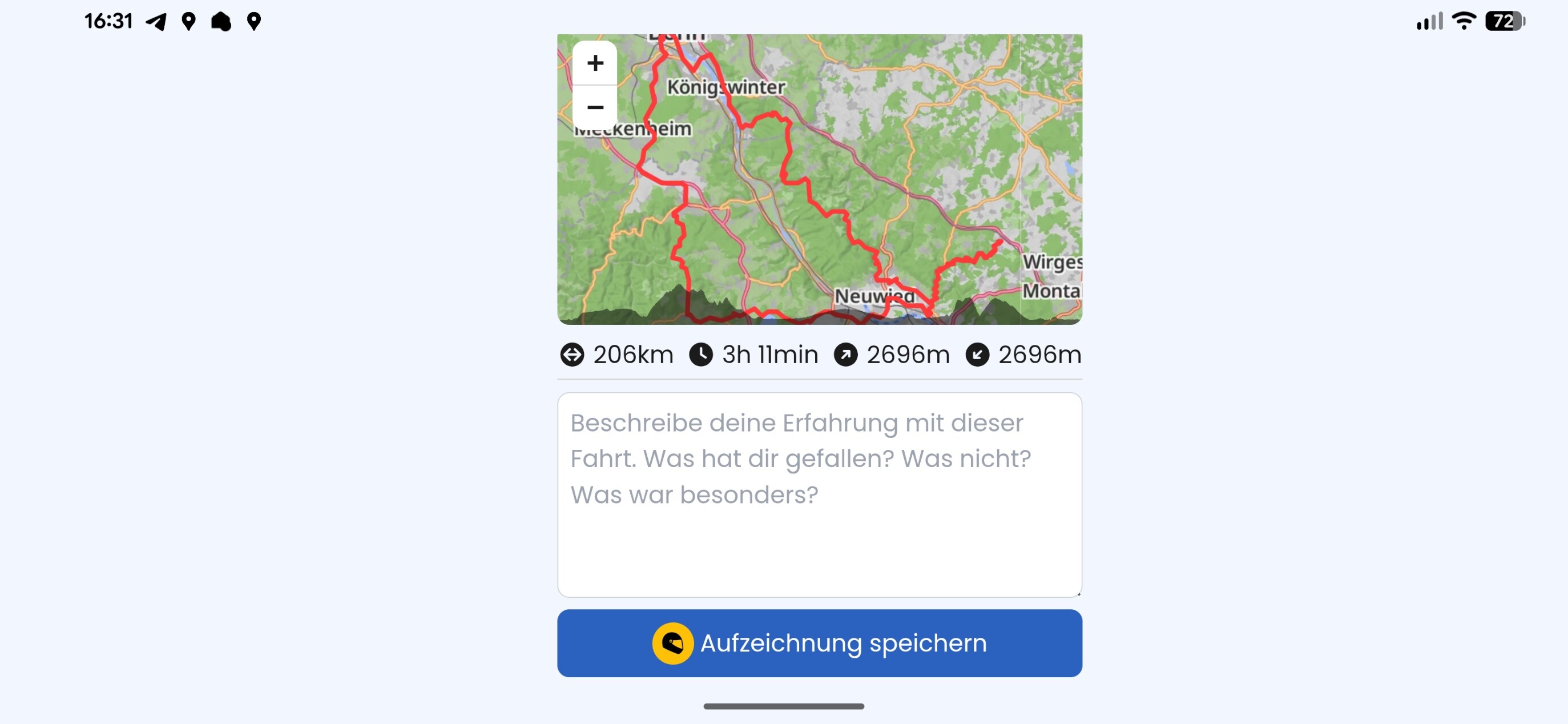
Nicht sicher ob der Bug neu ist, aber gerade ist mir folgendes passiert.
Nach der erfolgreich abgeschlossenen Route klickte ich auf den roten button.
Komischerweise war ich ausgeloggt. Also ich konnte ja die Navigation starten, ich war also eingeloggt. Aber am Ende doch ned mehr. Bug 1?
der Klick auf den Button hat nichts gemacht…Im Landscape, im Portrait Modus kam der Popup, und ich konnte mich einloggen.
However hier kam der 3. Bug. Nach dem Einloggen kam ein ewiges Ladescreen und nichts passierte. ich musste dann paar mal zurück swipen (also navigieren im system) um wieder na das screen oben aber schon als eingeloggte Nutzer zu gelangen.
Das klingt so auf jeden Fall nicht richtig. Auf welchem Gerät und mit welcher Version warst du unterwegs? Ist das Problem nur diesmal vorgekommen bzw. kannst du es bewusst reproduzieren?