Bei mir war es kein Location Link, sondern Route. Ich plane meine Routen auf pc, und schicke diese dann mit pushbullet aufs handy. Funktioniert super normalerweise. Also hatte solches Verhalten, wie in meinem vorherigen Post, noch nie vor 3.6. Tage heute später, ob es sporadisch oder immer auftritt
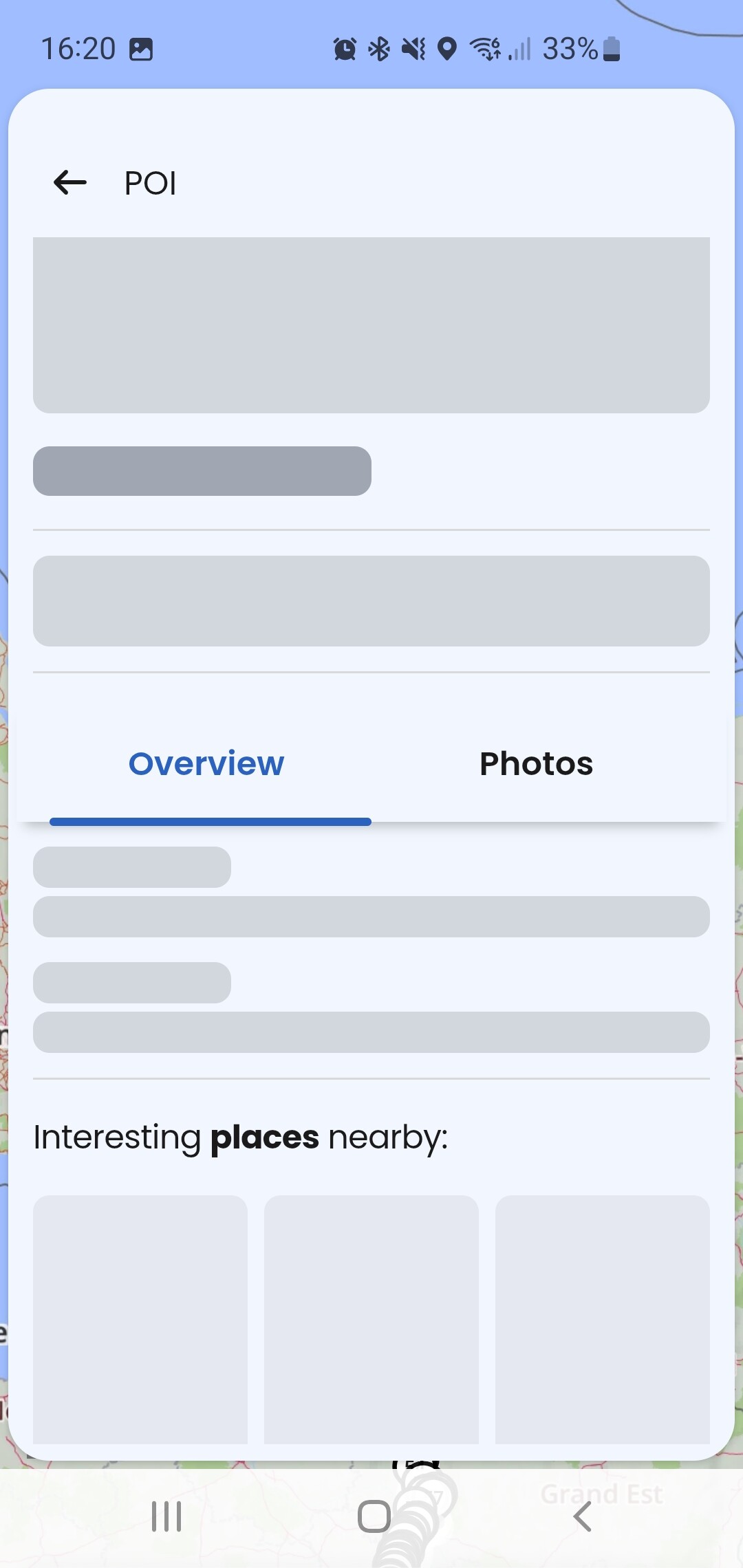
Verwendest du dabei den Kurzlink über “Teilen” oder kopierst du die Adresszeile aus dem Browser? Ich hatte mit Kurzlinks bisher keine solche Probleme, die Symptome bei dir ähneln denen, die ich bei den Location-Links habe (keine Bilder und leere Info-Felder):
2 Likes
einfach direkte Adresse aus der Adresszeile.
Seit wann haste diesen Bug?
Ich kann es so wie @t00thl355 beschreibt nachstellen.
- PC → Kurviger → Favorit teilen → von PC über Email an Android → Fehler
- PC → Kurviger → Route teilen (kurv.gr) → an Android → kein Problem
- PC → Kurviger → Link aus Adresszeile → an Android → kein Problem
1 Like
Hab gerade getestet, passiert jedes mal, wenn ich nen Routenlink öffne,
Muss dann die App killen, um den Bug loszuwerden. Und es ist 100prozentig neu. Also 3.6.0
1 Like
… und wenn Du teilst (kurv.g/xyz123) statt URL, liegt es an der Länge des Links?
In 3.6.0 zufällig bemerkt. Die Location-Links verwende ich nicht so oft - hab jetzt einmal gebraucht und es hat nicht funktioniert. Ob es früher funktioniert hat, kann ich nicht sagen.
UPDATE:
Ich kann den Fall von @Venomin auch nachstellen. Da müsste aber vorm Kopieren des Links ein WP in der Route angeklickt werden. Dann verhält sich das genau wie im Video oben.
2 Likes
Die Route ausm Link wird aber trotzdem übernommen, also sollte der Link nicht zu lange sein.
Aber mit Kurzlink bekomme ich den Bug nicht. Gerade getestet
Aber mit dem Bug hab ich weniger clicks/taps, als mit Kurzlink:D
ah!
good catch. Kann bestätigen, wenn ich kein WP selektiert habe, dann funzt auch der normaler lange Link aus der Browseradresszeile ohne Probleme
1 Like
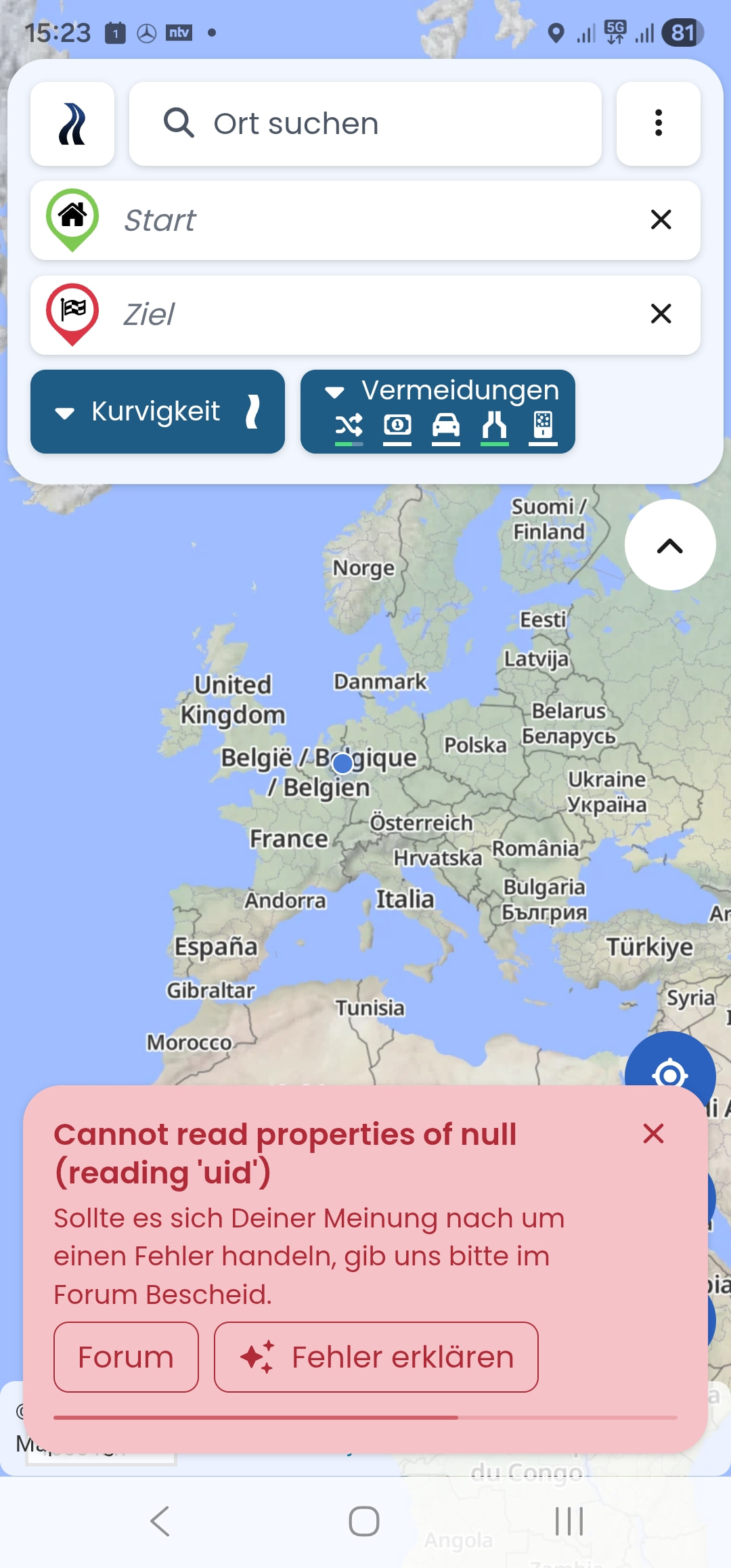
Gibt es noch jemand der in der Version die Fehlermeldung “can not read properties of null “ beim starten hat?
OSM-Datumsstempel: 30.1.2026
Version: 3.6.0
Device: samsung - SM-S918B - Android: 16-
WebView: 144.0.7559.60
App-Version:3.6.0- 6466
Screen: 384 x 824 px- 2.812
5dppx
Das hab ich gefixt, falls das wieder auftritt bitte melden, dann müssen wir uns das Thema genauer anschauen 
Vielen Dank fürs Melden, wir können den Fehler nachstellen und werden diesen beheben
Probier bitte einmal ausloggen und wieder einloggen, sollte natürlich nicht kommen die Fehlermeldung
1 Like
Hat geklappt
1 Like
OSM-Datumsstempel: 4.2.2026
Version: 3.6.0
Device: motorola - moto g53 5G - Android: 14 - WebView: 144.0.7559.109
App-Version: 3.6.0 - 6578
Screen: 412 x 915 px - 1.75dppx
Seems to be fixed. Thank you.
Now shows as active, feels better. IMHO. Thank you.
Count of tracks correct now. Thank you.
< … remember orientation portrait / landscape in Navigation ..>
Works. Thank you.
< … Skipping also shaping points ..>
Works fine. Again thank you.
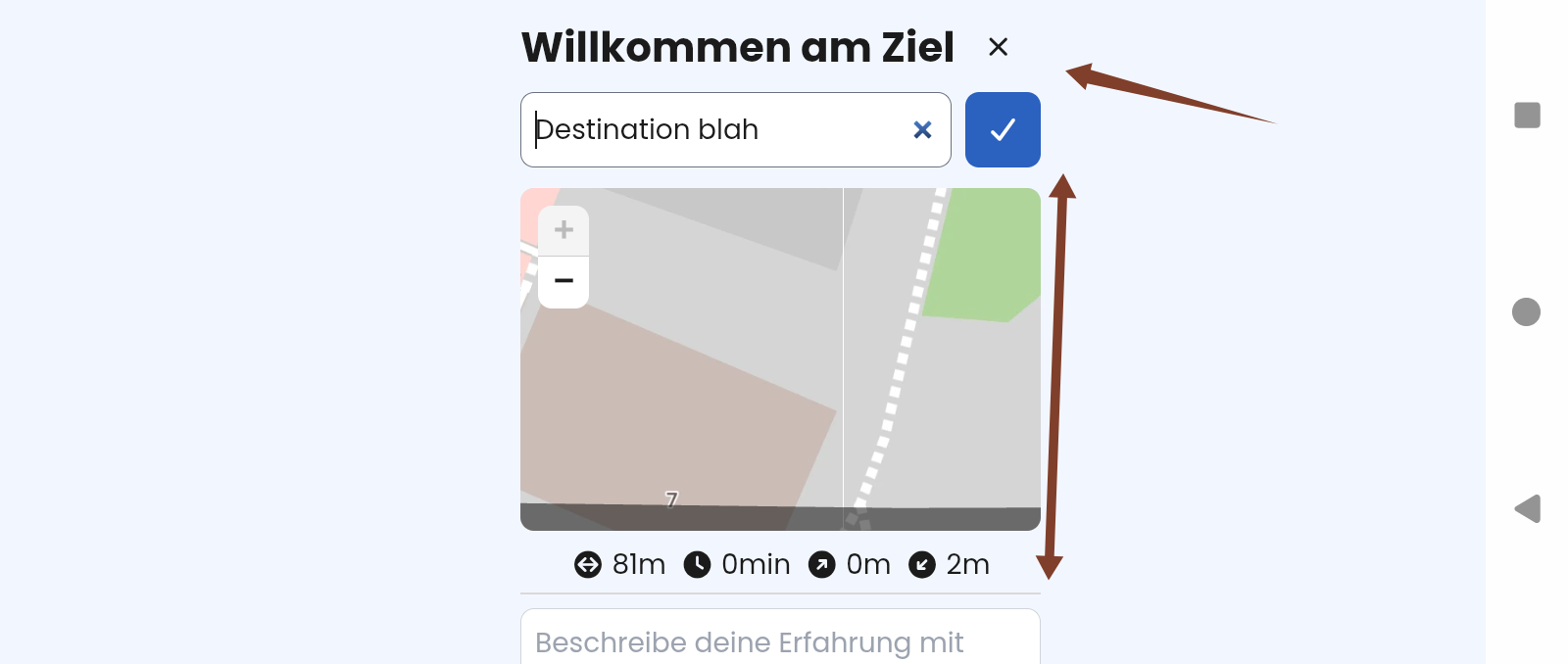
It seems you introduced the Back button? If yes, Back does not close the small windows, but switches between small and big modal window. It would be fine, you find a way to close both.
Not really 3.6.0 related, but known.
In portrait it is not easy to scroll to the Save button to save the recorded track. It is easier to click the cross to close, and you loose the track. To my personal experience, this happens easily to “beginners”.
Would be great if either this view is redesigned or at least the button to save is moved to the top. Even when it looks ugly. 
Yes we already fixed most issues reported here in this thread while the app is still in BETA.
Good catch, thanks  - we will have a look.
Yes, thanks for the hint, we are actually looking into this and will improve this in the future
1 Like
3 posts were split to a new topic: Nummerierung der WP bei Überspringen
We fixed most issues reported here, thanks everyone for testing. We are starting to roll out version 3.6.0 publicly now. If you find any other issues with this release, please let us know.
Wir haben die meisten gemeldeten Probleme bereits gelöst und rollen die Version jetzt auch an alle User aus. Vielen Dank für euer Feedback, falls ihr weitere Probleme feststellt, bitte melden.
2 Likes
Früher gab es doch die Umschaltung der Ausrichtung N/2D/3D auf der Navigationsoberfläche in einem Pfeil. Hatte der nicht immer in Nord-Richtung gezeigt?
Auf der neuen Oberfläche sehe ich nicht wo Norden ist. Das ist für mich ziemlich wichtig.
3 Likes
I do prefer the new interface. It has a much improved speed limit icon, clearer instructions on the screen when navigating, you have also moved the unnecessary 3D/2D/north off the main screen. I would rarely change this from my preferred setting.
On my own Google Pixel 7a the ‘+’ zoom in button does overlap the turn instruction at the top left but it’s a minor cosmetic issue and still works. It is fine on an iphone 13.
I would ask you to consider some changes if possible?
One is the term ‘Find gas station’ , I would very much like this to say ‘fuel’ and not ‘gas’.
Also, the unit of length in the UK is not miles and feet, we have a mixture of imperial and metric for our distances.
We use ‘miles’ for our driving distances along with ‘yards’ for next turn. We do not use feet in a riding/driving context.
This is also true for our elevation measurement which shows in ‘feet’ if imperial is chosen. We actually measure elevation in ‘metres’.
I admit we do have an odd mix of measurements in the UK but it would be nice if there was a the option to have a UK setting? Or a choice for all measurements?
Thank you.
Genau, das ist aktuell nicht mehr möglich. Wenn dir diese Funktion fehlt, leg doch bitte ein neues Thema an, dann können wir das gern in Discussion > Planned features zur Abstimmung stellen.
I have a Pixel 7a as well and can’t confirm this on the default device settings.. Could you please provide more details, including a screenshot and your display settings (Textsize & Screensize). I am assuming you have the screensize increased? This setting leads to larger controls and can lead to overlapping elements.
Ok sure, we can change that.
Thanks for the input, we will have a look